 12 designs
ID Card for Students Maker
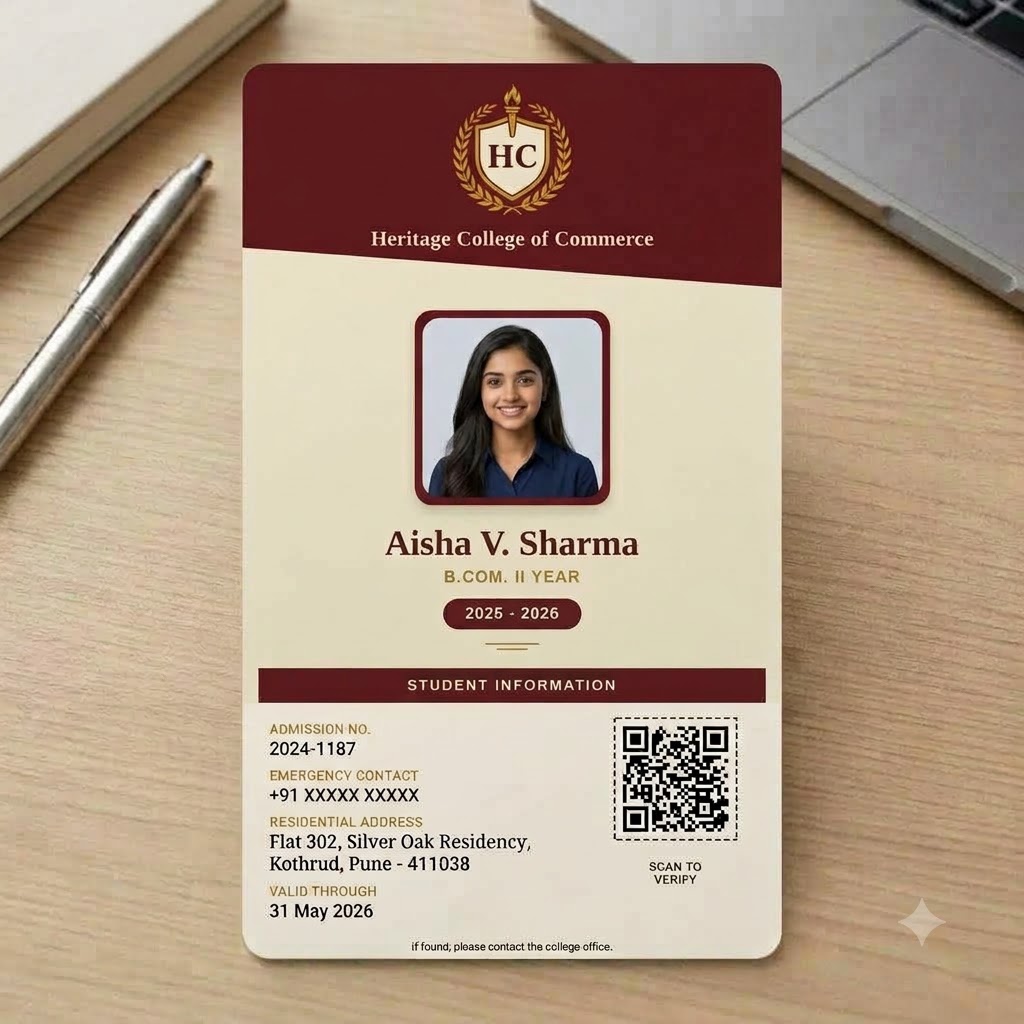
Classic student ID cards for schools and colleges – photo, name, class or course, roll or admission number and an emergency contact.
See all 12 designsFree online ID card maker
Design a student, teacher, employee or preschool ID card online and see it instantly – no signup to preview. When you're ready, generate ID cards for your whole school or office from one Excel sheet, each one print-ready at CR80 size and sealed with its own QR verification code.
Watch it in action
See how a whole class or office gets its ID cards from one Excel sheet – pick a template, upload your list with photos, and download print-ready cards, each with its own QR verification code.
All ID card options
5 ID card types and 23 ready-made designs – every one sized for a standard PVC card printer and free to preview.
12 designsClassic student ID cards for schools and colleges – photo, name, class or course, roll or admission number and an emergency contact.
See all 12 designs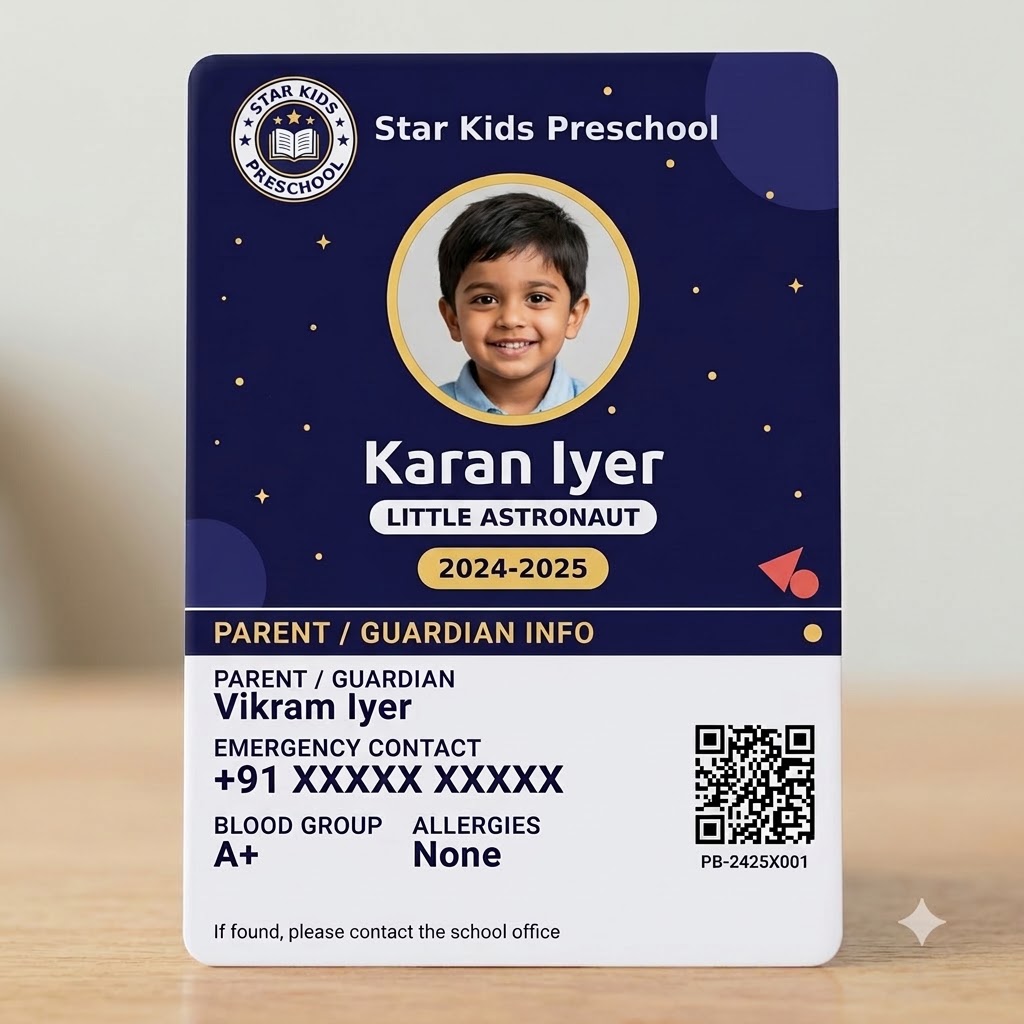 4 designs
Bright, kid-friendly ID cards for preschoolers - a large photo, a big simple name, and parent contact details on the back, sized to the standard CR80 card format.
See all 4 designs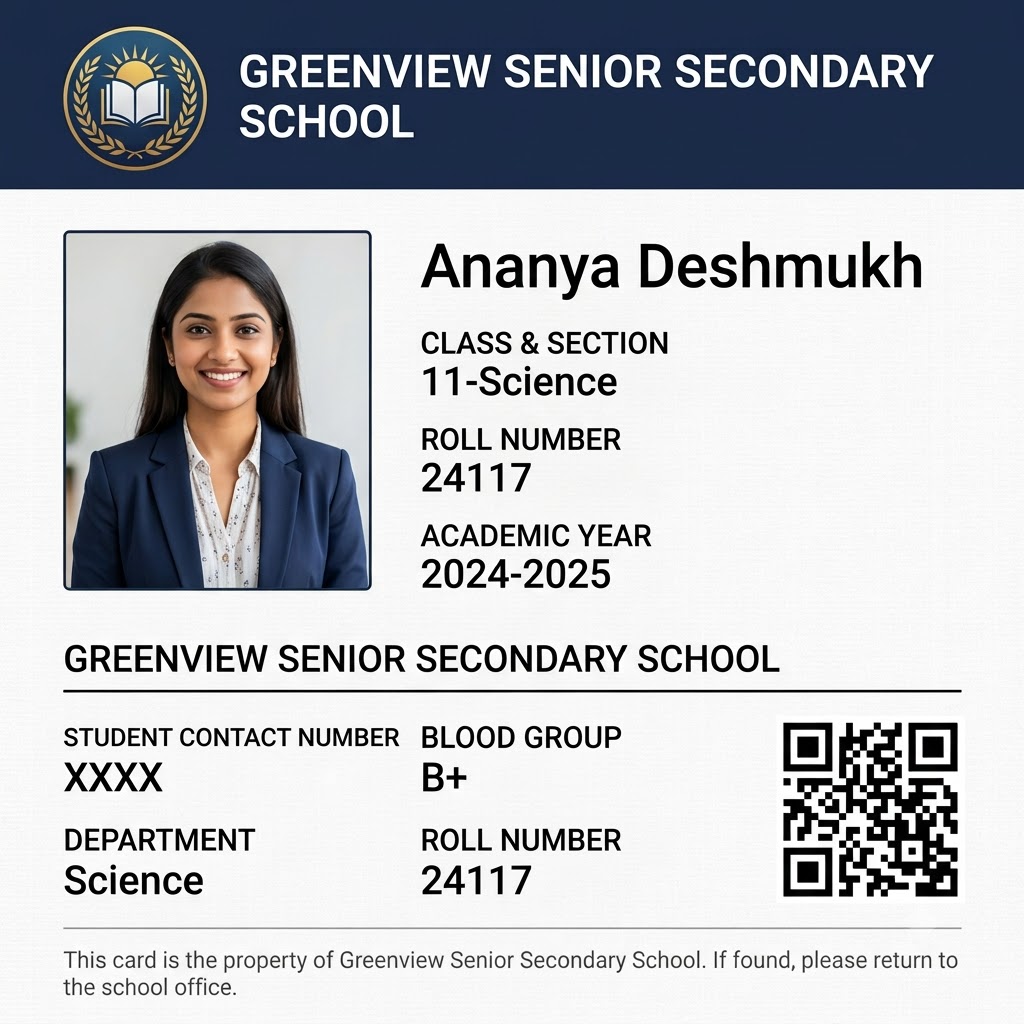 1 design
Formal student ID cards for grades 9-12 - class, section, roll number, and the student's own contact number, sized to the standard CR80 card format.
See the design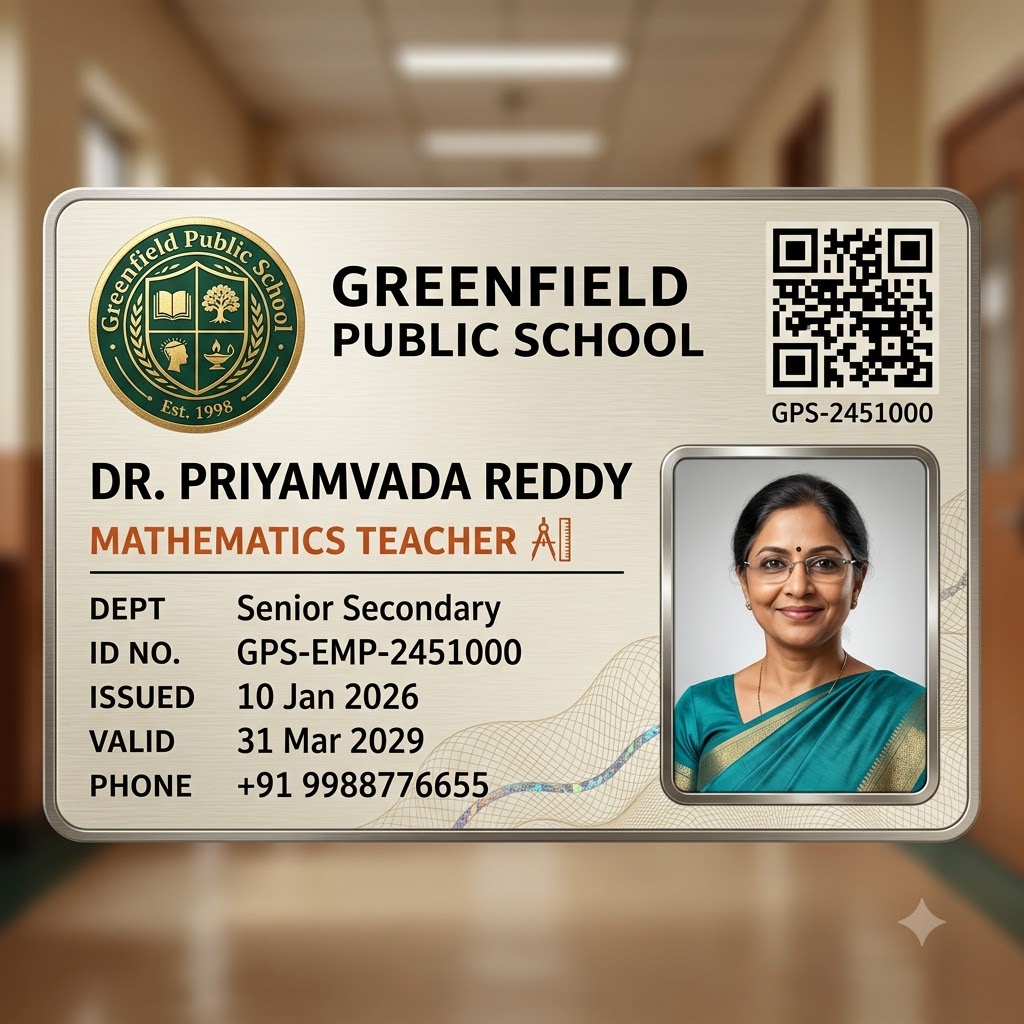 5 designs
ID cards for teachers, administrators, and any school or office employee - designation, department, and employee ID instead of a student's class and roll number.
See all 5 designs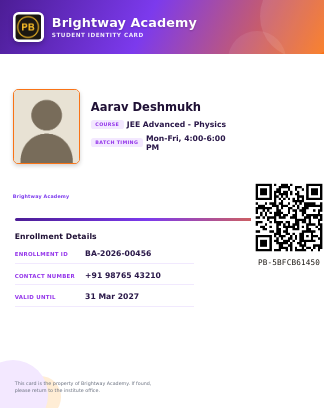 1 design
ID cards for tuition and coaching classes – student name, batch or course and your institute's logo.
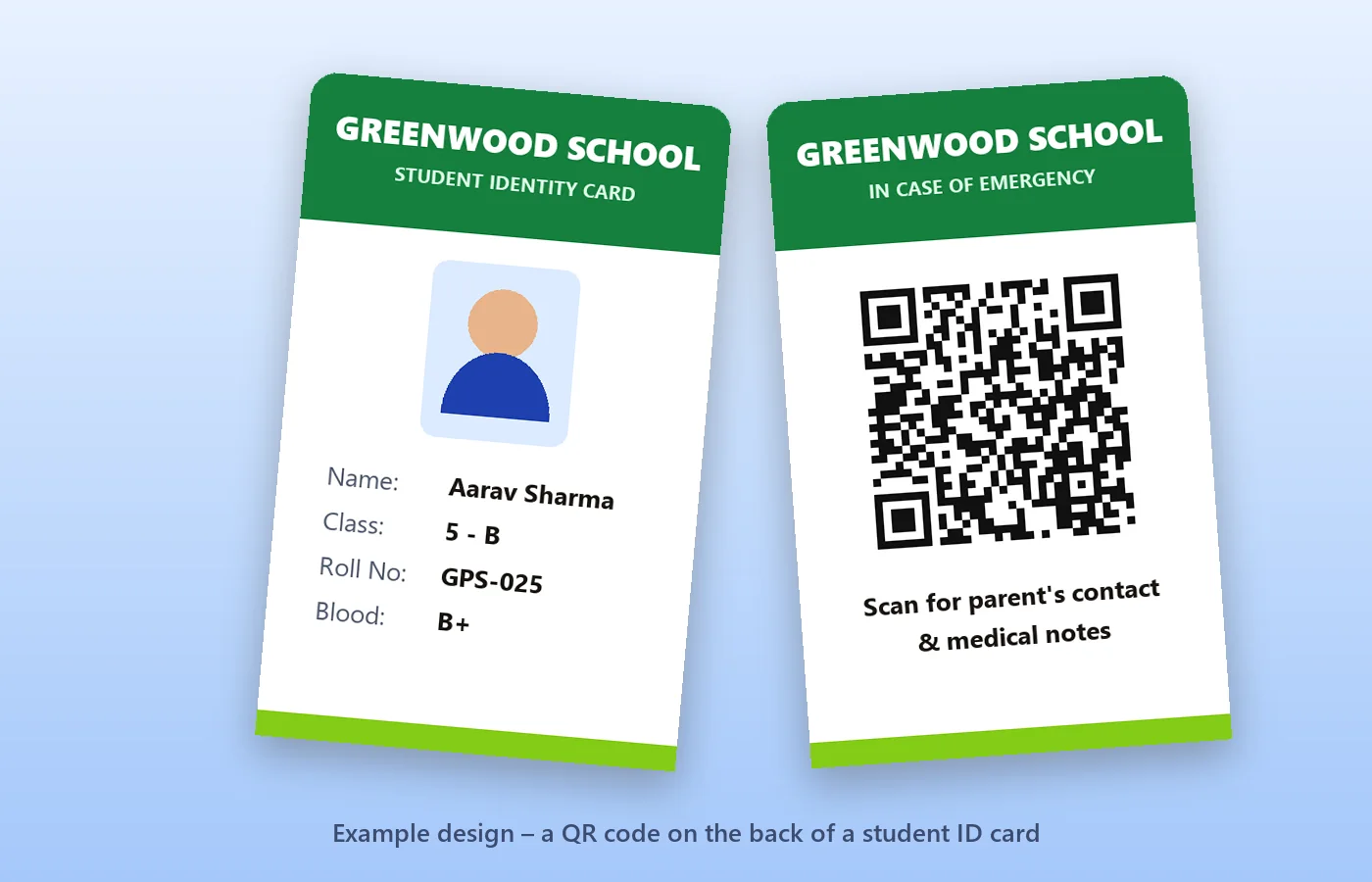
See the designNeed just a QR code for the back of an existing card or a school bag? Put the student's name, class and an emergency number in one scannable code – free, no login.
Free templates
Click any template to type in a name, add a photo and watch the card build itself – no account needed.
ID Card for StudentsCollege Student ID Card - Classic Maroon & CreamTry it free →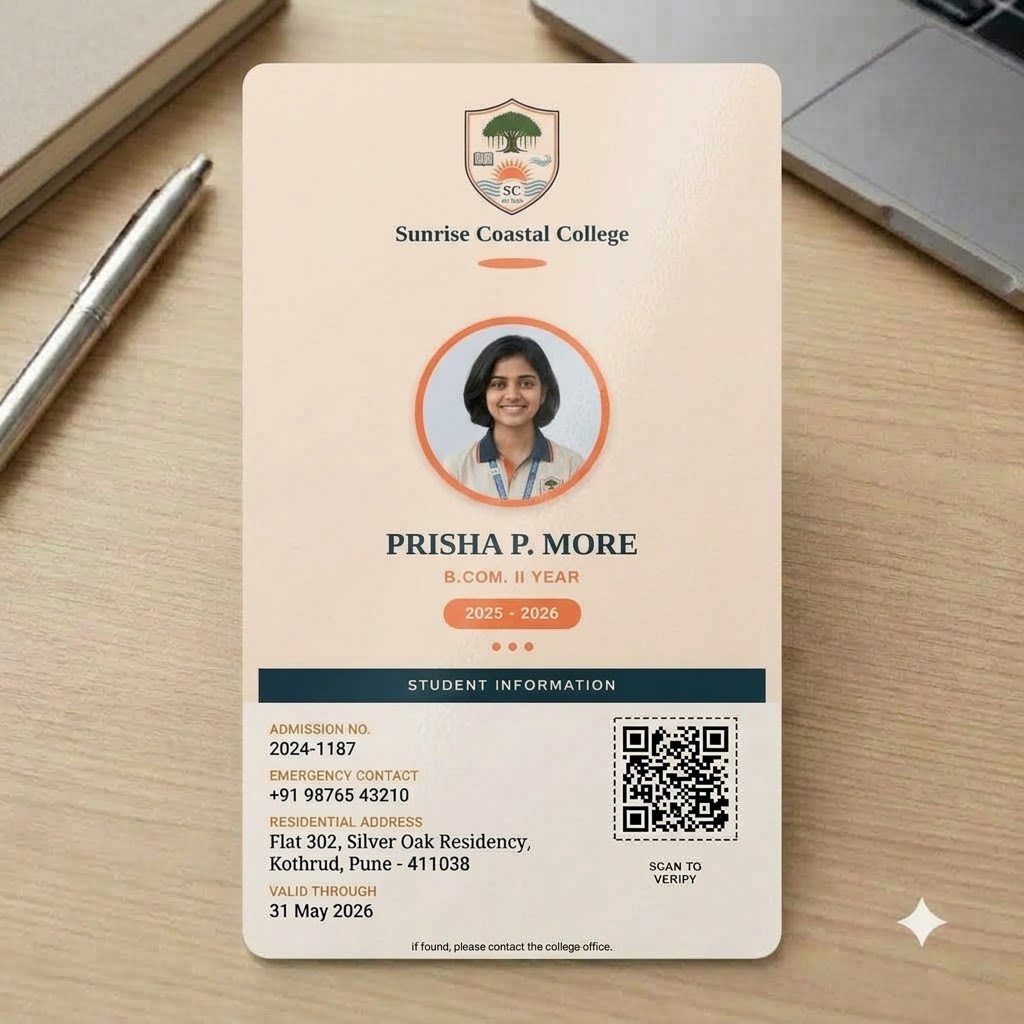 ID Card for StudentsCollege Student ID Card - Sunrise CoralTry it free →
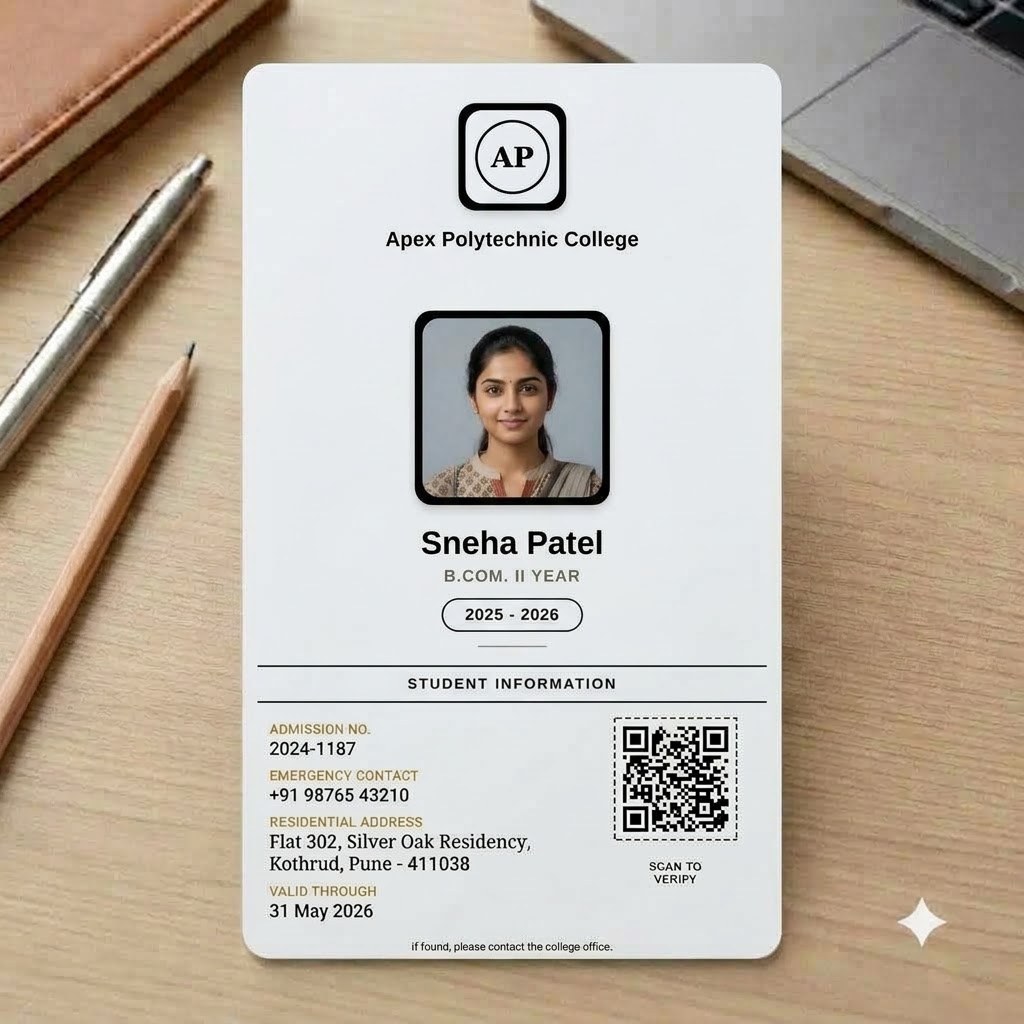 ID Card for StudentsCollege Student ID Card - Monochrome MinimalTry it free →
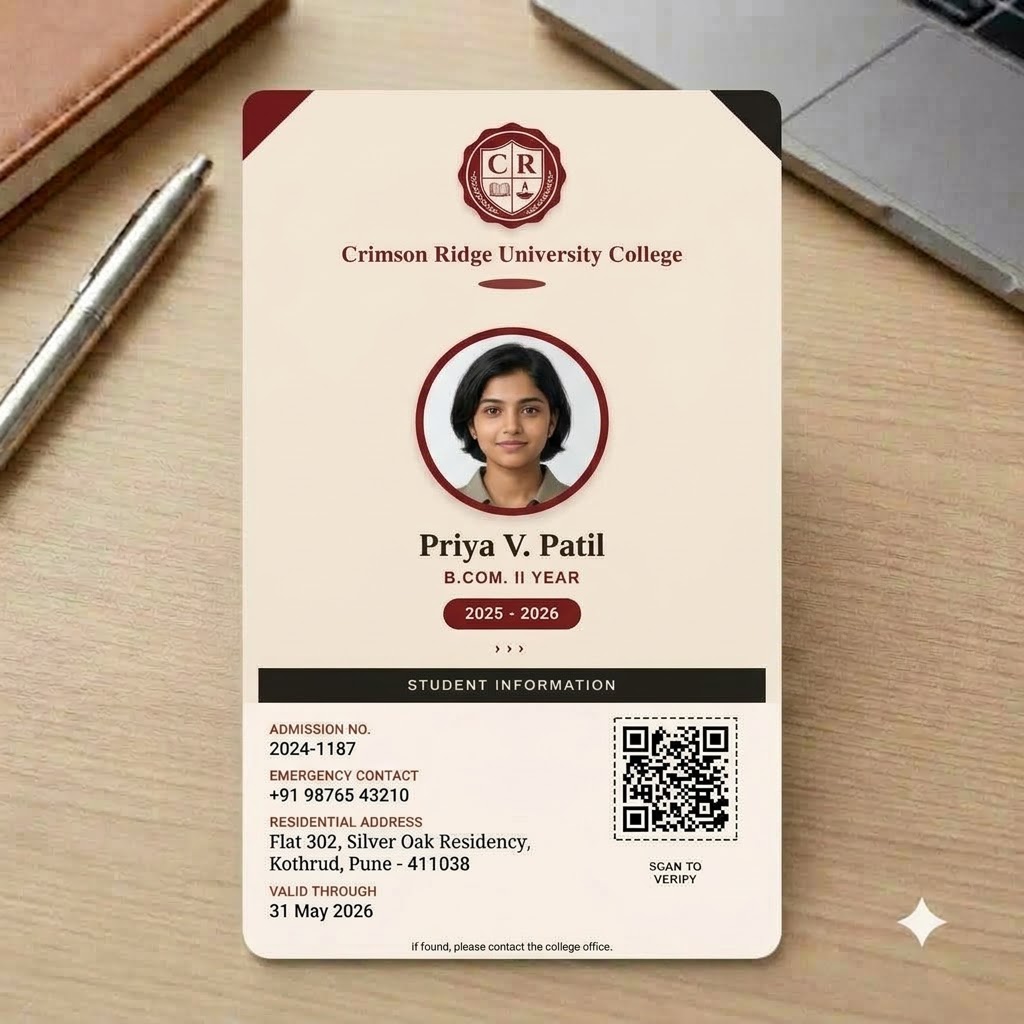 ID Card for StudentsCollege Student ID Card - Autumn MapleTry it free →
 ID Card for StudentsCollege Student ID Card - Ocean Breeze TechTry it free →
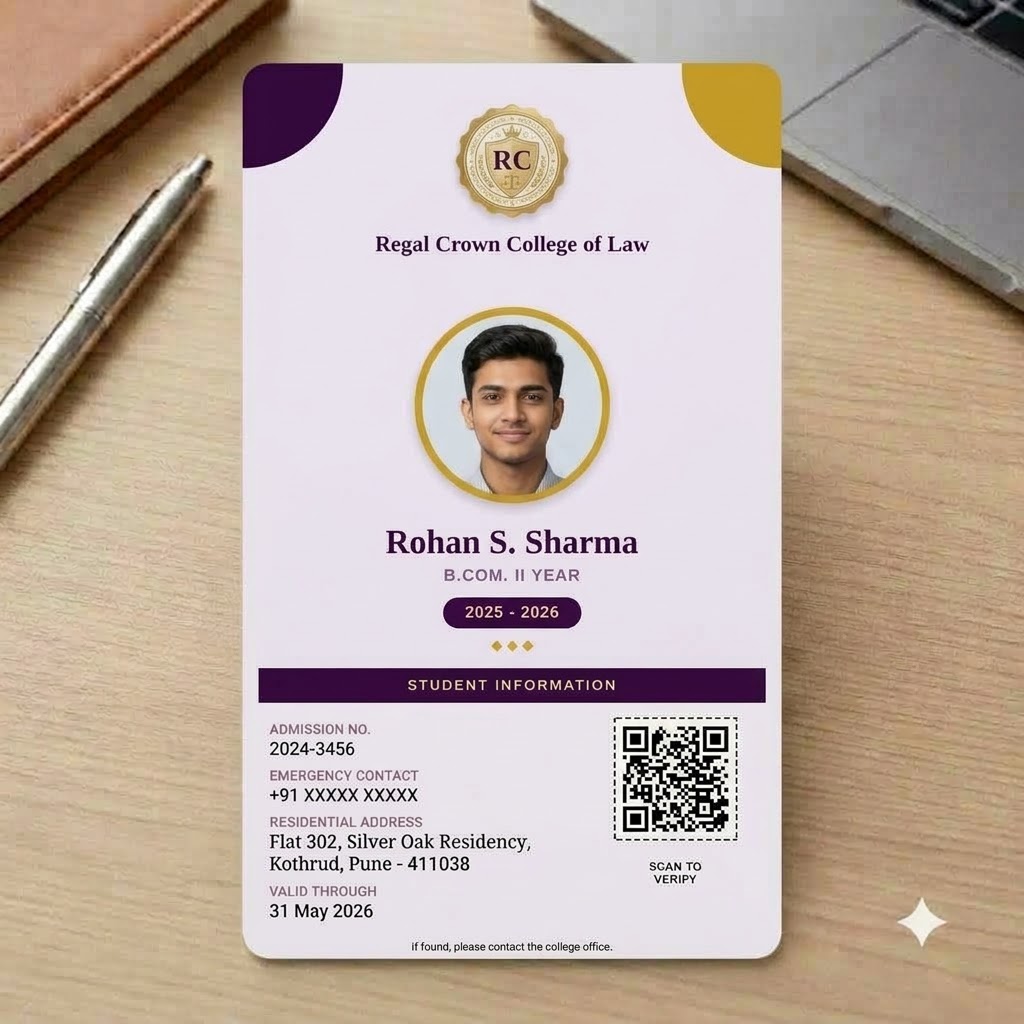 ID Card for StudentsCollege Student ID Card - Royal Purple HonorsTry it free →
 ID Card for StudentsCollege Student ID Card - Slate ModernTry it free →
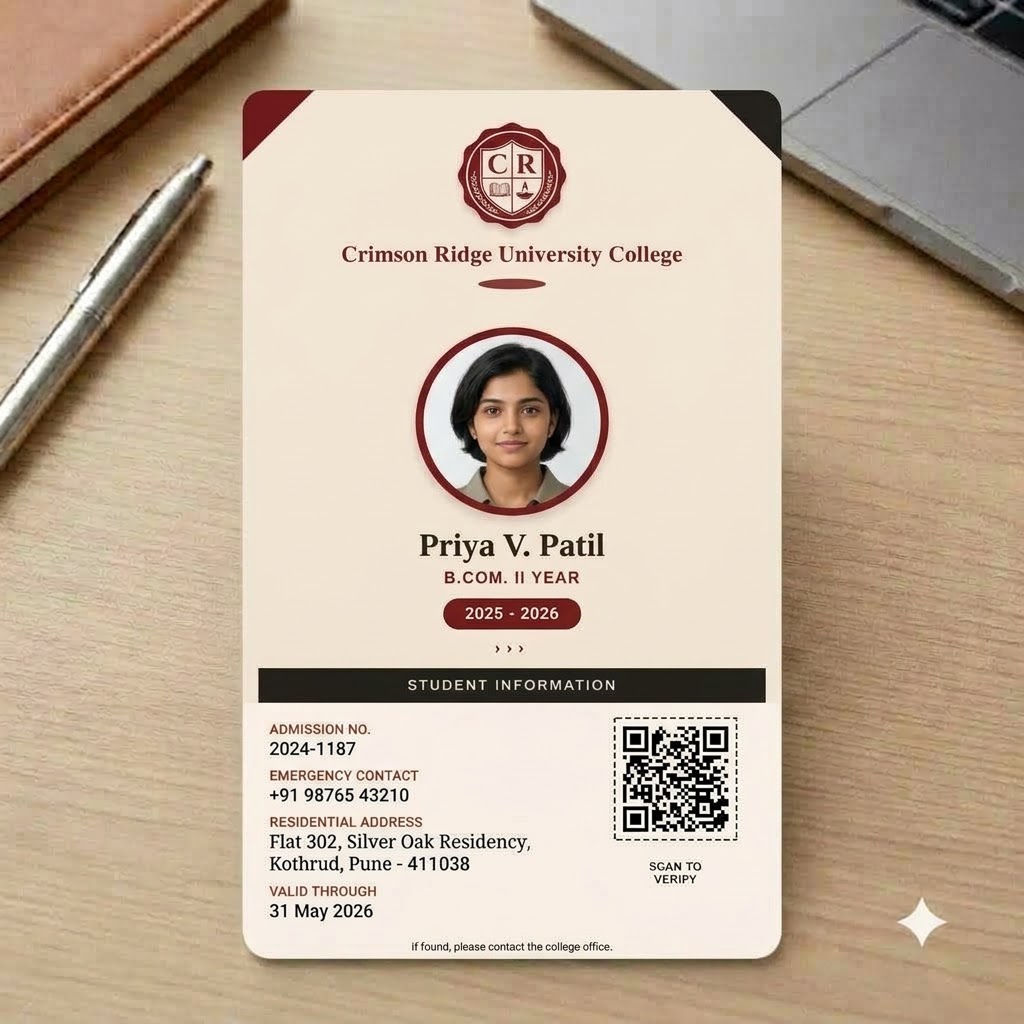 ID Card for StudentsCollege Student ID Card - Crimson AchieverTry it free →
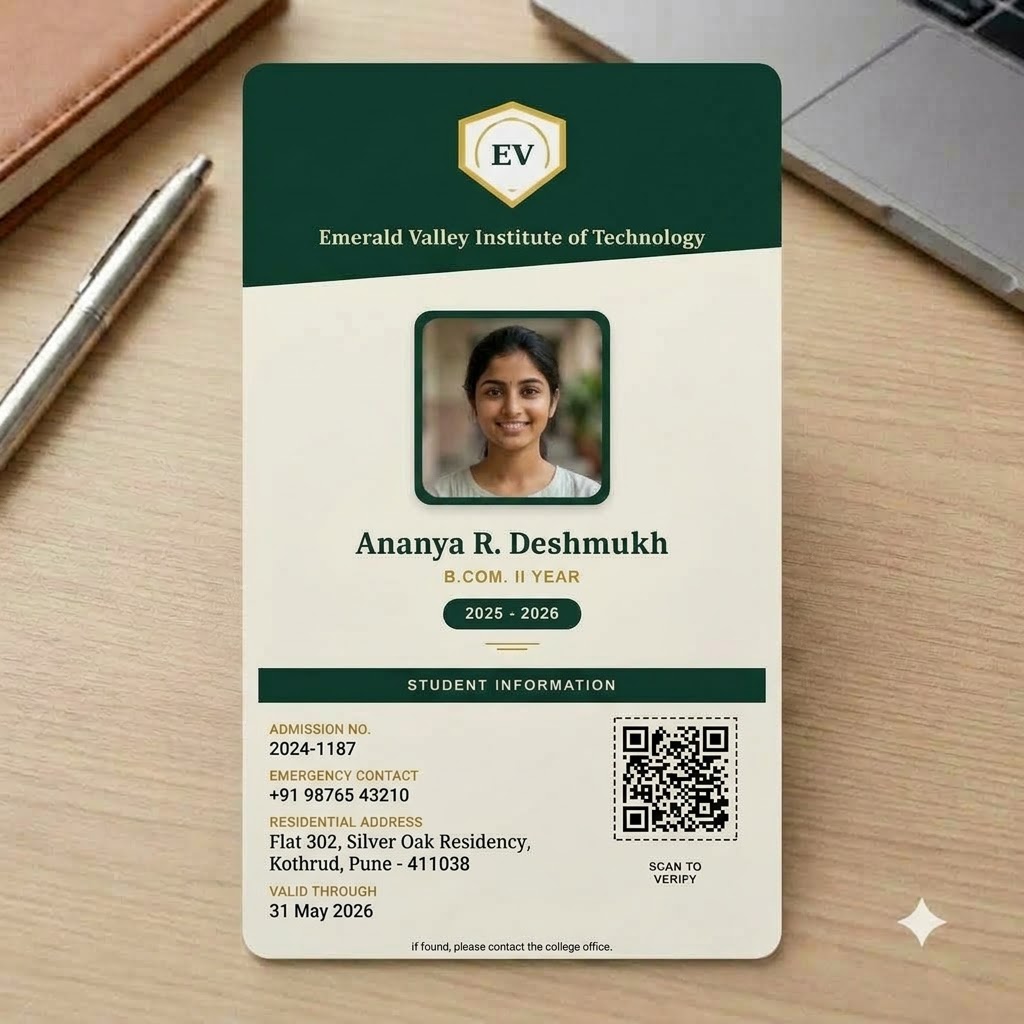 ID Card for StudentsCollege Student ID Card -Emerald ScholarTry it free →
 ID Card for StudentsCollege Student ID Card - Ivy League NavyTry it free →
 ID Card for StudentsCollege Student ID - Jungle-themeTry it free →
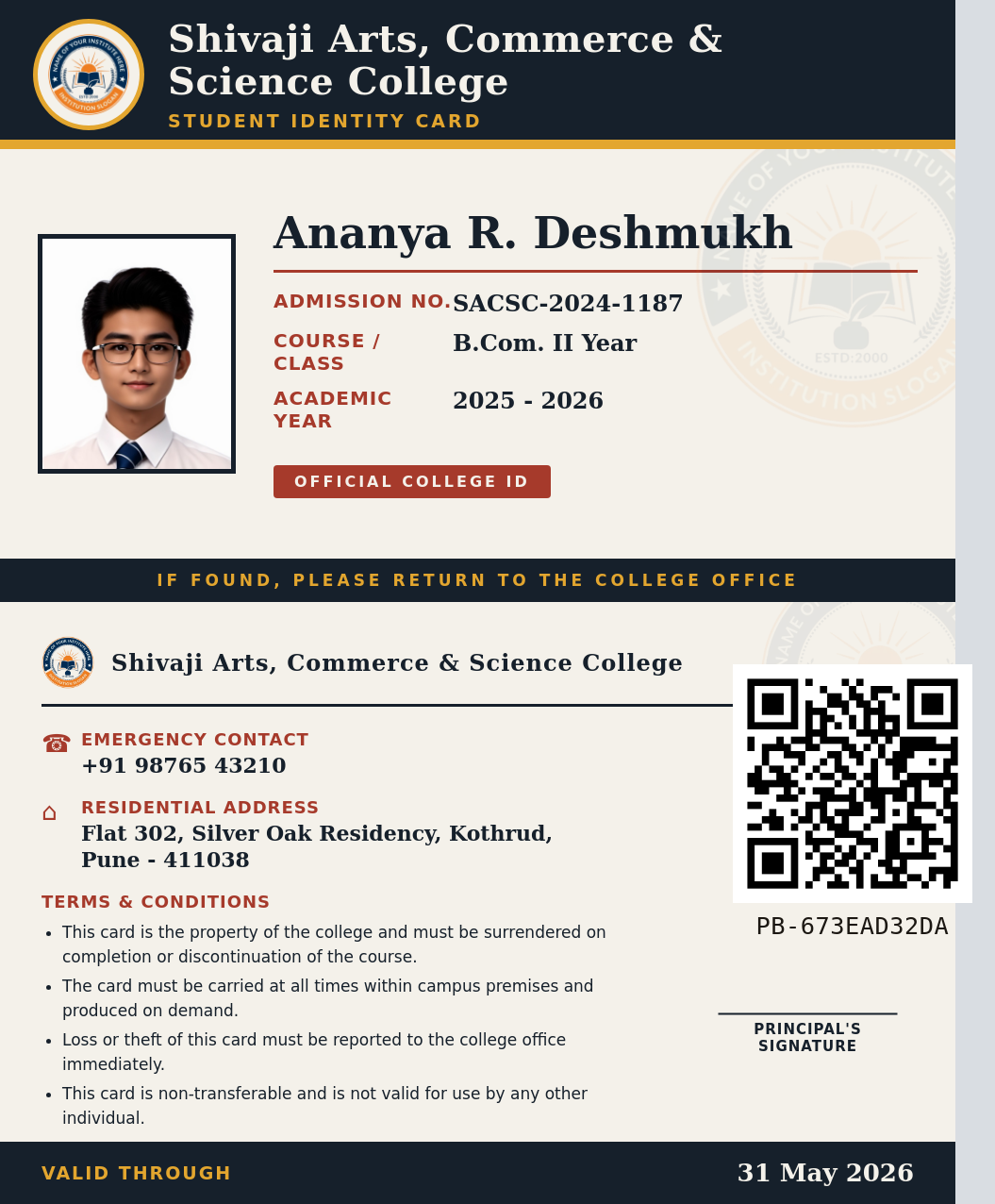 ID Card for StudentsCollege Student ID Card Template – Navy & GoldTry it free →Staff ID CardStaff ID Card - Institutional GreenTry it free →
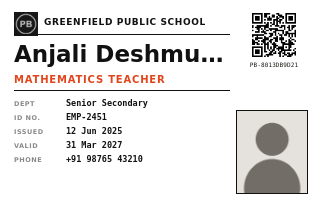 Staff ID CardStaff ID Card - Minimal MonoTry it free →
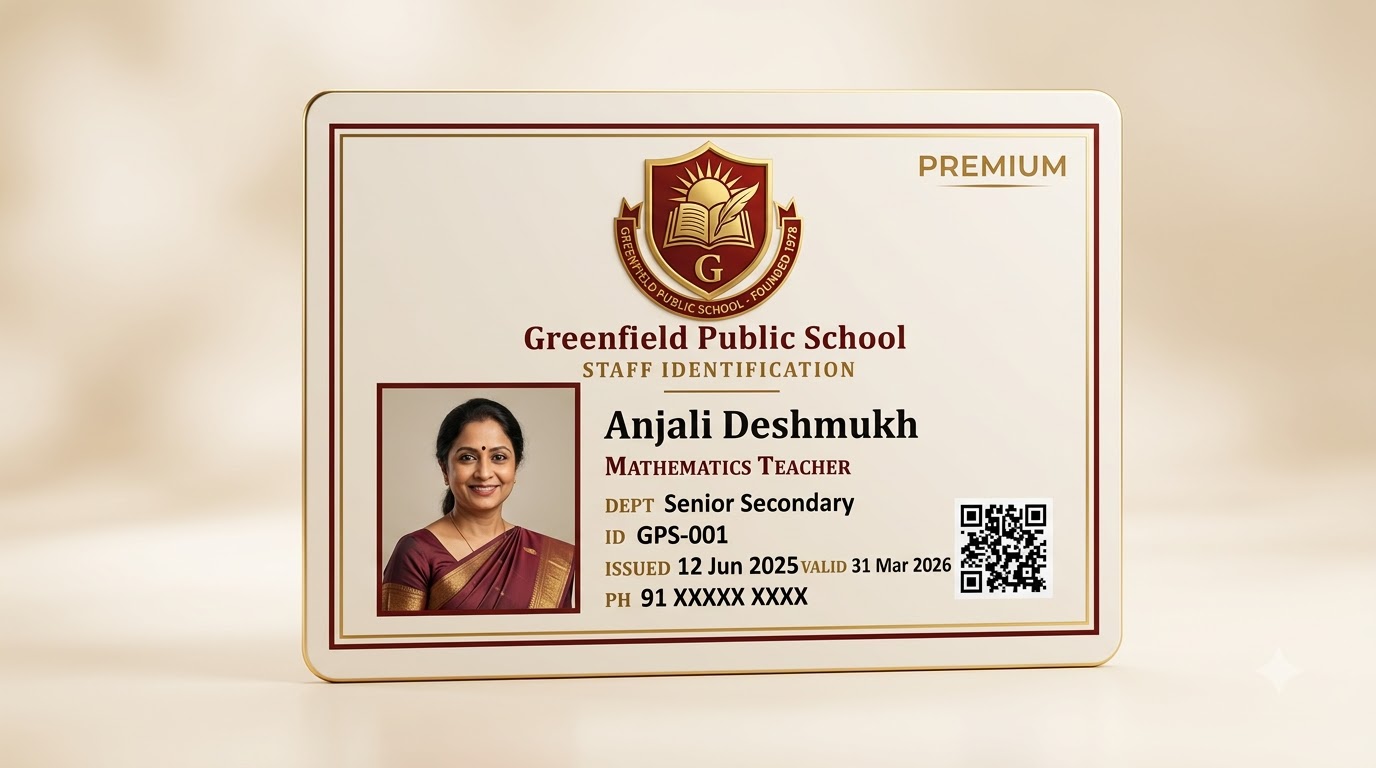 Staff ID CardStaff ID Card - Academic MaroonTry it free →
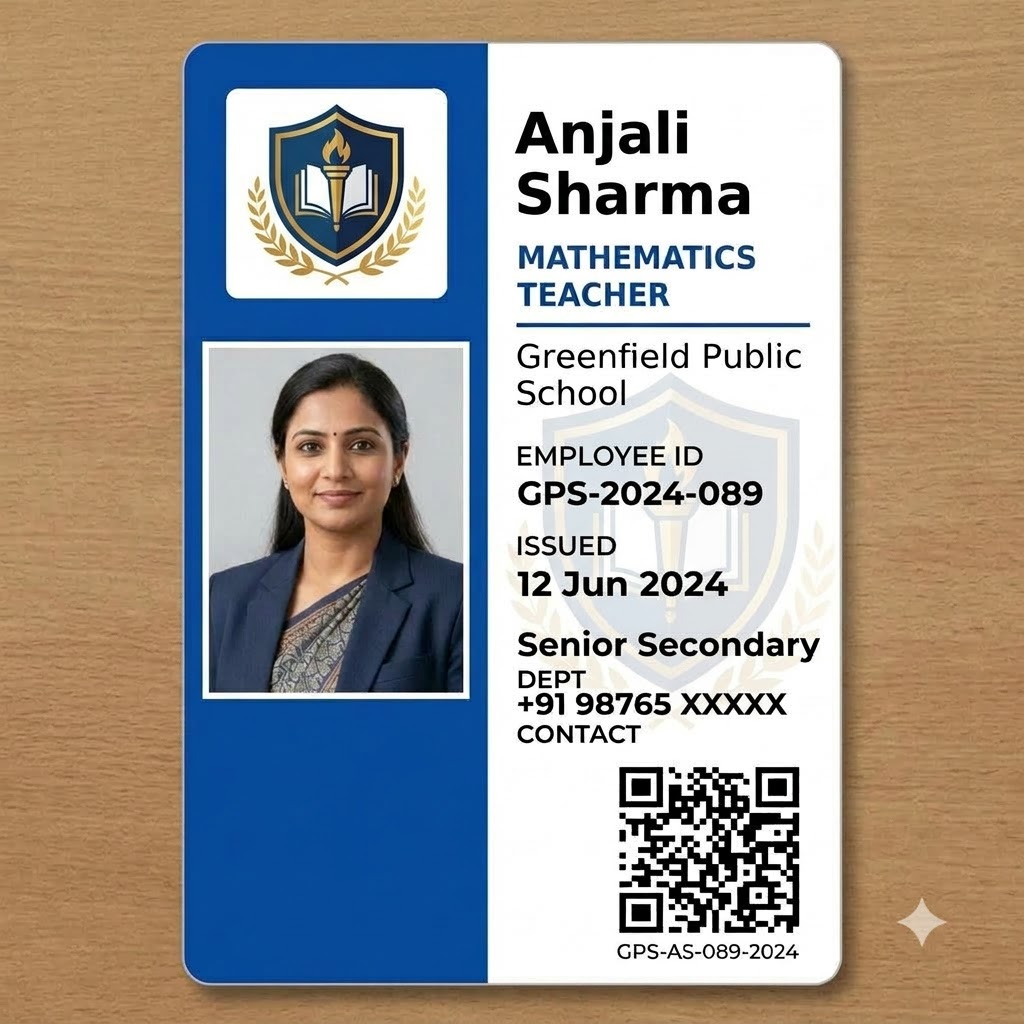 Staff ID CardStaff ID Card - Corporate BlueTry it free →
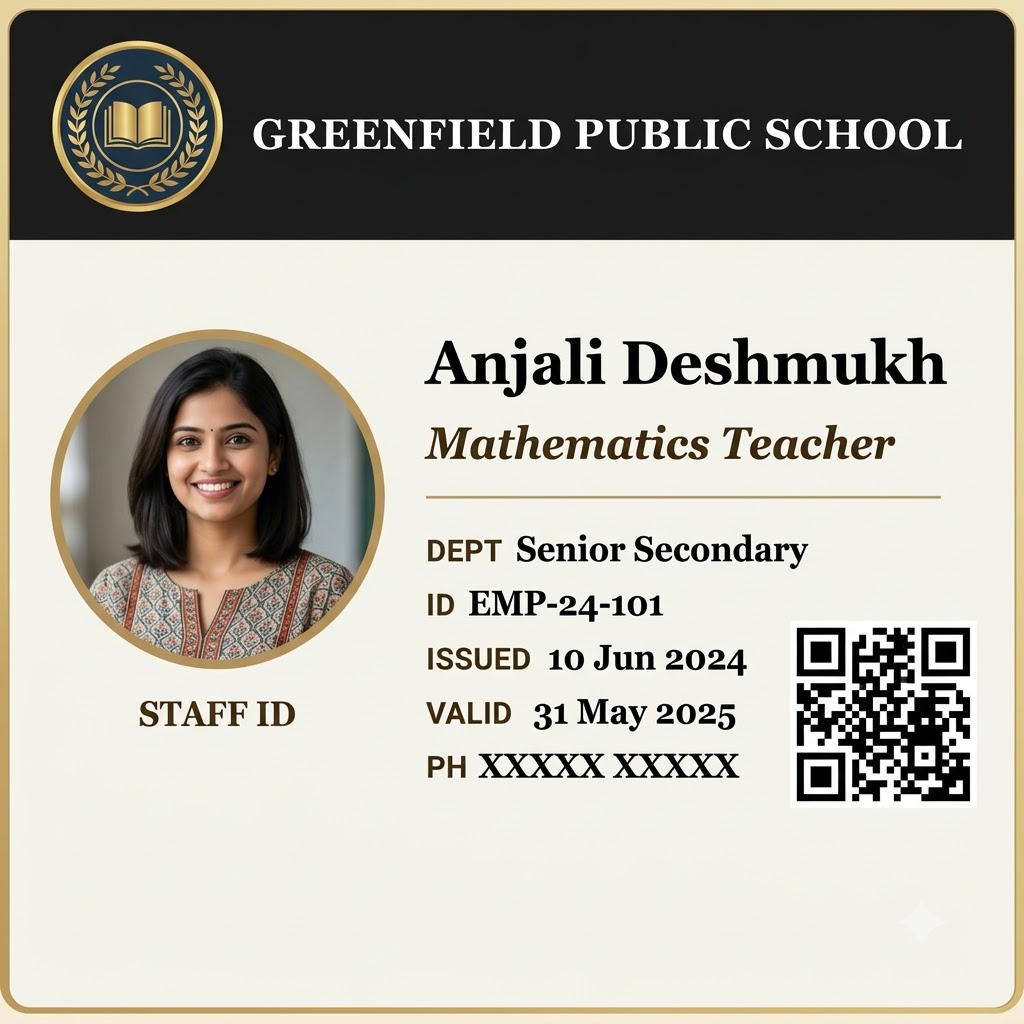 Staff ID CardStaff ID Card - Executive CharcoalTry it free →Pre School ID CardPre School ID Card - SpaceTry it free →
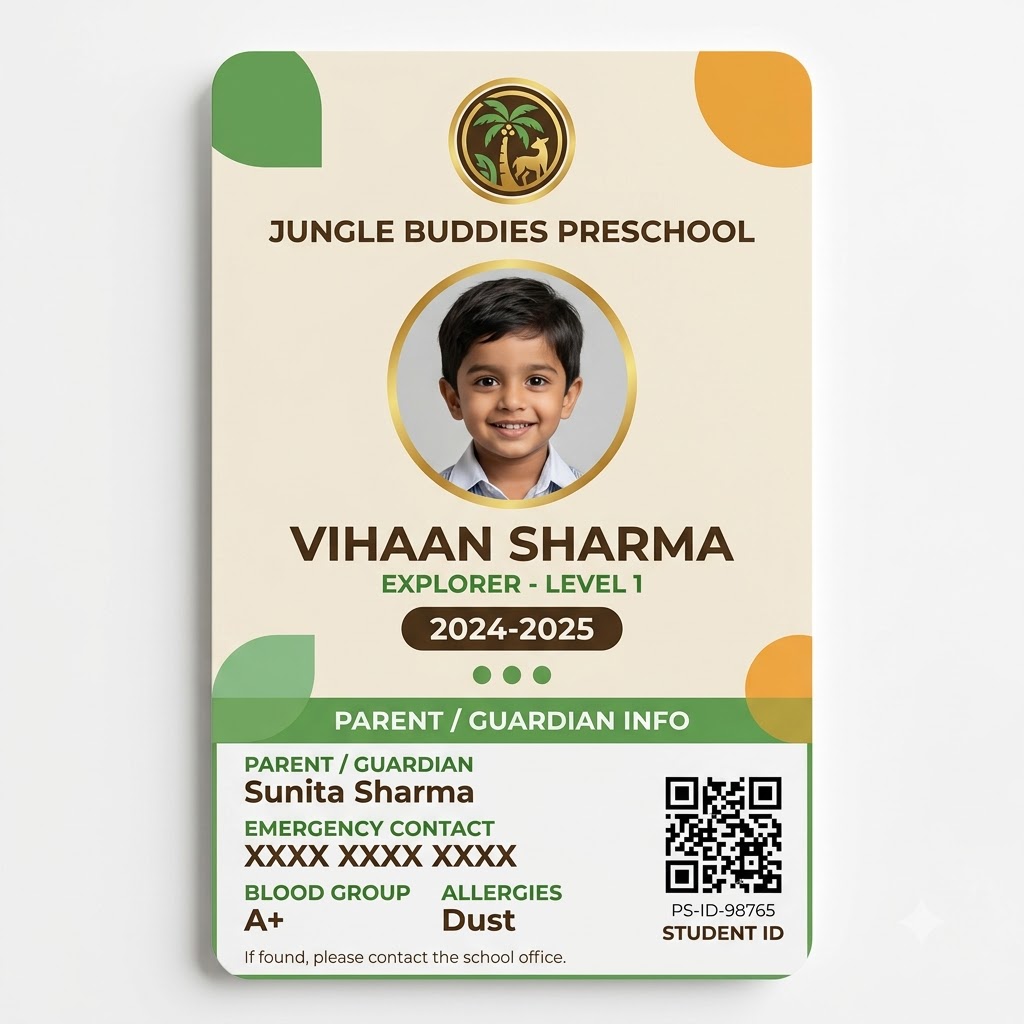 Pre School ID CardPre School ID Card - SafariTry it free →
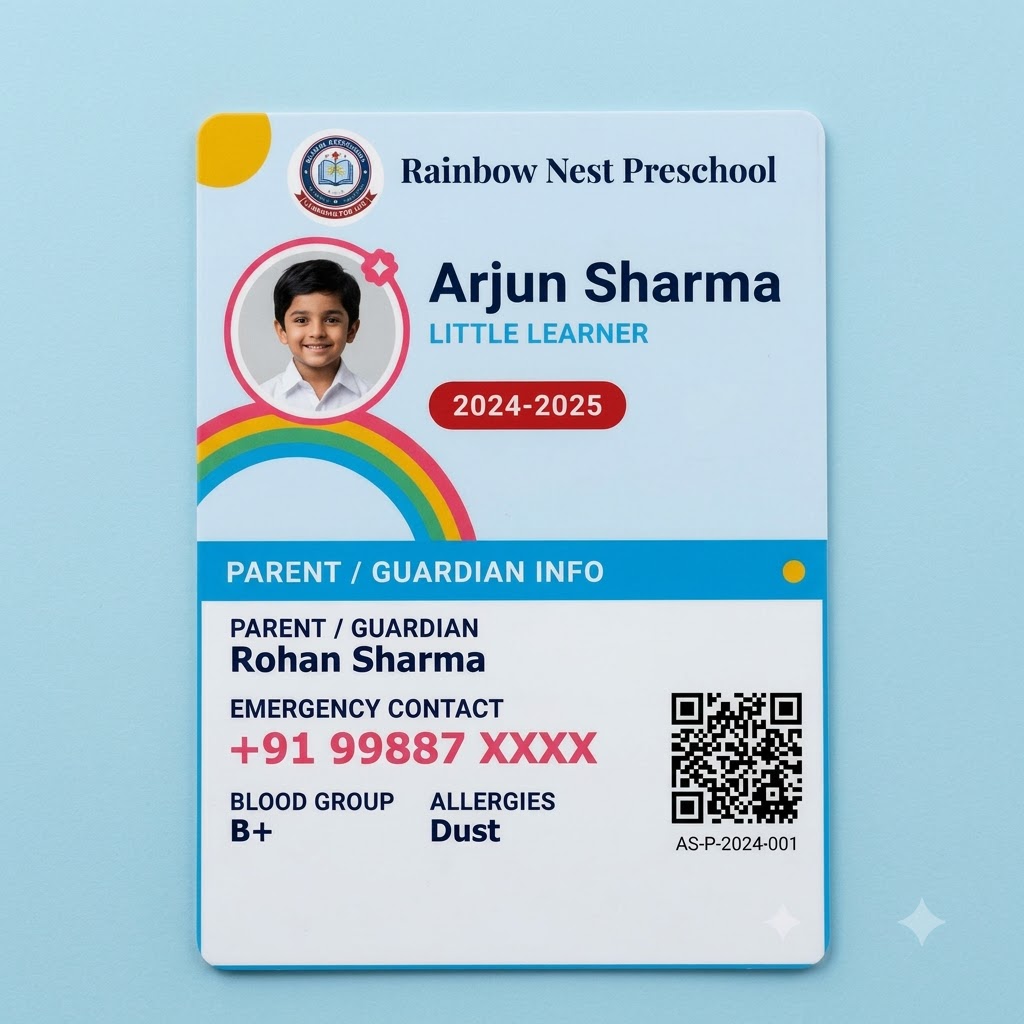 Pre School ID CardPre School ID Card - RainbowTry it free →
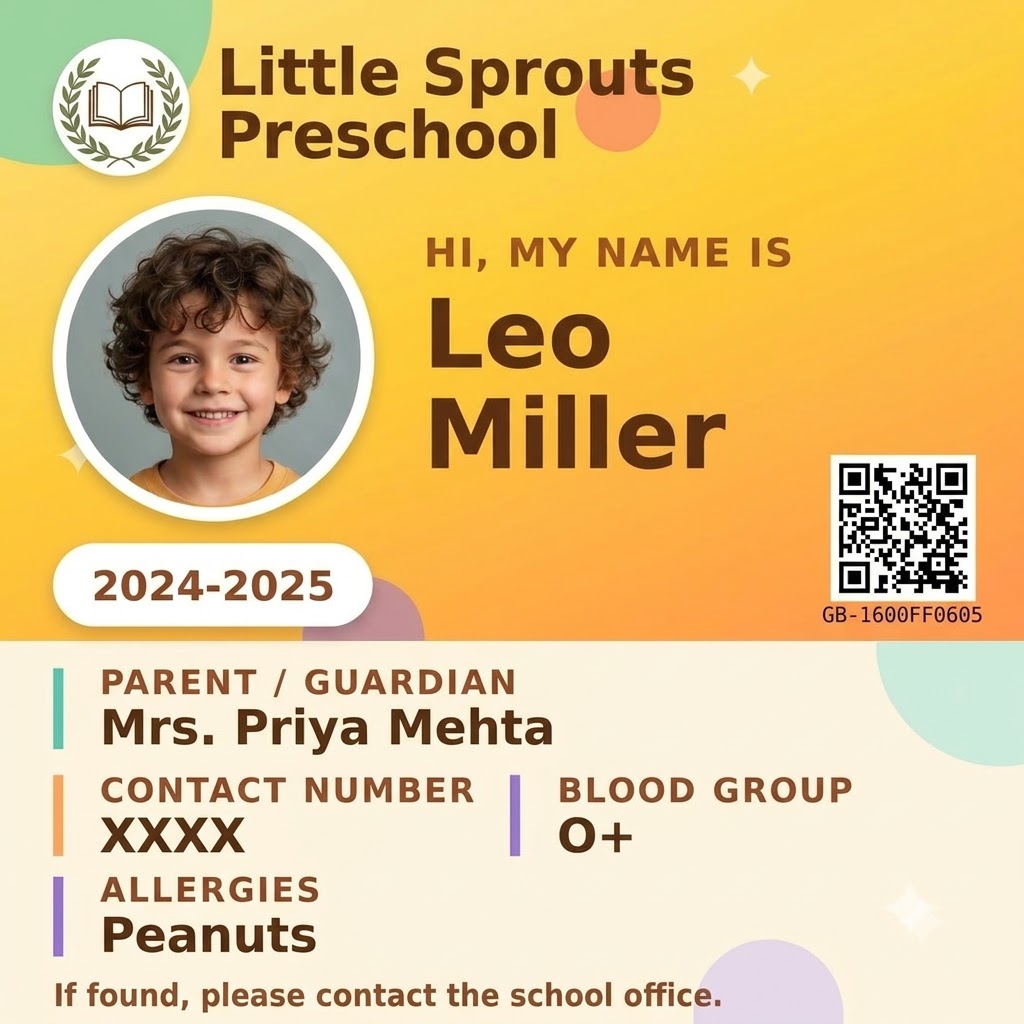 Pre School ID CardPre School ID CardTry it free →Tuition ID CardTuition ID CardTry it free →Senior Secondary ID CardSenior Secondary ID CardTry it free →
How it works
Pick a student, staff, preschool, college or tuition ID card template and preview it free – type a name, add a photo, see the card instantly.
Fill in one card, or create a free account and upload the Excel sheet you already keep – one row per person, photo included.
PaperBee fills every card automatically and seals each one with its own QR code. Download a print-ready CR80 PDF.
ID card maker, explained
Search for an ID card maker and most results are generic design tools – drag-and-drop editors built for making one card, then leaving you to repeat the process for every other student or employee by hand. PaperBee works the other way round: you already have a list. Upload it once as an Excel sheet – one row per person – and every ID card comes out formatted, photo included, without opening a design tool at all.
It's also genuinely free to start. Previewing any template needs no signup, no credit card and no time limit, and a free account adds a monthly allowance of real, downloadable, QR-verified ID cards plus bulk generation for your whole batch.
A student ID card carries a fairly standard set of facts: name, class or grade, a roll or admission number, a photo and usually a parent or emergency contact. Every column in your spreadsheet maps to a field on the card, including a dedicated photo column, so generating ID cards for students works the same whether you're making five or five hundred. Each card also carries its own QR verification code, so a lost card – or one shown at a gate or exam hall – can be checked as genuine in seconds.
Almost every ID card uses the CR80 format – 85.6 mm × 54 mm (about 3.375 × 2.125 inches), the same size as a credit card. It fits standard PVC card printers, laminate pouches and lanyard holders without trimming, which is why every PaperBee ID card template is built to that exact size and downloads as a print-ready PDF.
The same tool works well past the classroom. Coaching institutes issue enrolment cards for each new batch, and offices give every employee a clean, consistent ID with designation, department and employee number in place of class and roll number. The Staff ID Card templates are built for exactly that.
Want the full walkthrough, including the exact Excel columns? Read our complete ID card maker guide, or see what to include on a student QR code for privacy tips.
Why PaperBee
A hundred ID cards from one Excel upload – one per row, photo included, no copy-pasting.
Every real card carries a unique scannable code, so anyone can check it's genuine.
Everything happens in the browser. Pick a template, fill in details, download.
Upload your school or company logo once and it appears on every card.
FAQ
Yes. Previewing any template is completely free with no signup – try as many names, photos and designs as you like. A free account adds a monthly allowance of real, downloadable, QR-verified ID cards.
Student ID cards, preschool and kid ID cards, senior secondary ID cards, staff and teacher ID cards, tuition and coaching ID cards, plus college designs – all at standard CR80 size.
Yes – that's what PaperBee is built for. Upload an Excel sheet with one row per student or employee and PaperBee fills out a card for every row automatically, photo included.
A print-ready PDF at standard CR80 card size, 85.6 mm × 54 mm – the same as a credit card – ready to laminate or send to a PVC card printer.
Yes. Every template has a photo field, and once you create an account your logo and organisation name are saved and used on every card you generate.
Every ID card you generate for real gets a unique verification code sealed into a QR code. Anyone can scan it to confirm the card is genuine – useful at gates, exam halls and offices.
No. Everything runs in your browser on a phone or computer – no design software, no downloads.
Yes. The Staff ID Card templates are built for teachers, administrators and employees, with designation, department and employee ID instead of class and roll number.
More free tools

Join thousands of users who trust PaperBee for their document needs.