Free online ID card generator
Pre School ID Card Generator
Bright, kid-friendly ID cards for preschoolers - a large photo, a big simple name, and parent contact details on the back, sized to the standard CR80 card format.
No login for the demoQR-verified when you generate for realBulk from one Excel file
Browse by ID card type
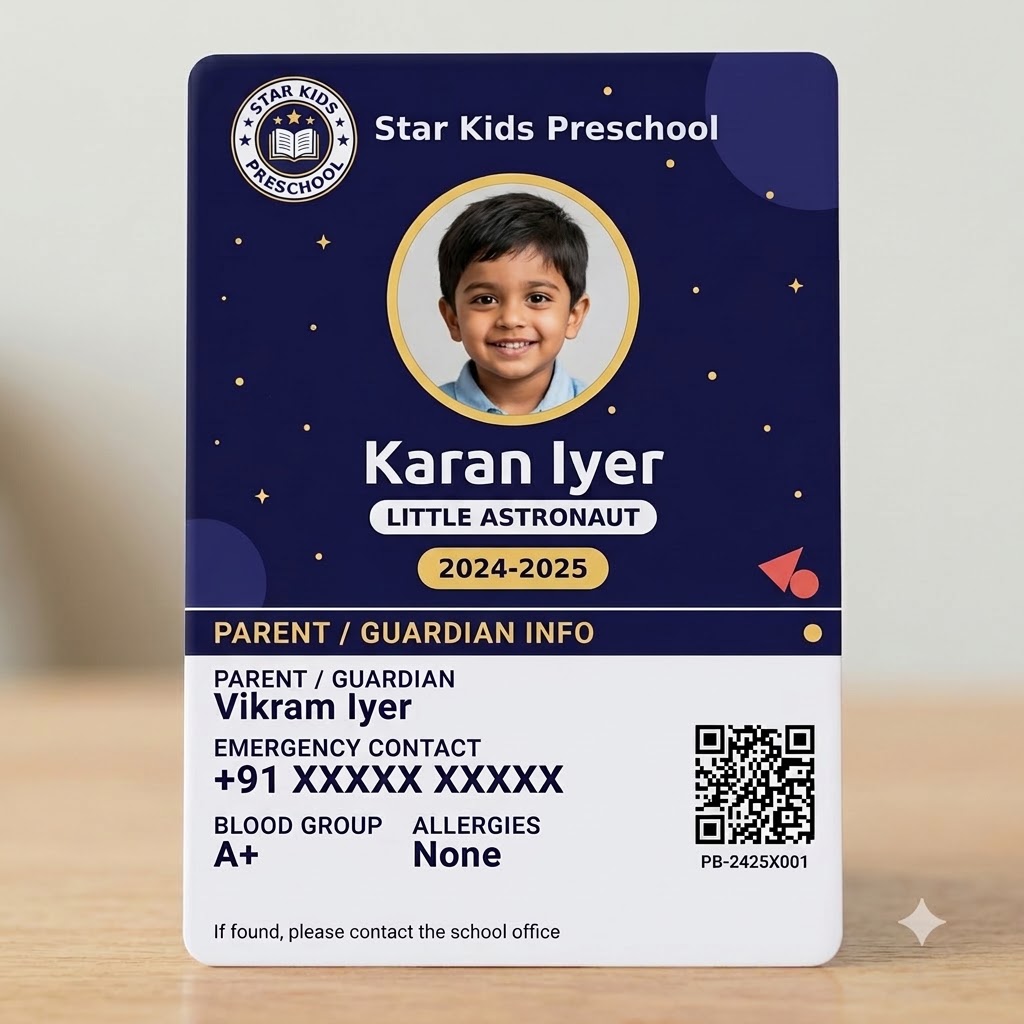 Free to try
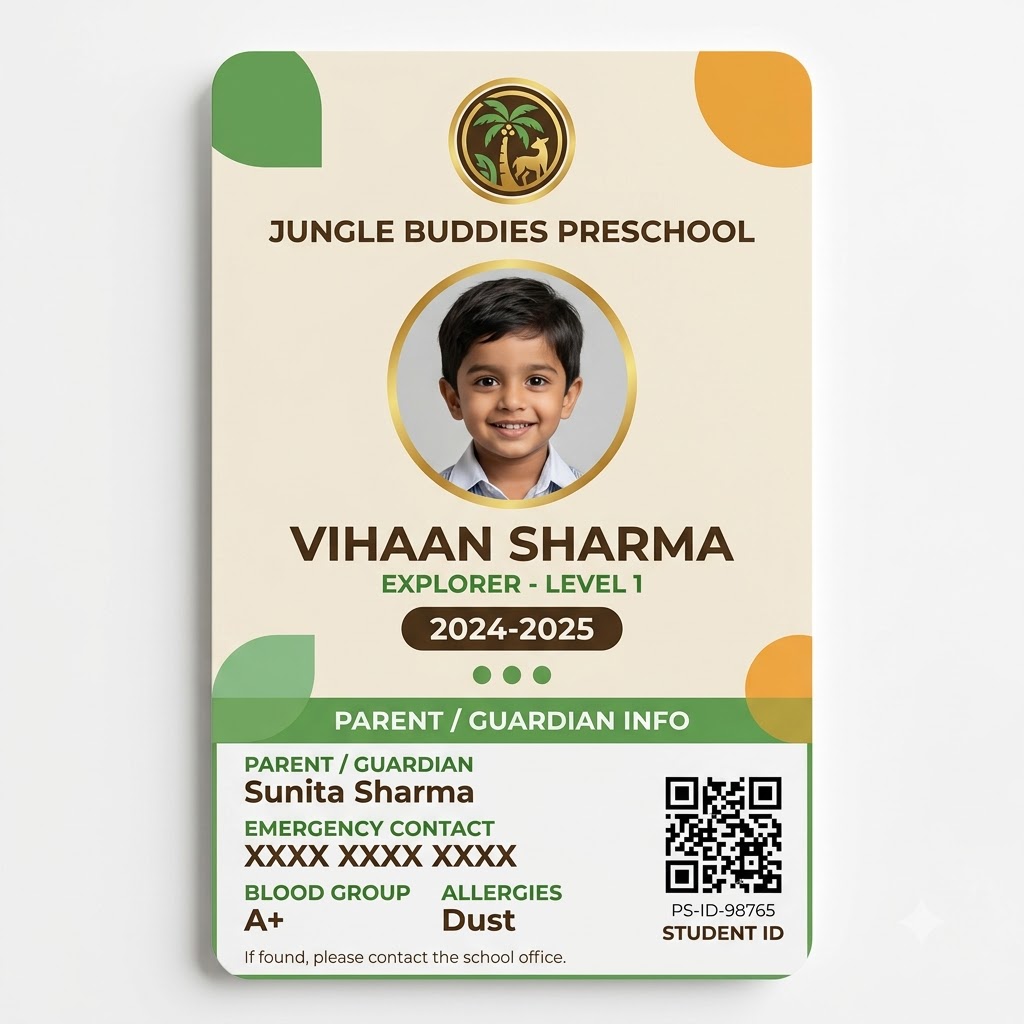 Free to try
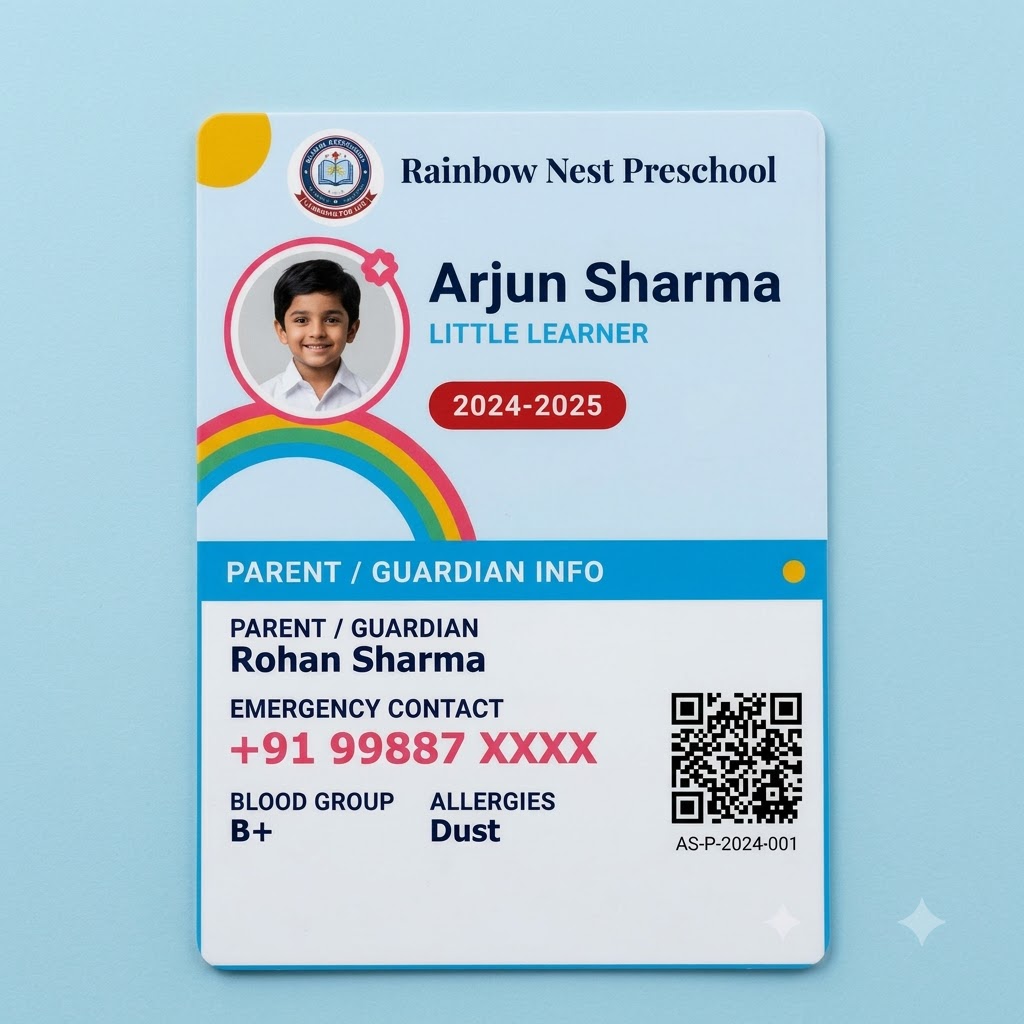 Free to try
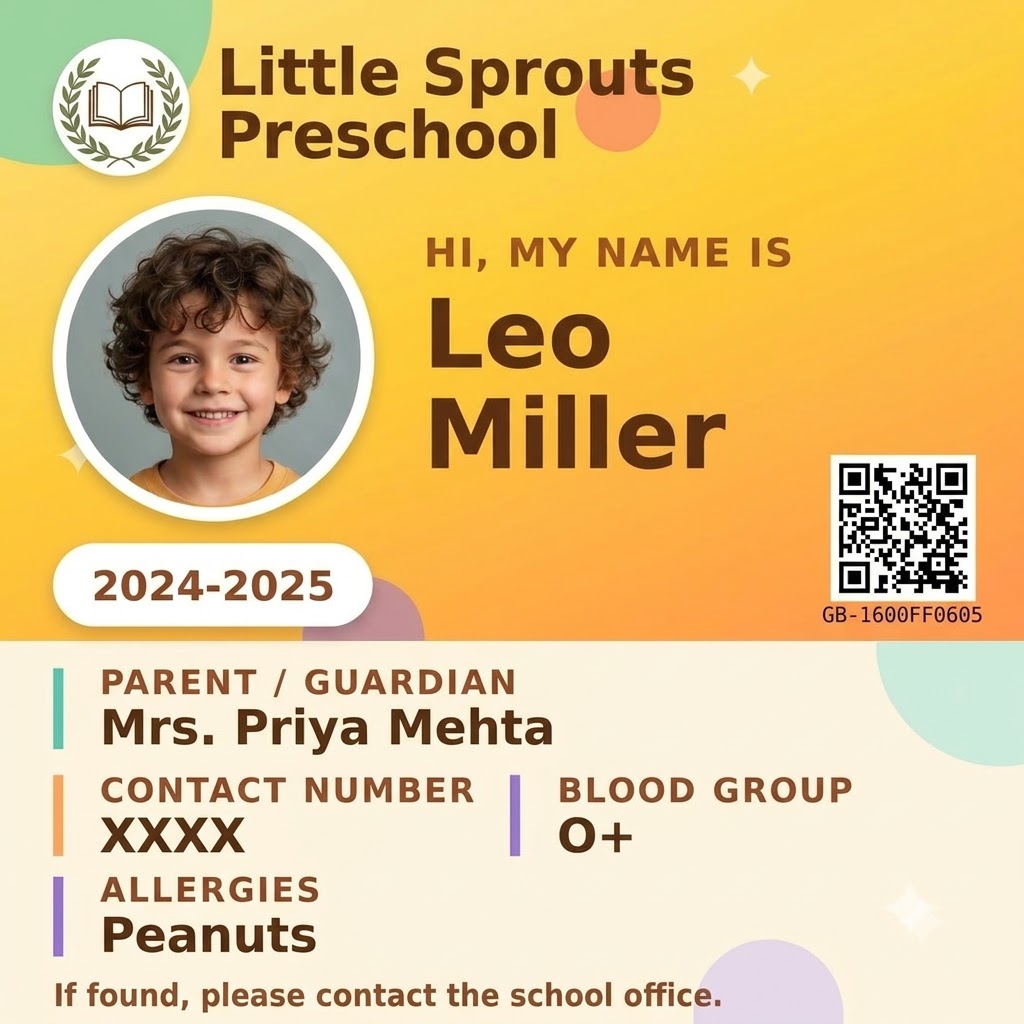 Free to try
/ Pre School ID Card
Preschool ID card design, made for little learners
A preschool ID card has a different job than a senior-secondary one: it needs to be instantly recognizable to a small child, reassuring to a parent glancing at pickup time, and durable enough to survive being handled by a four-year-old. The kid ID card templates on this page lean into that on purpose - bright colors, a large circular photo frame, and a friendly "Hi, my name is" tone instead of a formal header.
Underneath the playful design, the mechanics are the same as every other PaperBee template: upload a class list as a spreadsheet, one row per child including a photo, and generate every preschool ID card in the batch at once, each one QR-verified.
What makes a good kid ID card template?
A few things separate a genuinely kid-friendly ID card template from a shrunk-down adult one: a photo large enough to recognize the child at a glance, oversized and simple typography for the child's name, and - critically - the practical information a preschool actually needs on the back: a parent or guardian's name and emergency contact number in large print, plus blood group and known allergies where relevant. Both of those last two are optional fields that are simply left off the card when blank, rather than printing an empty line.
Sizing still follows the standard CR80 card format (85.6mm × 54mm) even for a preschool design, so it laminates and fits a lanyard or badge clip exactly like any other ID card - the playful design doesn't come at the cost of a non-standard, harder-to-print size.
From kid ID card template to printed card in minutes
Try any of the preschool designs above with the live demo first - no signup needed to see how a name and photo look on the card. When you're ready for the real thing, a free account lets you upload the whole class list as one Excel sheet and download every child's card, formatted and QR-verified, in a single batch.
/ Why PaperBee
More than a one-off ID card maker.
Bulk by default
One ID card is nice. A hundred from a single Excel upload — one per row, photo included, no repetitive copy-pasting — is what PaperBee is actually built for.
QR-verified, every time
Every ID card you generate for real carries a unique, scannable code. Anyone can check it's genuine — no phone calls, no guesswork.
No design software needed
Everything happens in the browser. Pick a template, fill in the details, download — no Photoshop, no Canva subscription.
Your own logo & branding
Upload your school or organization's logo once and it carries across every ID card you generate from then on.
/ How it works
From a quick preview to a full batch.
01
Try the demo
Type in a name and add a photo above and watch the card build itself — no account needed.
02
Sign up & upload your list
Create a free account, pick a template, and upload the Excel sheet you already keep — one row per person.
03
Generate & download
PaperBee fills every card automatically and seals each one with its own QR verification code.
/ FAQ
Questions people actually ask.
Are these designs actually suitable for very young children (nursery/LKG/UKG)?+
Yes - the preschool templates are built specifically for that age group: a large photo, a big simple name display, and parent/emergency contact information on the back rather than a student's own contact number.
Can I pick a specific theme, like Rainbow or Space, for our preschool?+
Yes - several kid ID card template designs are available (including Rainbow and Space themes alongside the original), all using the same fields, so you can pick whichever fits your preschool's branding.
Is this ID card generator actually free?+
The demo above is completely free with no signup — try as many names, photos, and designs as you like. Creating an account is free too, and includes a monthly allowance of real, downloadable ID cards.
Do I need to install anything?+
No. Everything runs in your browser, including the demo above — no software to install, no design tool to learn.
Can I generate ID cards in bulk?+
Yes — that's the main way PaperBee is meant to be used. Upload an Excel sheet with one row per student or staff member and PaperBee fills out an ID card for every row automatically, photo included.
Can I add each person's photo?+
Yes. Every ID card template has a dedicated photo field — upload one image per person as part of a bulk batch, or add it directly when generating a single card.
What's the QR code for?+
Every ID card generated for real (not the demo above) gets a unique verification code, sealed into a QR code on the card. Anyone can scan it to confirm the card is genuine.
What file do I get, and what size is it?+
A print-ready PDF sized to standard CR80 card dimensions (85.6mm × 54mm) — the same size as a credit card — ready to laminate or send straight to a card printer.
Stop building documents by hand.
Join schools and institutes already generating theirs with PaperBee.
Get started free