Free online ID card generator
Staff ID Card Generator
ID cards for teachers, administrators, and any school or office employee - designation, department, and employee ID instead of a student's class and roll number.
No login for the demoQR-verified when you generate for realBulk from one Excel file
Browse by ID card type
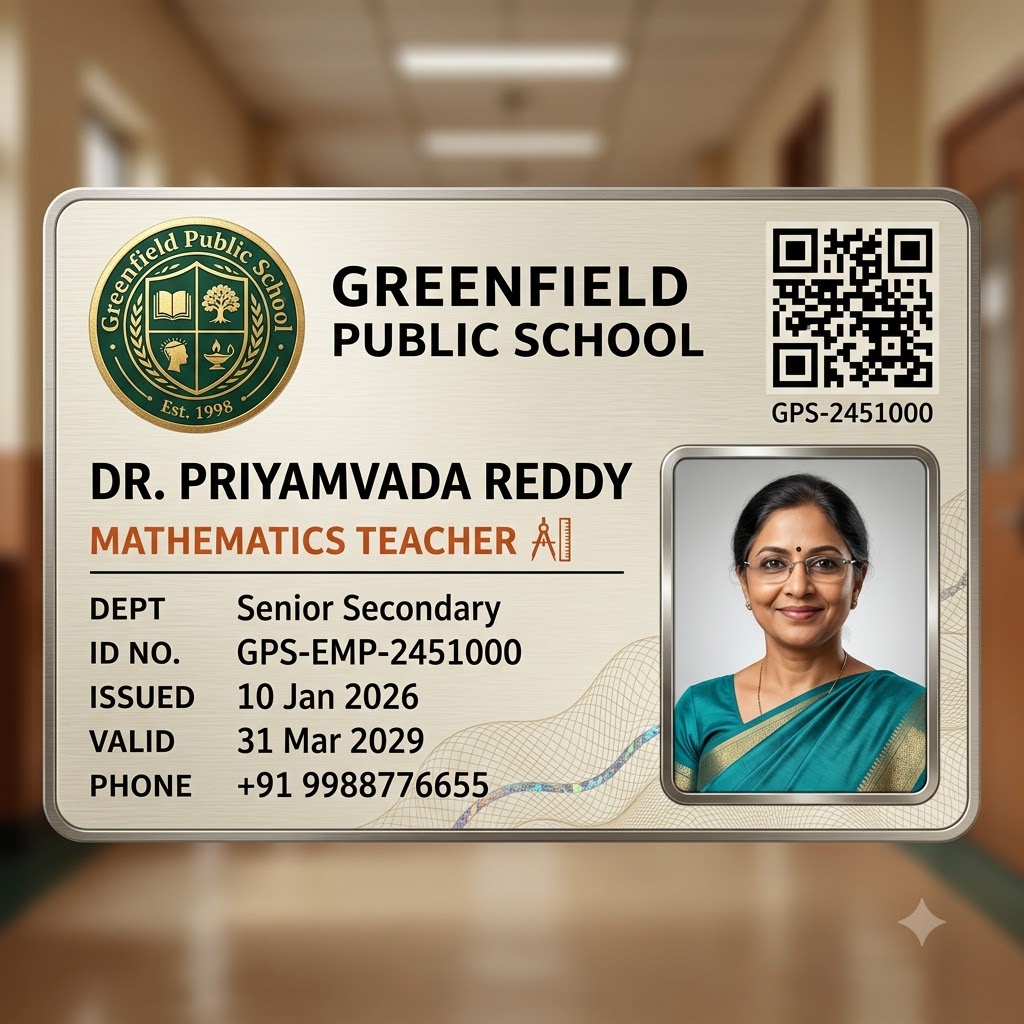 Free to try
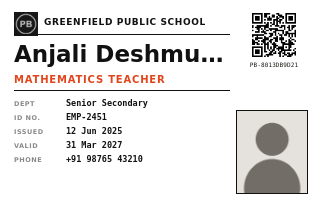 Free to try
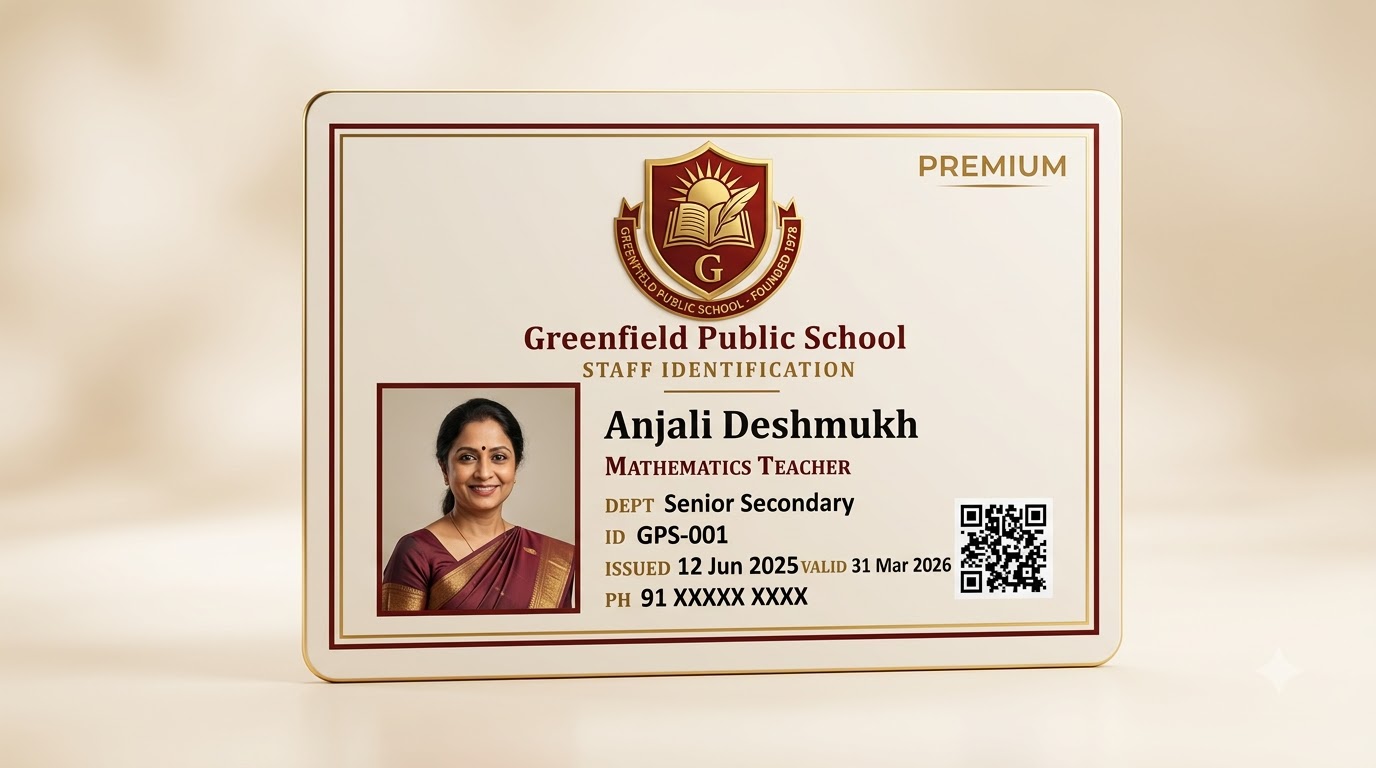 Free to try
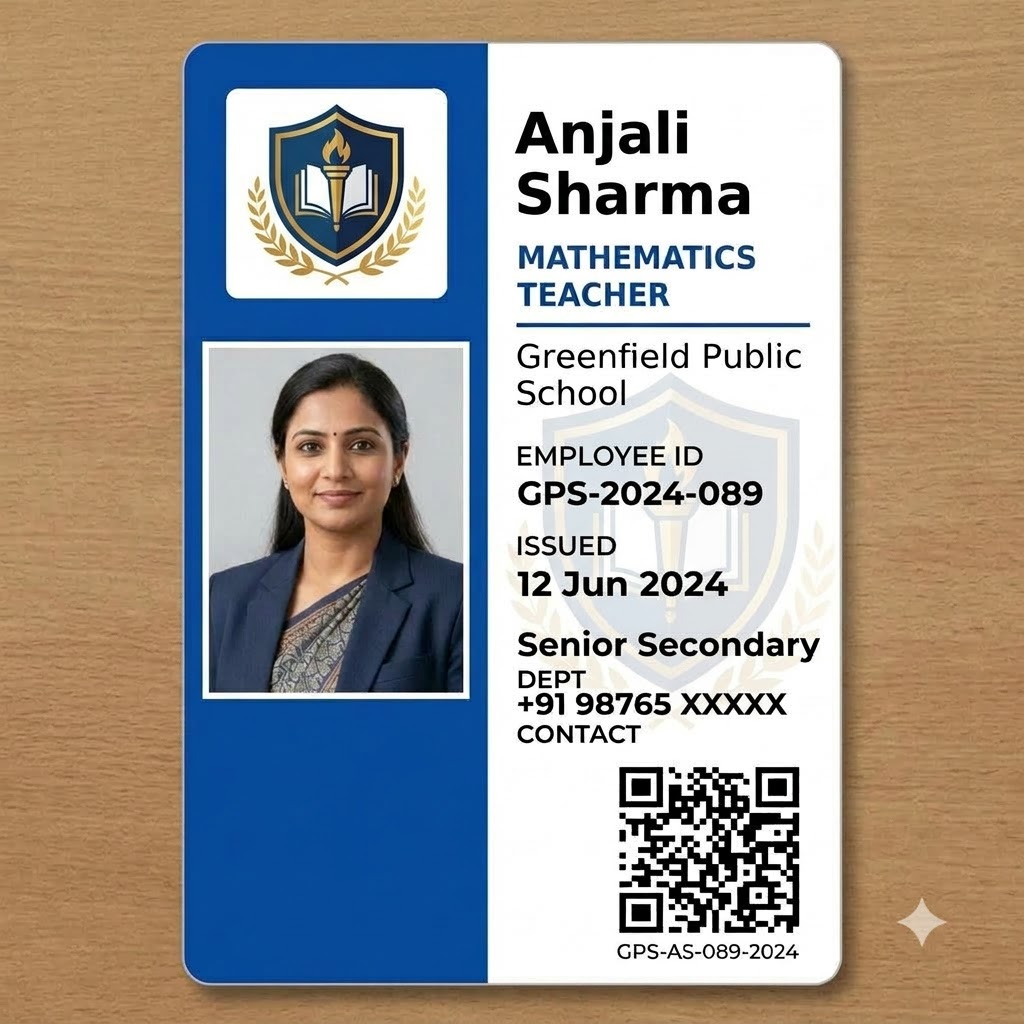 Free to try
 Free to try
/ Staff ID Card
ID cards for teachers, staff, and every employee on campus
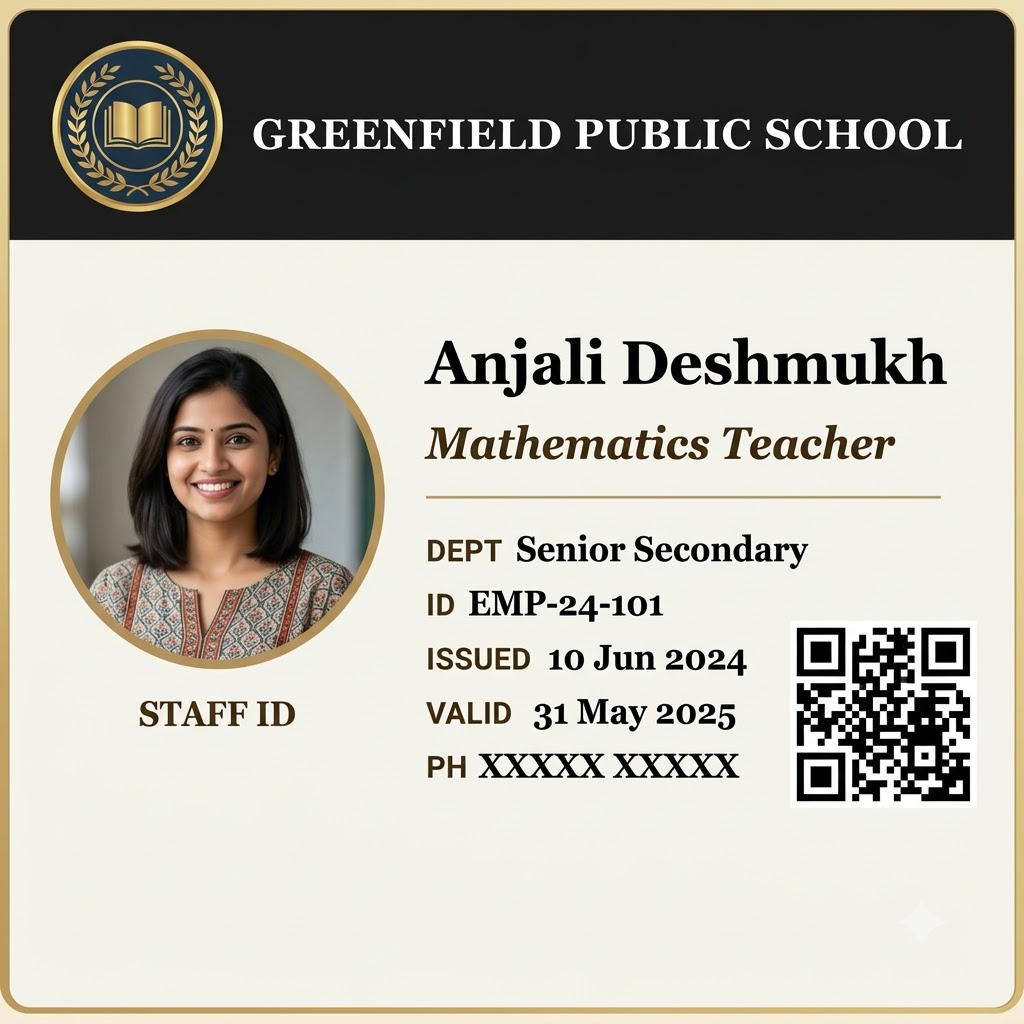
A staff ID card carries different information from a student one, and looks it: designation and department stand in for class and roll number, an employee ID replaces an admission number, and there's no parent contact line to fill in. Every design here is built around that difference from the ground up, not a student template with the fields relabeled.
The same bulk workflow applies either way - upload a spreadsheet with one row per teacher or staff member, photo included, and generate the whole staff list's ID cards in one pass instead of one at a time during onboarding week.
What should an employee ID card include? (A quick format guide)
A well-formatted employee or office ID card usually covers: full name and photo, designation (e.g. Mathematics Teacher, Administrator), department if the organization has more than one, a unique employee ID, the date the card was issued, and often a validity or renewal date. A contact number is common but optional - most designs on this page omit that line entirely when it's left blank, rather than printing an empty field.
Sizing follows the same CR80 standard as a student card - 85.6mm × 54mm, the same footprint as a credit card - so a printed batch fits standard lanyards, badge clips, and plastic sleeves without any trimming or resizing.
An office ID card, without the design software
"ID card office" is a common search for exactly this problem: a workplace that needs consistent, professional-looking employee IDs without hiring a designer or learning Photoshop or Canva for a one-time task. Pick a staff template, upload your list, and every employee's card comes out formatted the same way - logo, photo, and details in the same place on every card, QR-verified automatically.
/ Why PaperBee
More than a one-off ID card maker.
Bulk by default
One ID card is nice. A hundred from a single Excel upload — one per row, photo included, no repetitive copy-pasting — is what PaperBee is actually built for.
QR-verified, every time
Every ID card you generate for real carries a unique, scannable code. Anyone can check it's genuine — no phone calls, no guesswork.
No design software needed
Everything happens in the browser. Pick a template, fill in the details, download — no Photoshop, no Canva subscription.
Your own logo & branding
Upload your school or organization's logo once and it carries across every ID card you generate from then on.
/ How it works
From a quick preview to a full batch.
01
Try the demo
Type in a name and add a photo above and watch the card build itself — no account needed.
02
Sign up & upload your list
Create a free account, pick a template, and upload the Excel sheet you already keep — one row per person.
03
Generate & download
PaperBee fills every card automatically and seals each one with its own QR verification code.
/ FAQ
Questions people actually ask.
Is this suitable for a general office ID card, or only school staff?+
Both. The field set - designation, department, employee ID, issue and validity dates - works for any employer, not just schools. "School staff" is simply the business category these templates are catalogued under.
What's the difference between this and the student ID card templates?+
Staff templates use designation, department, and employee ID instead of a student's class, roll number, and parent contact - built around what an employee record actually looks like, not a relabeled student card.
Is this ID card generator actually free?+
The demo above is completely free with no signup — try as many names, photos, and designs as you like. Creating an account is free too, and includes a monthly allowance of real, downloadable ID cards.
Do I need to install anything?+
No. Everything runs in your browser, including the demo above — no software to install, no design tool to learn.
Can I generate ID cards in bulk?+
Yes — that's the main way PaperBee is meant to be used. Upload an Excel sheet with one row per student or staff member and PaperBee fills out an ID card for every row automatically, photo included.
Can I add each person's photo?+
Yes. Every ID card template has a dedicated photo field — upload one image per person as part of a bulk batch, or add it directly when generating a single card.
What's the QR code for?+
Every ID card generated for real (not the demo above) gets a unique verification code, sealed into a QR code on the card. Anyone can scan it to confirm the card is genuine.
What file do I get, and what size is it?+
A print-ready PDF sized to standard CR80 card dimensions (85.6mm × 54mm) — the same size as a credit card — ready to laminate or send straight to a card printer.
Stop building documents by hand.
Join schools and institutes already generating theirs with PaperBee.
Get started free