Free online ID card generator
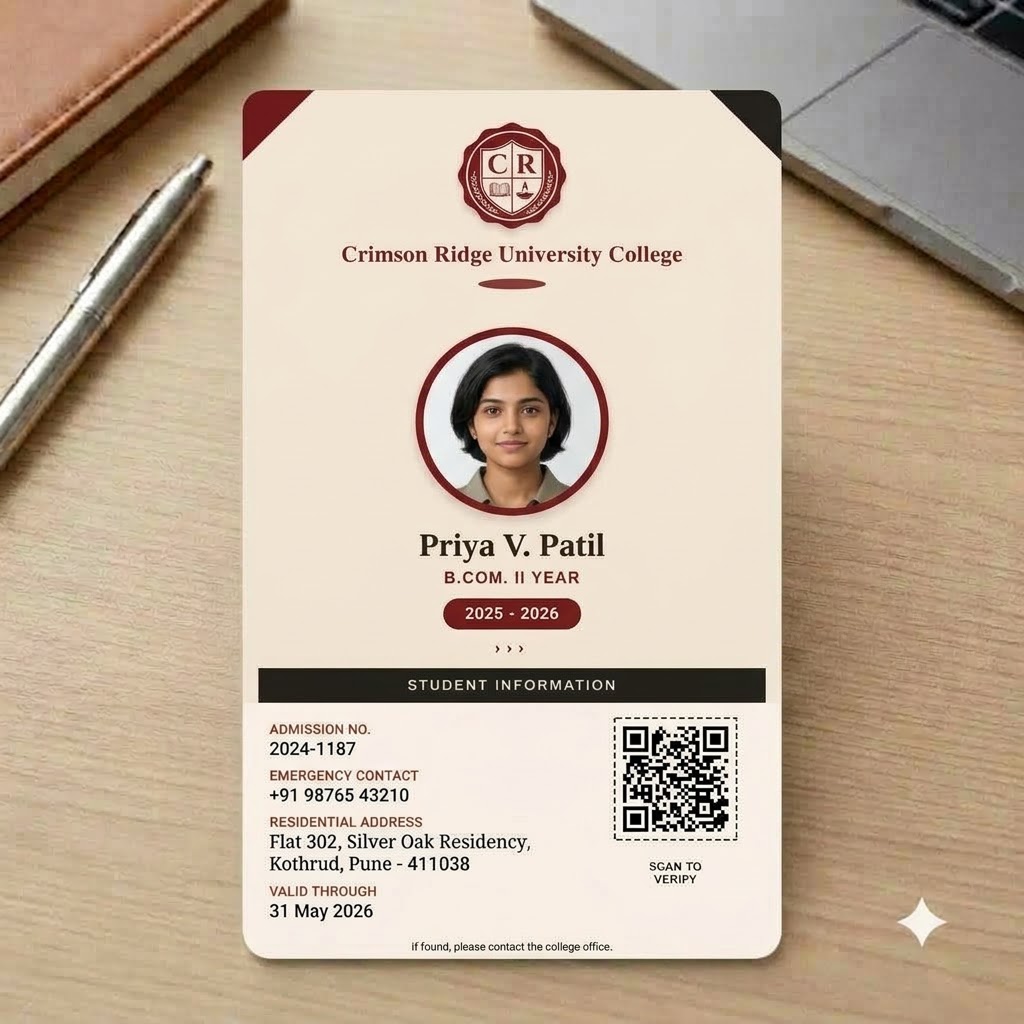
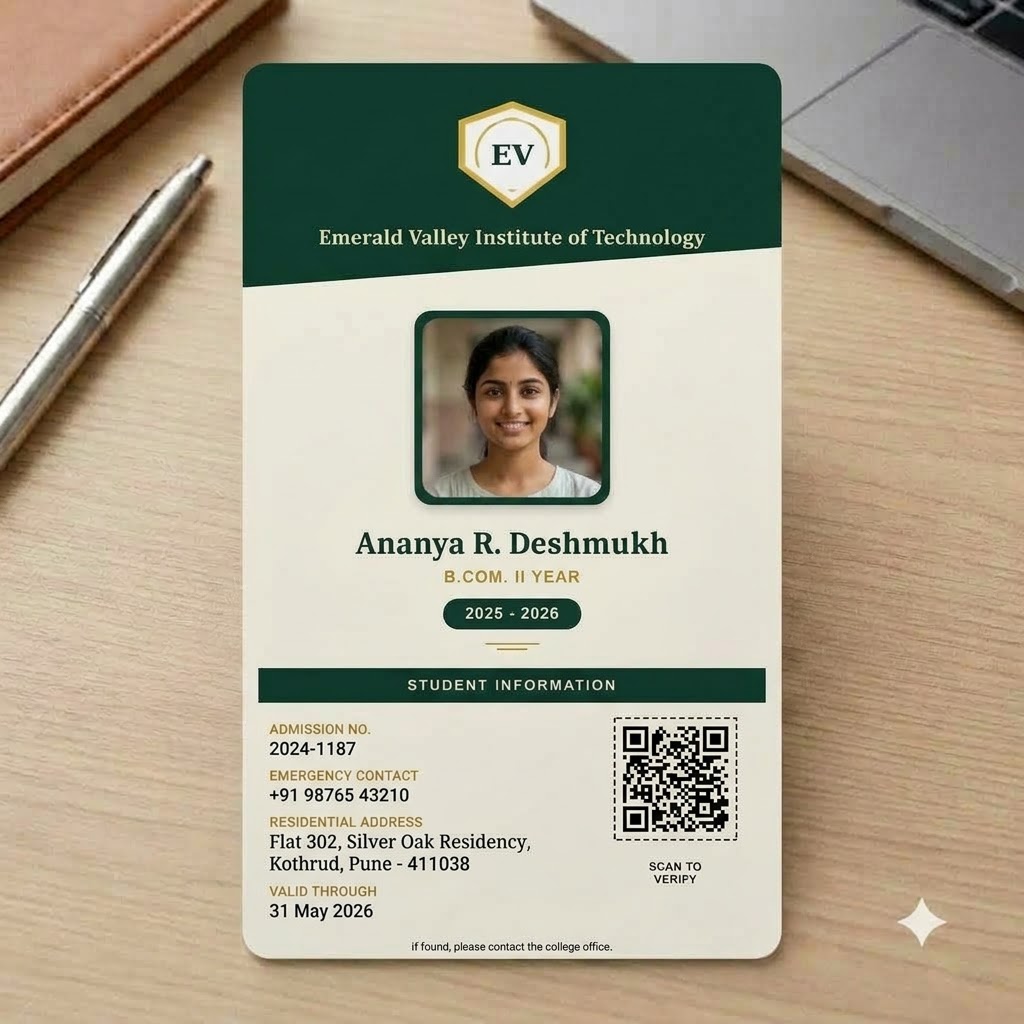
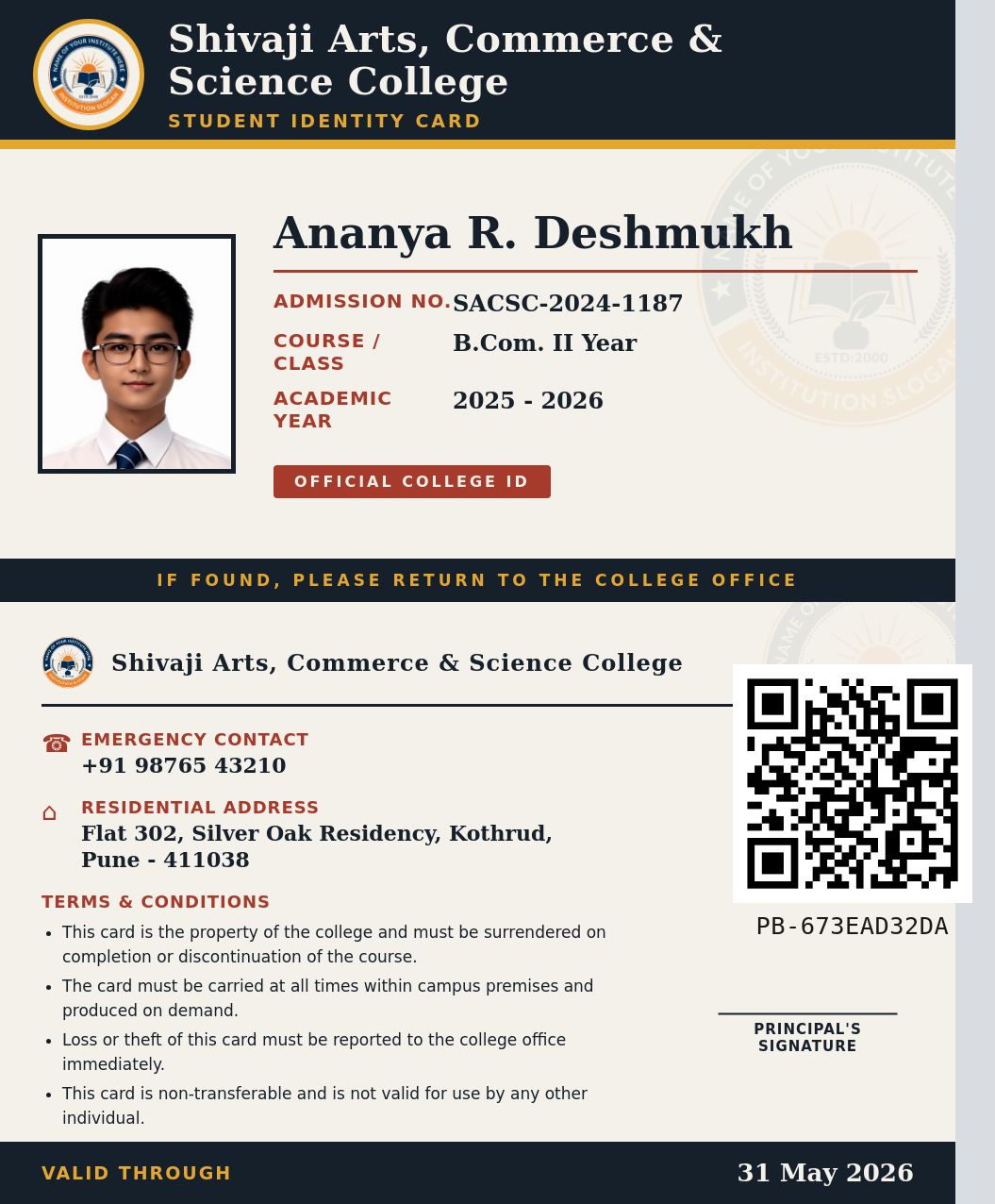
ID Card for Students Generator
Design and preview a id card for students online in seconds - no signup required. Like it? Create a free account to generate a whole batch at once from Excel, each one print-ready.
No login for the demoPrint-ready PDFBulk from one Excel file
Browse by ID card type
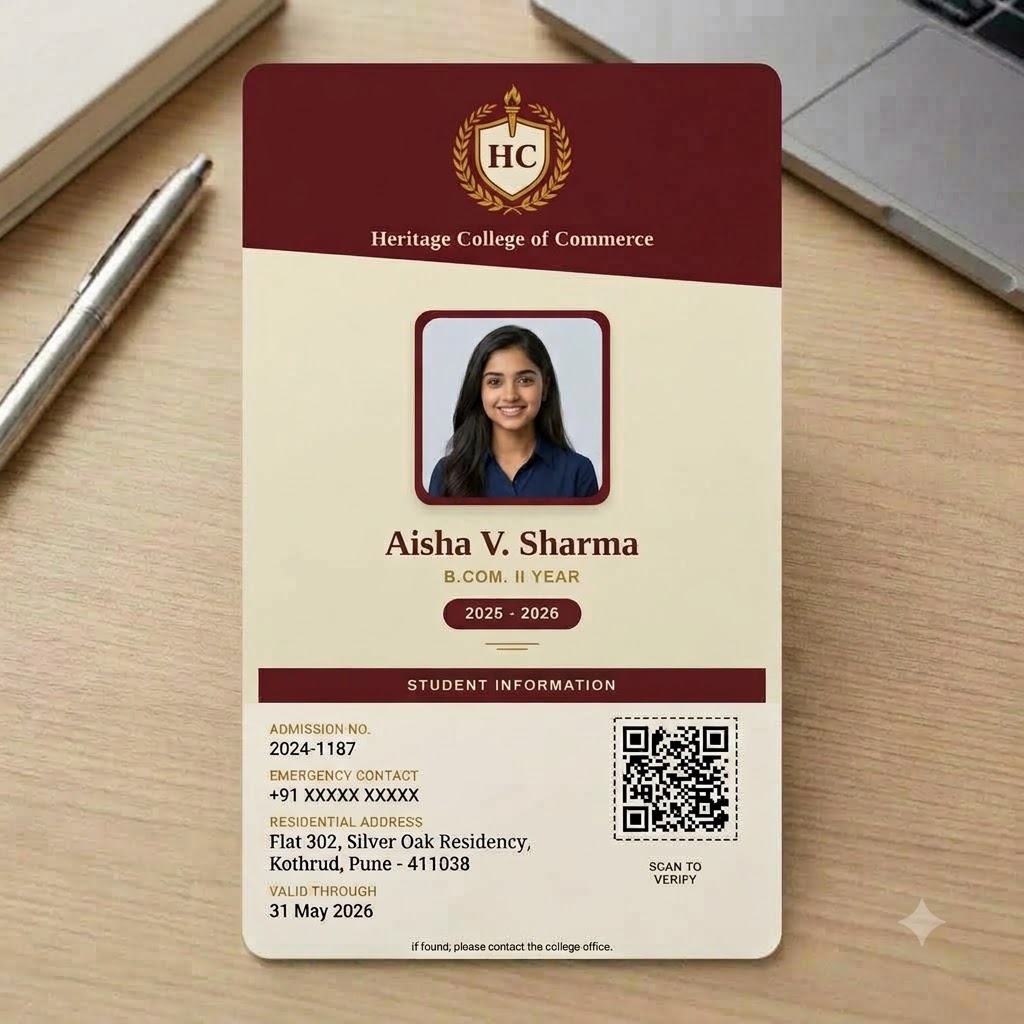 Free to try
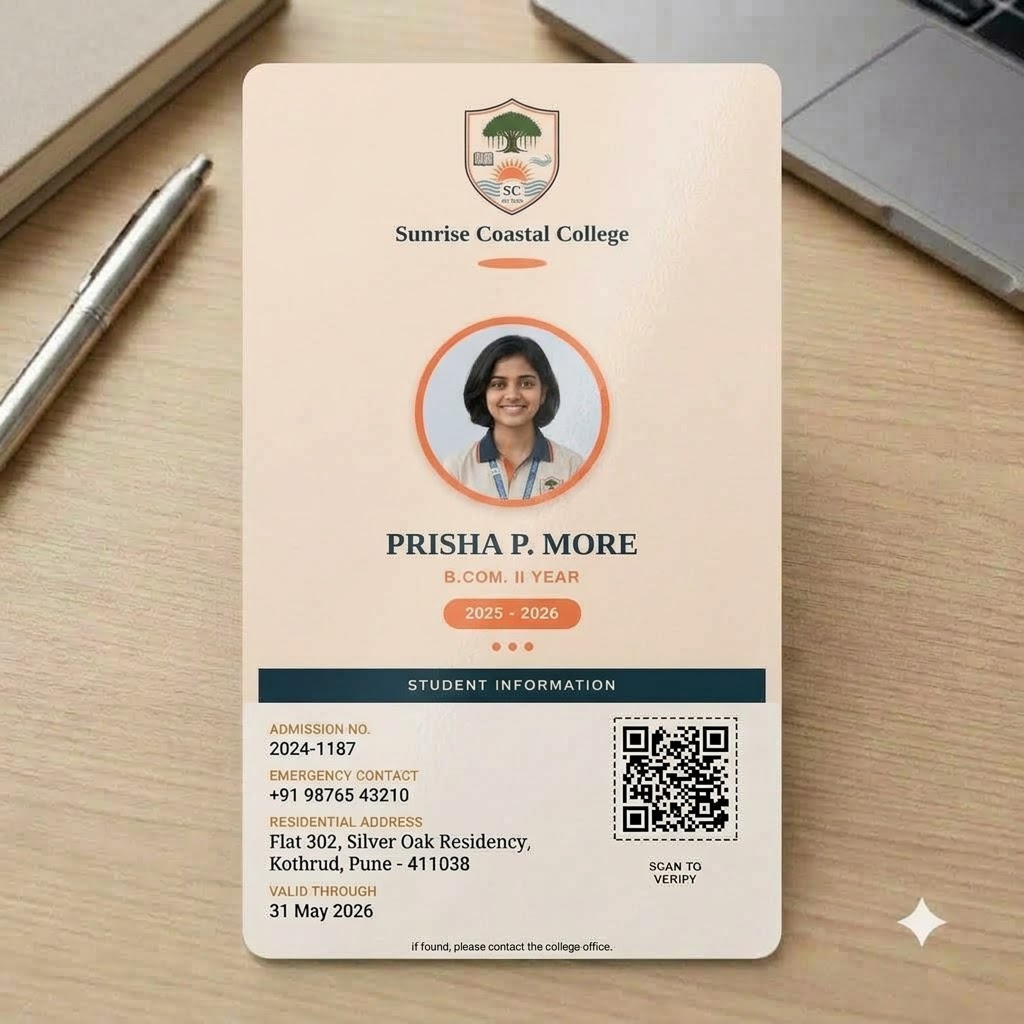 Free to try
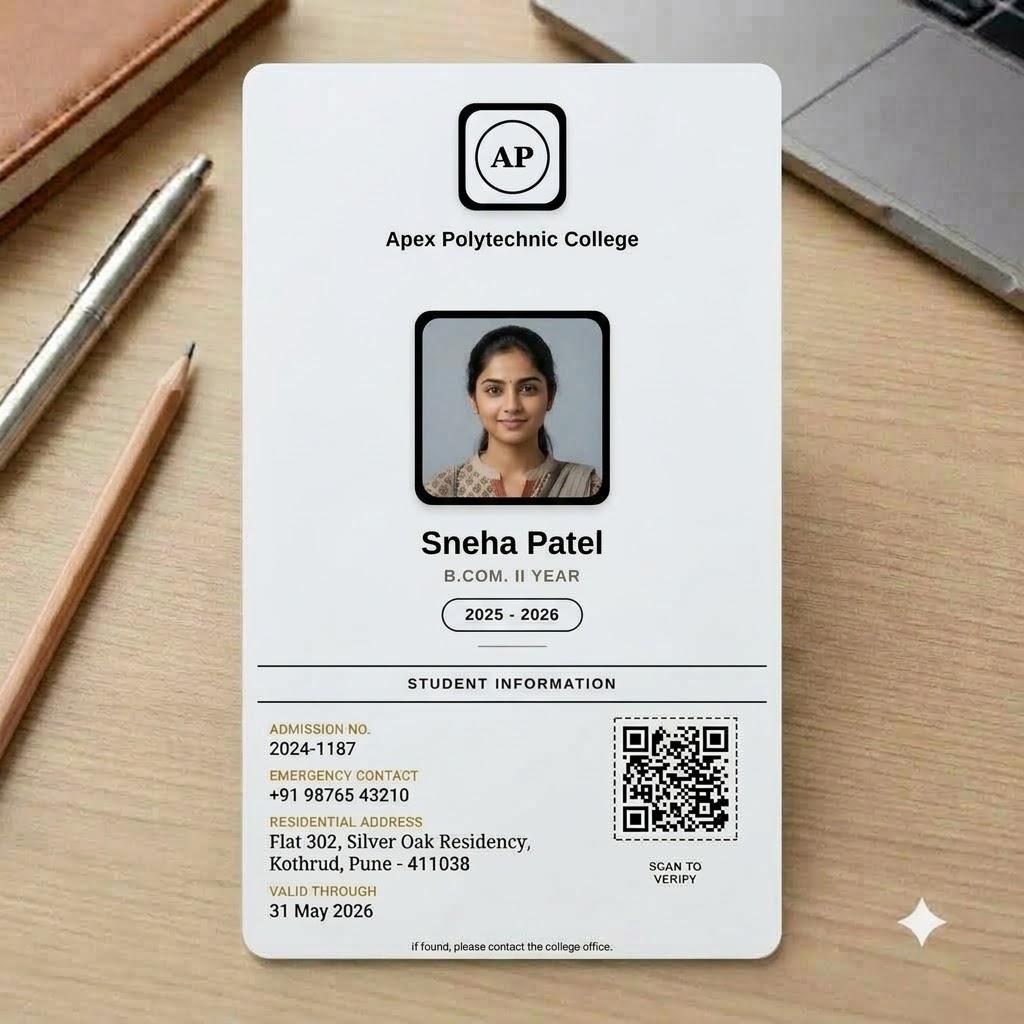 Free to try
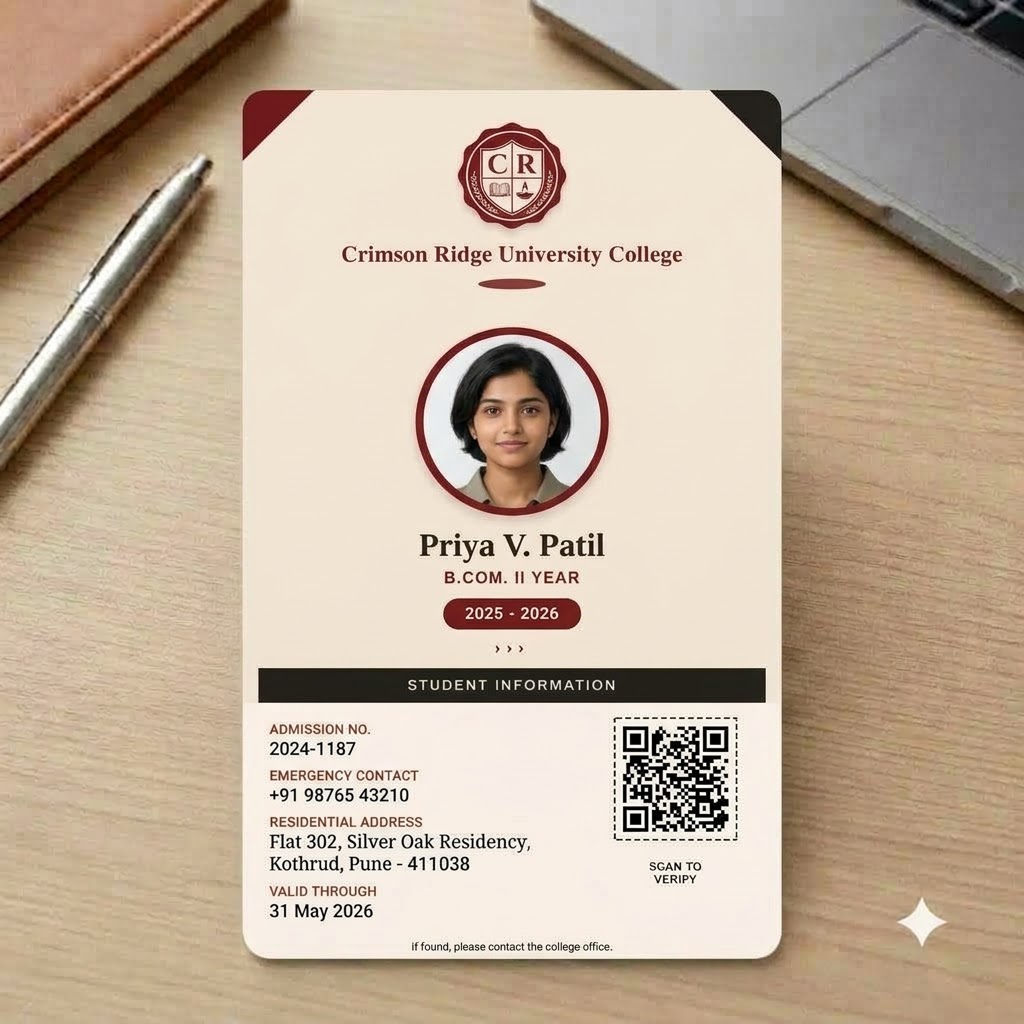 Free to try
 Free to try
 Free to try
 Free to try
 Free to try
 Free to try
 Free to try
 Free to try
 Free to try
/ Why PaperBee
More than a one-off ID card maker.
Bulk by default
One ID card is nice. A hundred from a single Excel upload — one per row, photo included, no repetitive copy-pasting — is what PaperBee is actually built for.
Print-ready output
Every document downloads as a print-ready PDF, sized correctly for printing or sharing digitally.
No design software needed
Everything happens in the browser. Pick a template, fill in the details, download — no Photoshop, no Canva subscription.
Your own logo & branding
Upload your school or organization's logo once and it carries across every ID card you generate from then on.
/ How it works
From a quick preview to a full batch.
01
Try the demo
Type in a name and add a photo above and watch the card build itself — no account needed.
02
Sign up & upload your list
Create a free account, pick a template, and upload the Excel sheet you already keep — one row per person.
03
Generate & download
PaperBee fills every card automatically and gives you a print-ready PDF.
/ FAQ
Questions people actually ask.
Is this ID card generator actually free?+
The demo above is completely free with no signup — try as many names, photos, and designs as you like. Creating an account is free too, and includes a monthly allowance of real, downloadable ID cards.
Do I need to install anything?+
No. Everything runs in your browser, including the demo above — no software to install, no design tool to learn.
Can I generate ID cards in bulk?+
Yes — that's the main way PaperBee is meant to be used. Upload an Excel sheet with one row per student or staff member and PaperBee fills out an ID card for every row automatically, photo included.
Can I add each person's photo?+
Yes. Every ID card template has a dedicated photo field — upload one image per person as part of a bulk batch, or add it directly when generating a single card.
What file do I get, and what size is it?+
A print-ready PDF sized to standard CR80 card dimensions (85.6mm × 54mm) — the same size as a credit card — ready to laminate or send straight to a card printer.
Stop building documents by hand.
Join schools and institutes already generating theirs with PaperBee.
Get started free