Free online question paper generator
Create a question paper, see it instantly. No signup.
Try the live editor below — fill in your school name, subject, and a few MCQs, and watch a print-ready question paper build itself. Like what you see? Create a free account to generate a full set — every grade, every subject, every student — from one Excel upload, each paper sealed with its own QR verification code.
No login for the demoQR-verified when you generate for realBulk from one Excel file
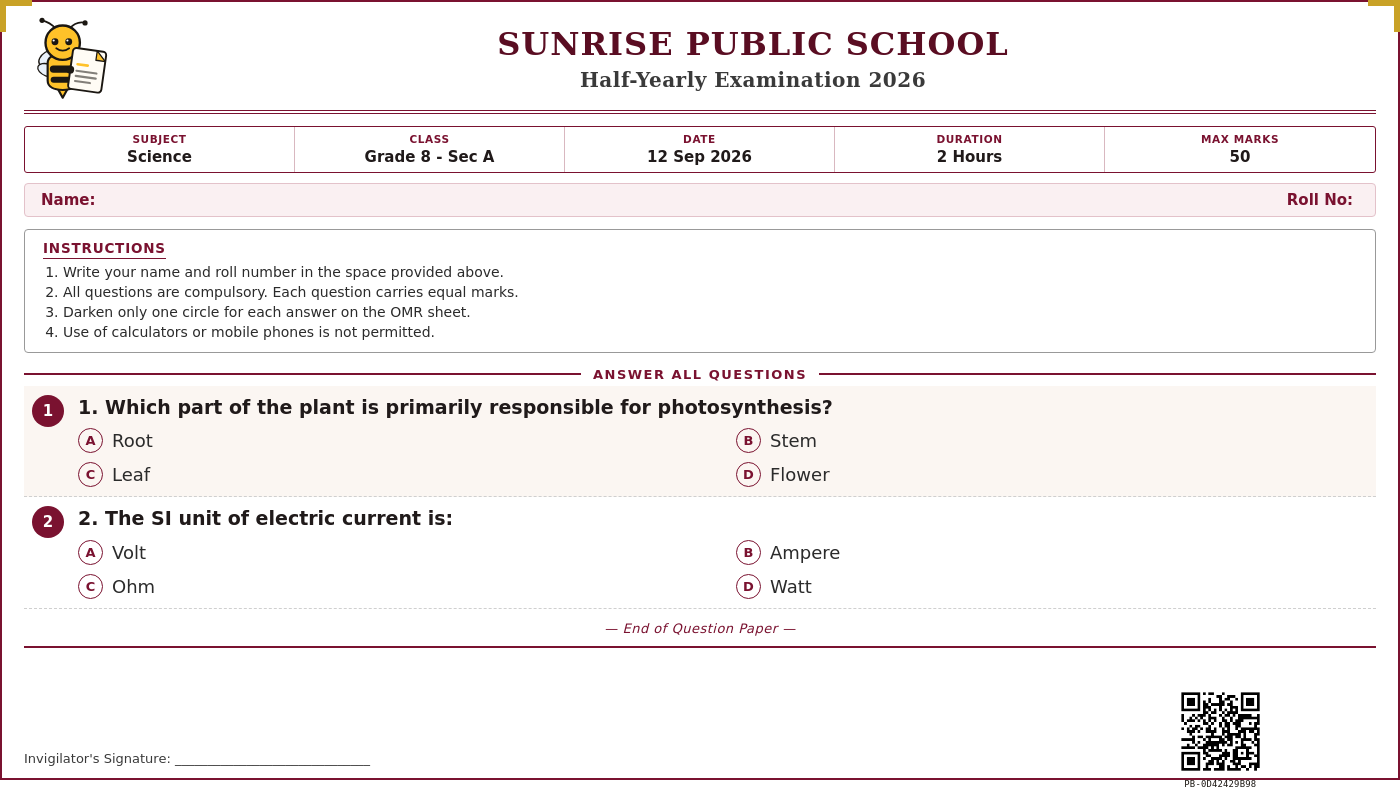 Free to try
12th Standard Question Paper
Preview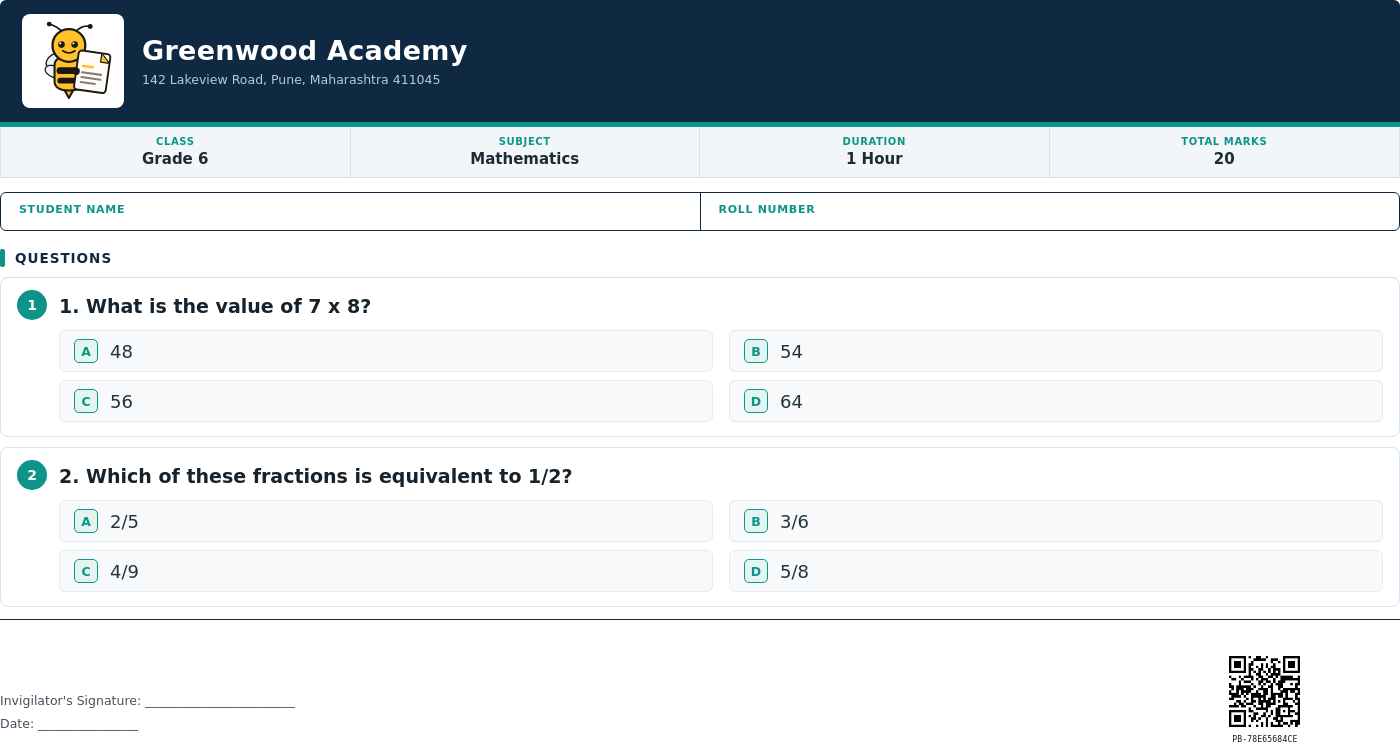 Free to try
5th Standard Question Paper
Preview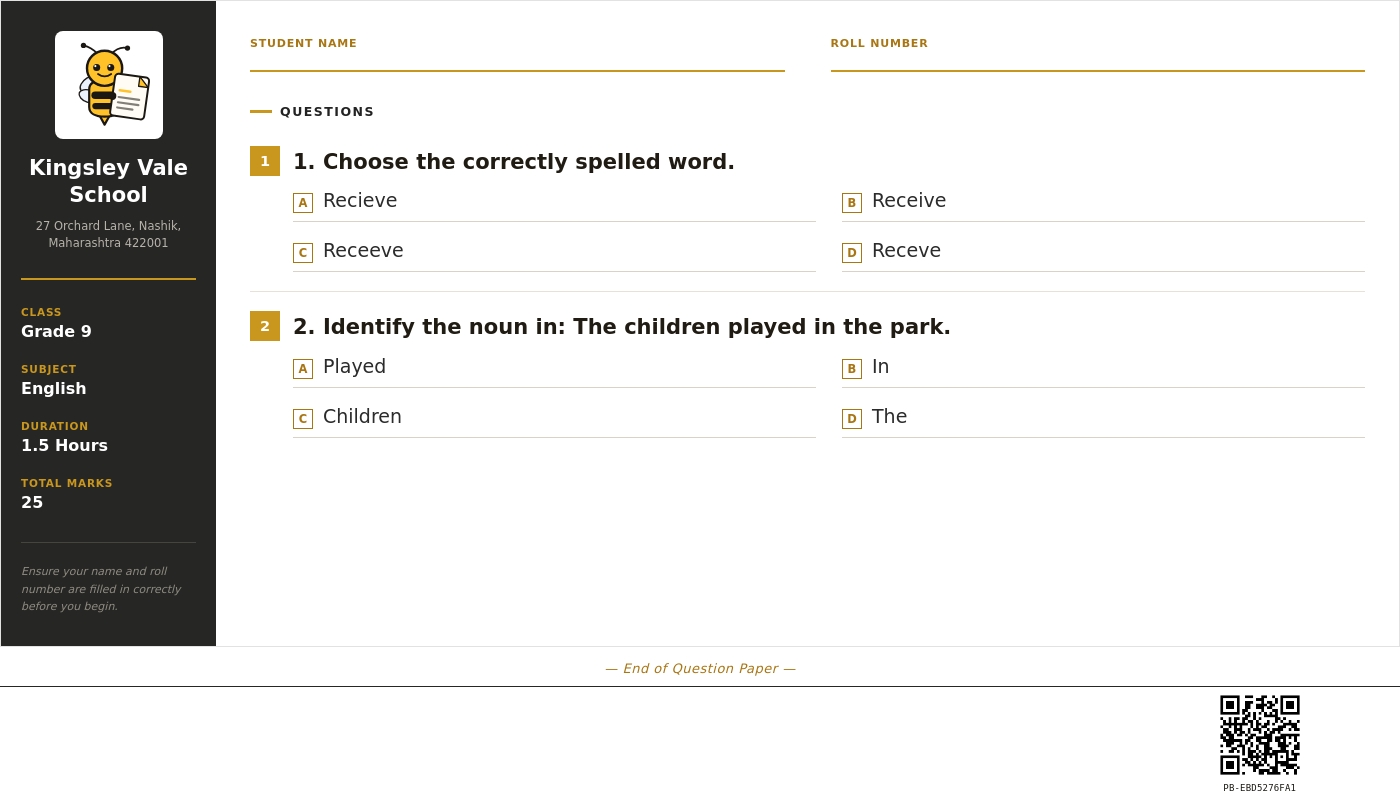 Free to try
6th Standard Question Paper
Preview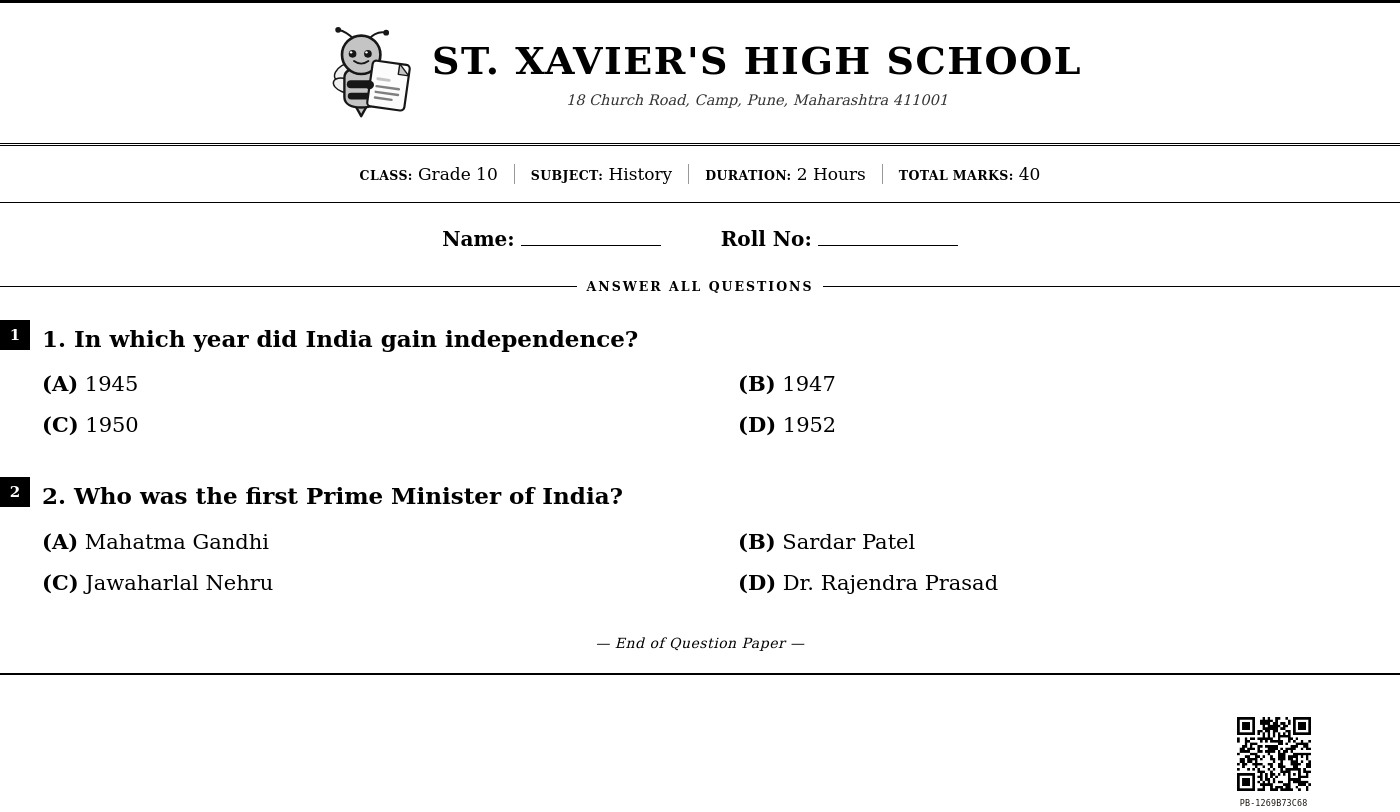 Free to try
7th Standard Question Paper
Preview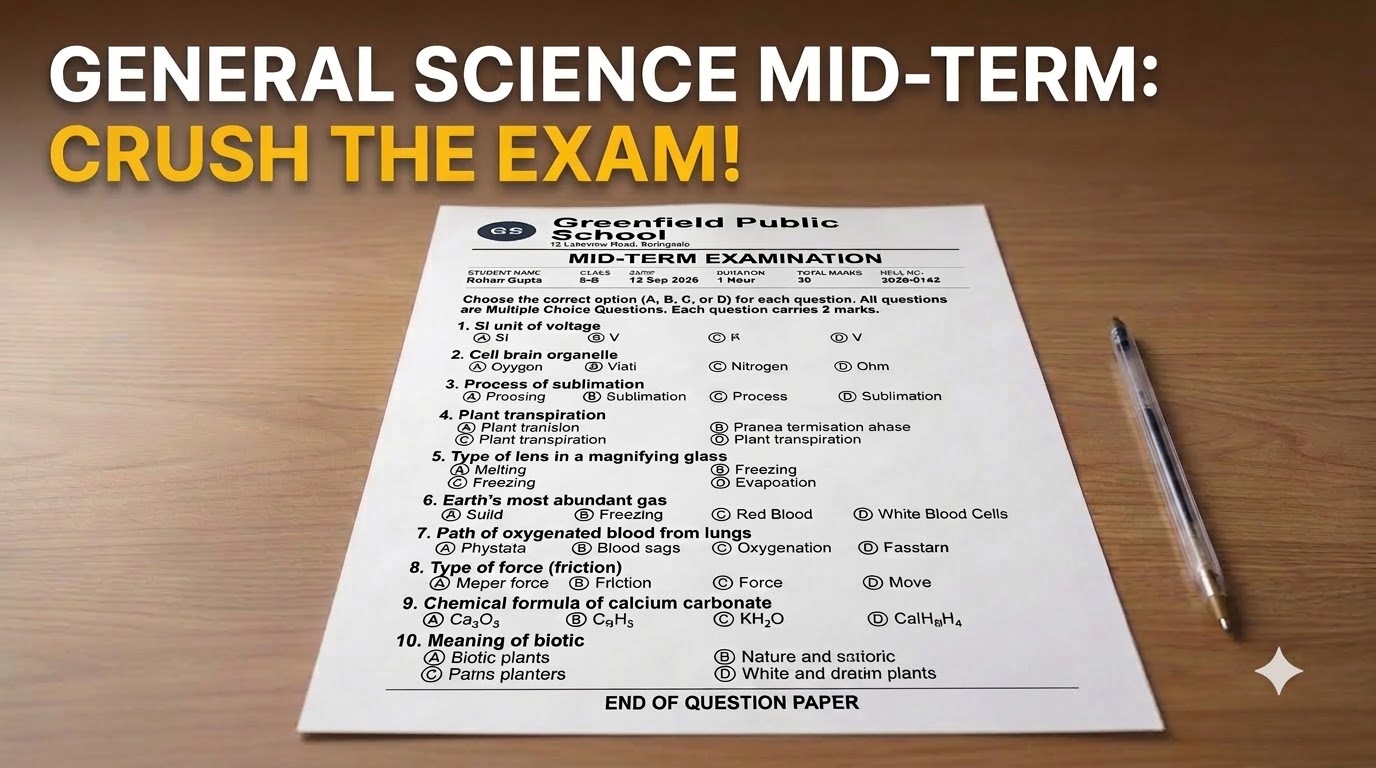 Free to try
8th Standard Question Paper
Preview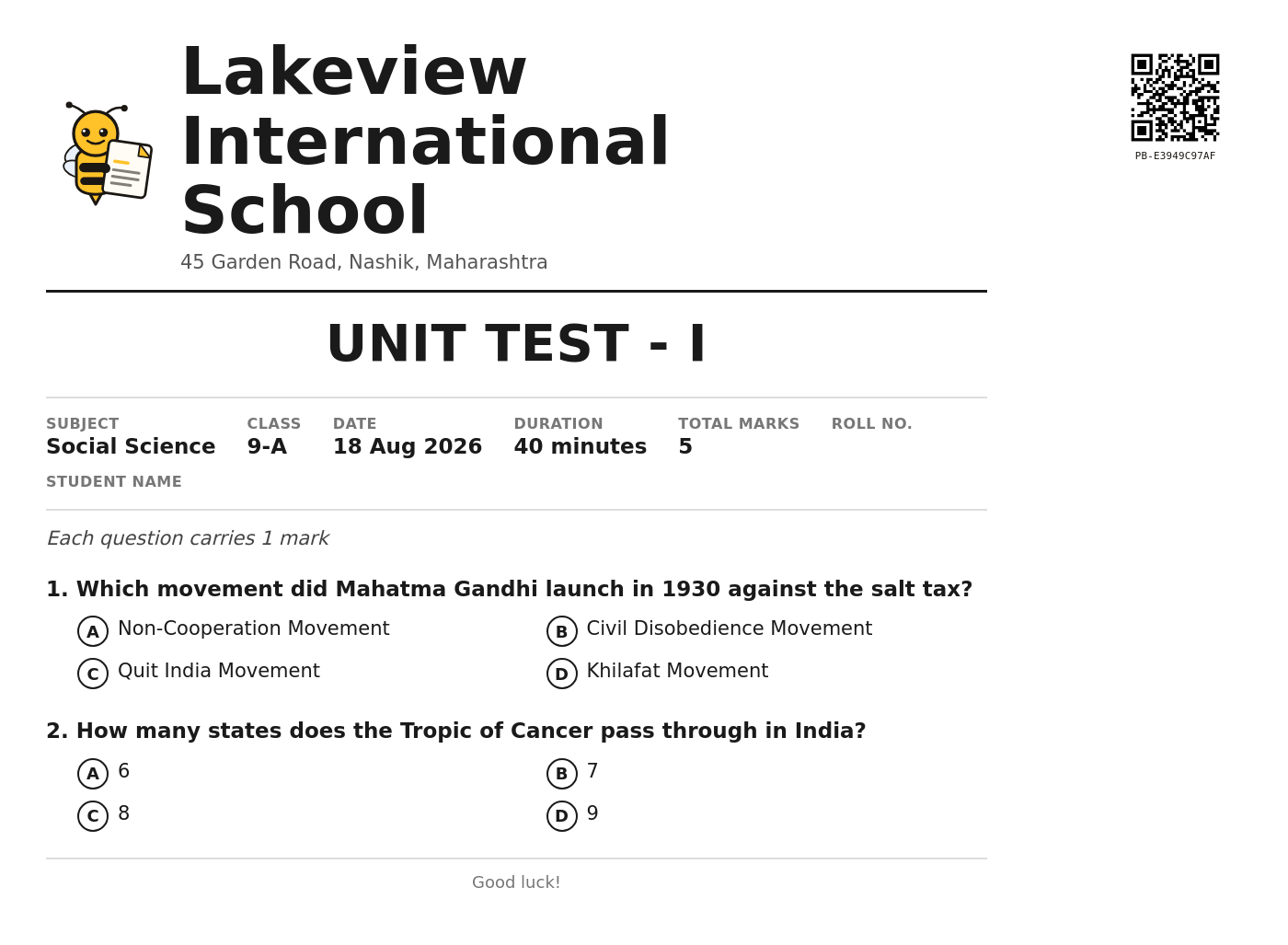 Free to try
9th Standard Question Paper
Preview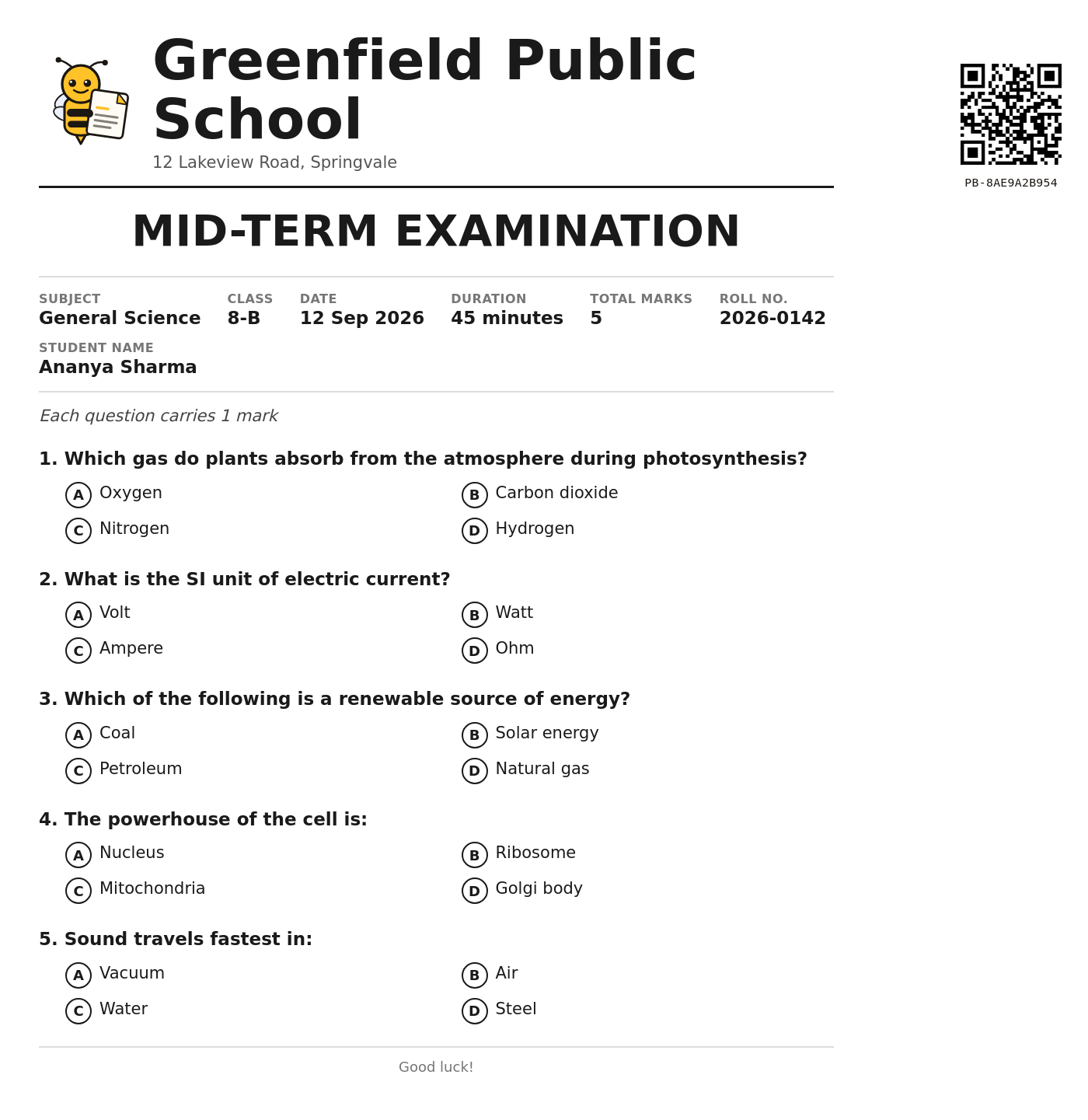 Free to try
Question Paper
Preview/ Why schools use PaperBee for question papers
Setting up a whole class's papers, without the manual work.
Building an MCQ question paper by hand — typing out questions in Word, numbering them correctly, laying out four options per question, leaving space for a name and roll number, then doing it all again for the next section or the next class — adds up to hours of repetitive formatting every exam cycle. PaperBee's question paper generator handles the layout for you: pick a template built for the grade you're testing, type in your questions and options, and the paper formats itself correctly every time.
Templates are available across 5th through 12th standard, in formats that match CBSE, ICSE, and state-board-style papers — a short, four-question layout for a quick class test in the middle grades, and longer, board-pattern papers with up to ten questions for exam-year practice in 9th, 10th, and 12th. Every template includes your school's own logo, name, and address, so a generated paper looks like it came from your school's own letterhead, not a generic worksheet.
Because PaperBee is built around bulk generation, one question paper template can produce a whole class's exam in a single pass. Upload a spreadsheet with your exam details, questions, and — if you want individually traceable copies — a class list of student names and roll numbers, and PaperBee fills out one paper per student automatically. Prefer a single shared paper to photocopy for the room instead? Leave the student list out and generate just one. Either way, every real paper you generate is sealed with its own scannable QR code, so a paper's authenticity can be checked in seconds — genuinely useful for schools that have dealt with leaked or tampered question papers before.
None of this needs design software or IT help. Everything happens in the browser: try the live demo above with no account at all, and when you're ready for the real thing, sign up free and generate your first batch straight from the Excel sheet you already use to track your class.
/ Built for exam day
More than a one-off question paper maker.
Every grade, one platform
From 5th standard foundational tests to 12th standard board-pattern papers, pick a template built for the right question count and format — no starting from a blank document.
MCQ-ready, no formatting hassle
Question numbering, four-option layout, and answer spacing are already handled. Type in your questions and options, and the paper lays itself out correctly every time.
One paper per student, or one for the whole class
Generate a personalized, individually QR-verified copy for every student from a class list, or a single shared paper — your call, upload by upload.
Bulk by default
Upload one Excel sheet with your exam details and questions, and PaperBee builds every student's paper in one batch — no repetitive copy-pasting.
/ How it works
From a quick preview to a full class set.
01
Try the demo
Type in a school name, subject, and a question above and watch the paper build itself — no account needed.
02
Sign up & fill in your exam
Create a free account, pick a template, and add your questions, exam details, and (optionally) your class list.
03
Generate & download
PaperBee fills every paper automatically and seals each one with its own QR verification code.
/ FAQ
Questions people actually ask.
Is this question paper generator actually free?+
The demo above is completely free with no signup — try as many questions and designs as you like. Creating an account is free too, and includes a monthly allowance of real, downloadable question papers.
What grades and boards does this support?+
Templates are available for 5th through 12th standard, formatted for CBSE, ICSE, and state-board-style MCQ papers. Pick the grade closest to what you teach — every template's question count and layout is tuned for that level.
Can I create a question paper for just one class, without a student list?+
Yes. Leave the student fields blank when generating and PaperBee produces a single shared paper for the whole class — no roll list required. Add a student list only if you want a personalized copy per student.
Can each student get their own personalized, QR-verified copy?+
Yes. Upload a class list (name and roll number, one row per student) and PaperBee generates one paper per student automatically, each with a unique QR verification code — useful for exams where you want every copy individually traceable.
How many questions can one paper have?+
It depends on the template — some are fixed at 4 questions for a quick class test, others support up to 10 for a longer periodic exam. Any question left blank is simply omitted from the printed paper, so you're never forced to fill every slot.
Do I need to install anything?+
No. Everything runs in your browser, including the demo above — no software to install, no design tool to learn.
Can I use my own school logo and branding?+
Yes. Once you create an account, your school's logo, name, and address are saved and carry across every question paper you generate.
What file do I get at the end?+
A print-ready PDF, sized correctly for printing and photocopying.
Looking for something else?
Certificate Generator →
Award, sports, and achievement certificates for your students — same bulk-upload, QR-verified workflow.
ID Card Generator →
Student and staff ID cards, photo included — same bulk-upload, QR-verified workflow.
Hall Ticket & Admit Card Maker →
Exam schedule, seat number, and photo merged into a hall ticket for every student. In production.
Stop building documents by hand.
Join schools and institutes already generating theirs with PaperBee.
Get started free