Free online ID card generator
Design a student or staff ID card, see it instantly. No signup.
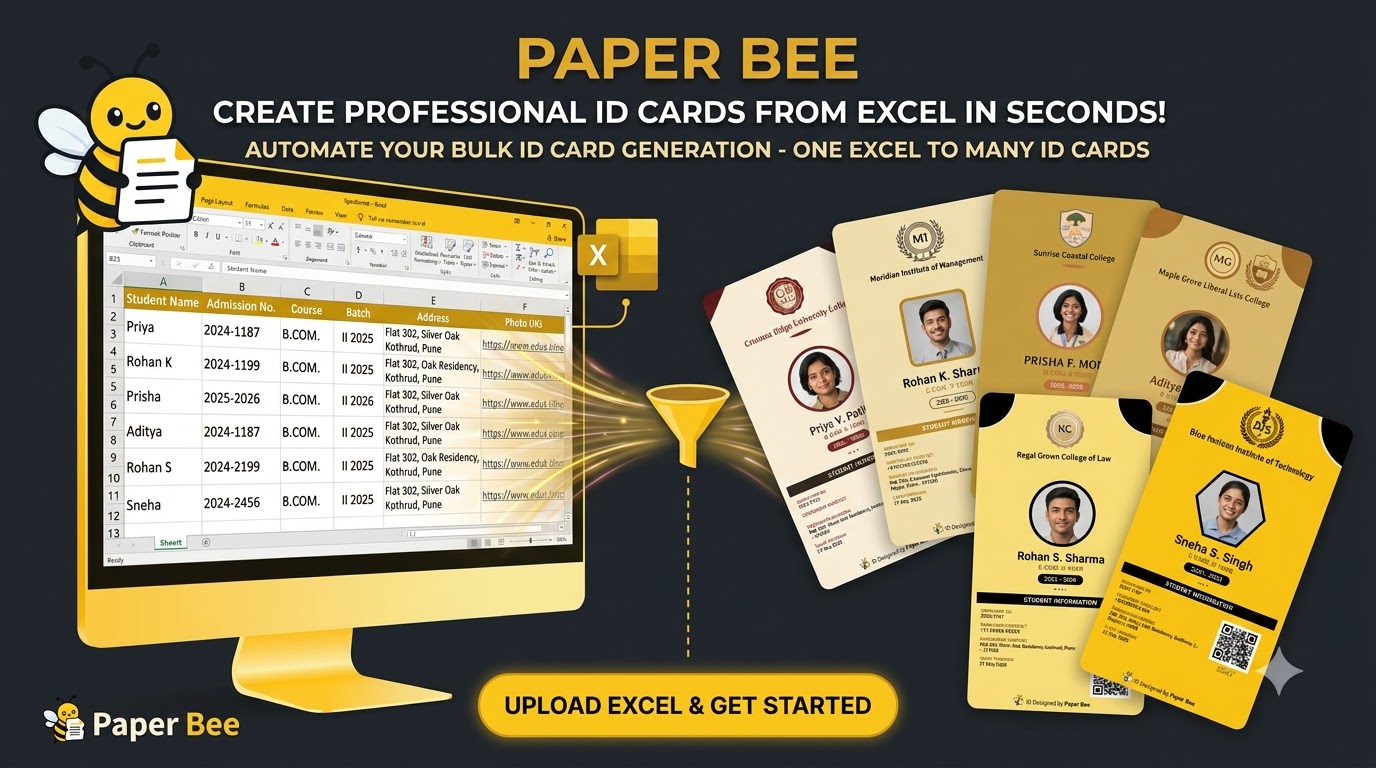
Try the live editor below — type in a name, add a photo, watch the card build itself. Like what you see? Create a free account and generate ID cards for your whole batch from a spreadsheet, each one sealed with its own QR verification code.
No login for the demoQR-verified when you generate for realBulk from one Excel file
 Free to try
 Free to try
 Free to try
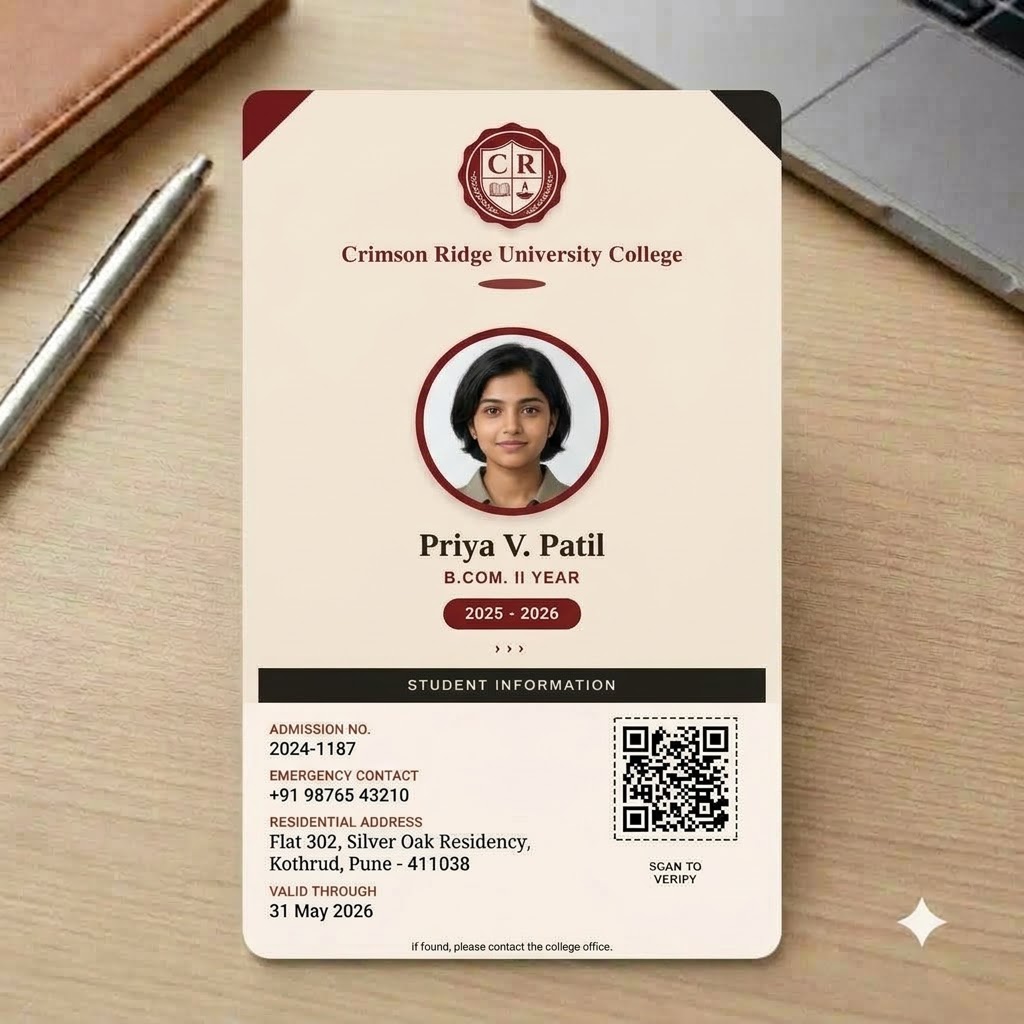 Free to try
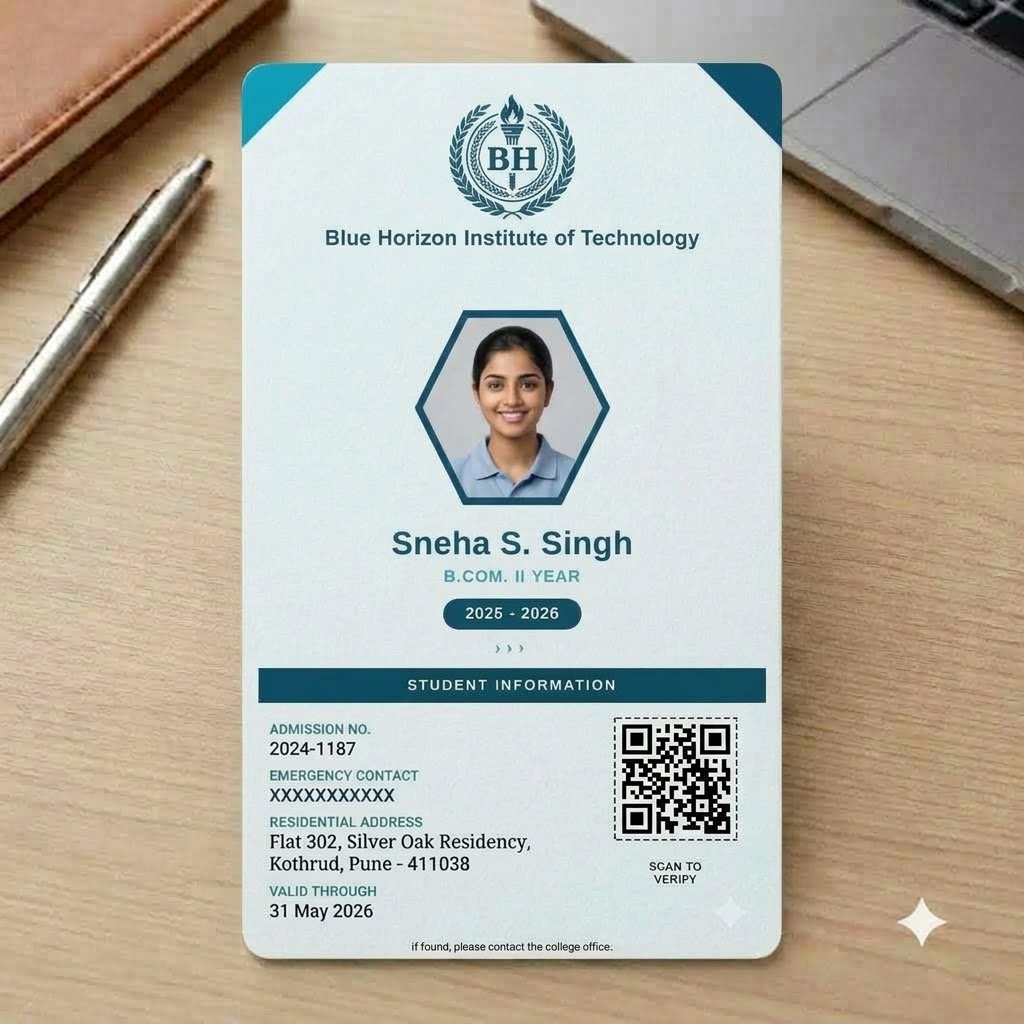 Free to try
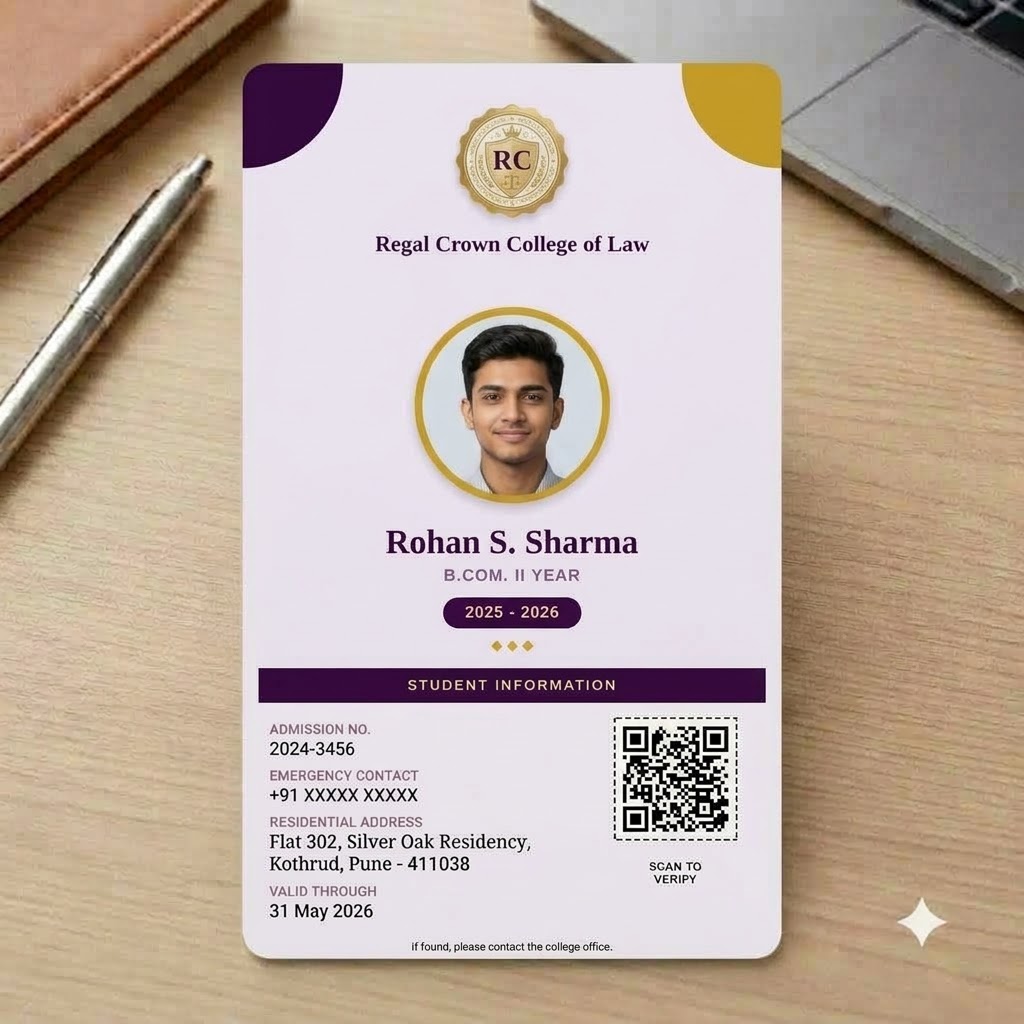 Free to try
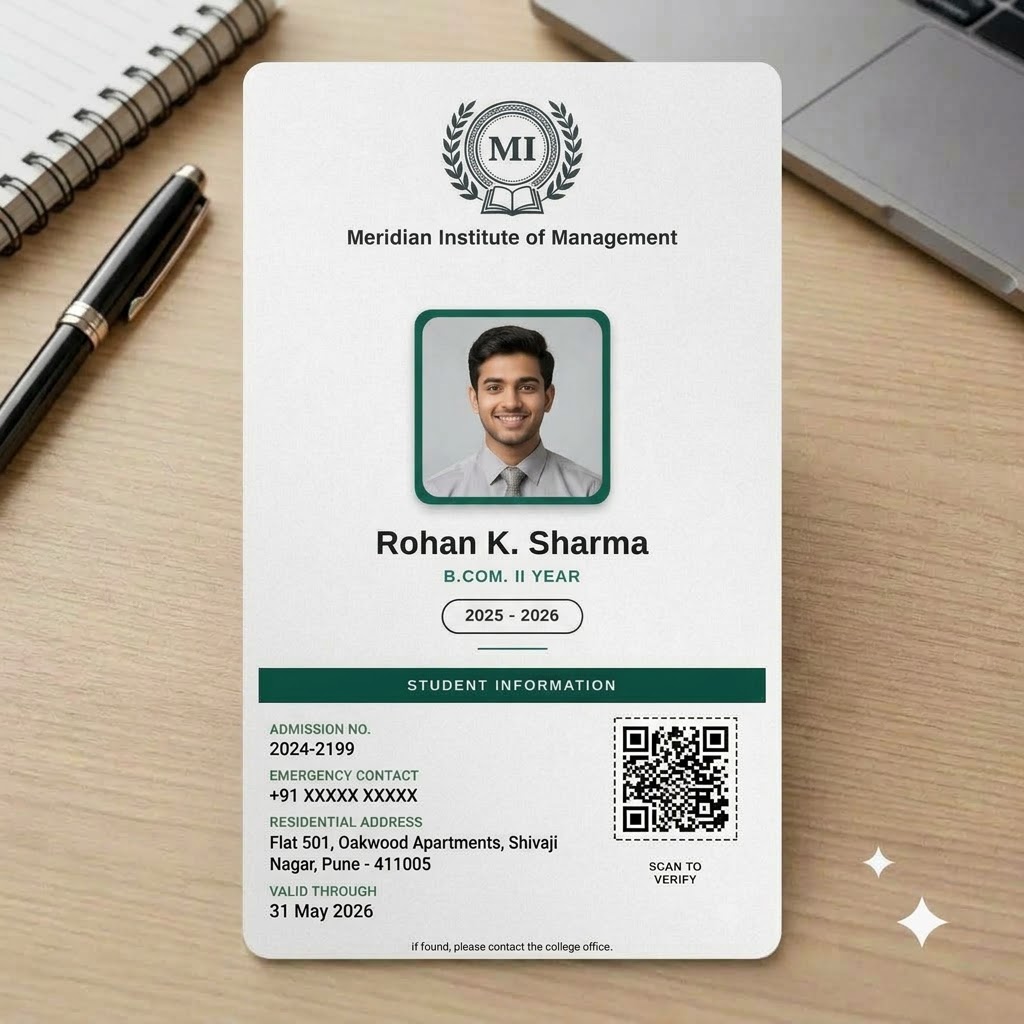 Free to try
 Free to try
 Free to try
 Free to try
 Free to try
 Free to try
 Free to try
 Free to try
 Free to try
 Free to try
 Free to try
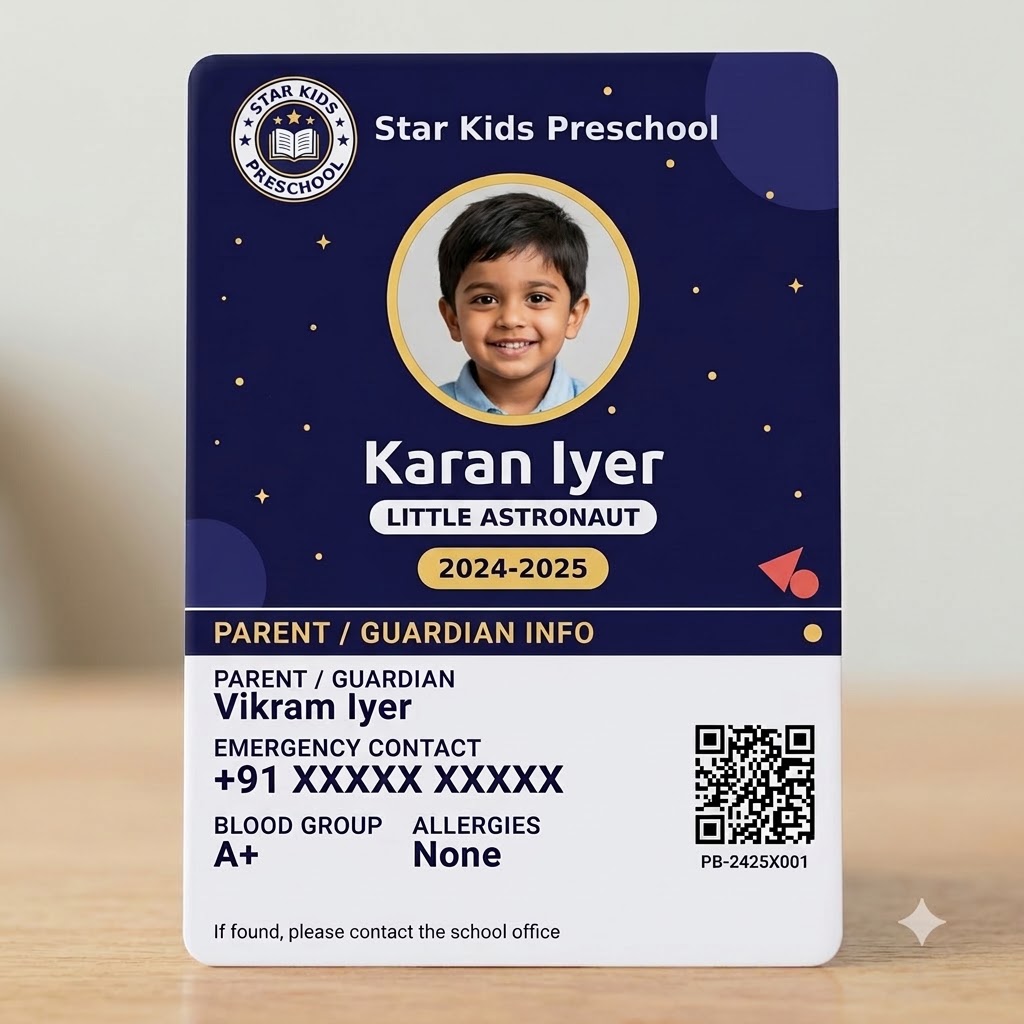 Free to try
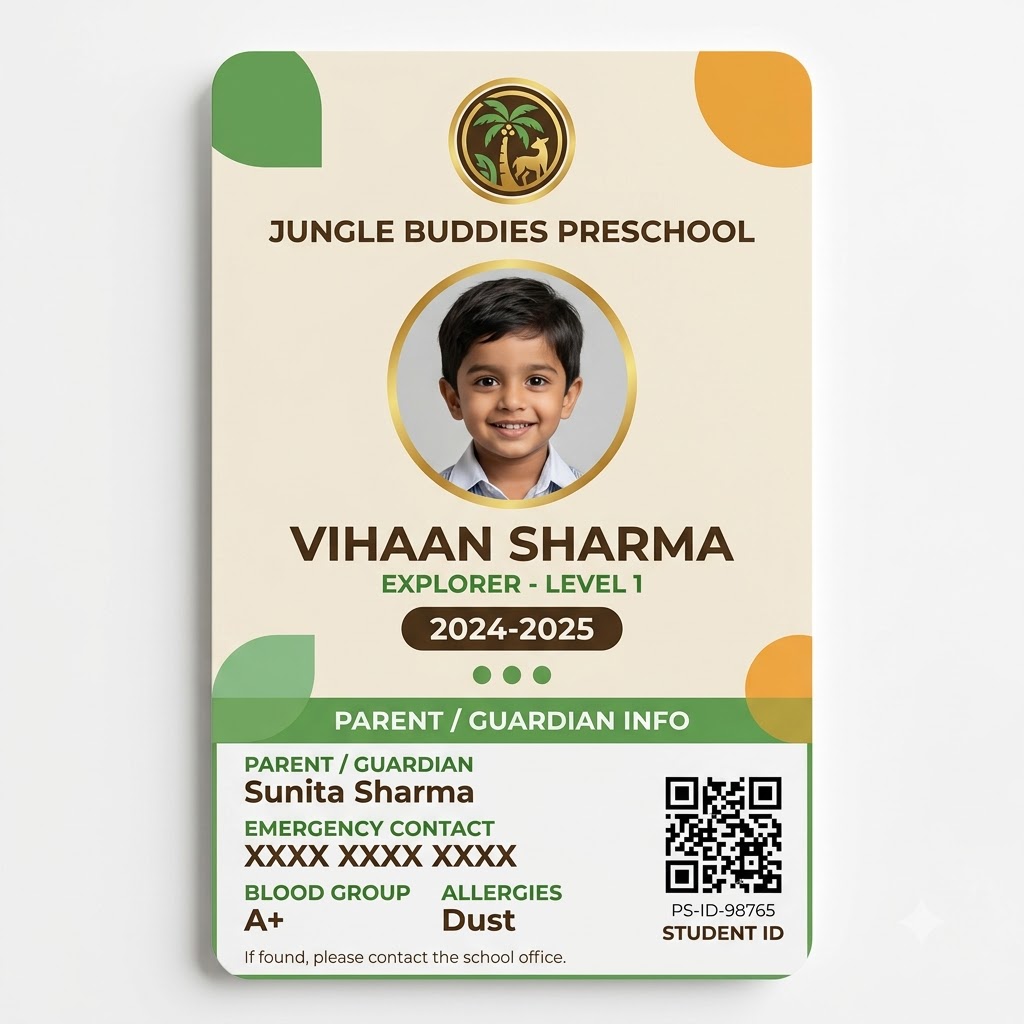 Free to try
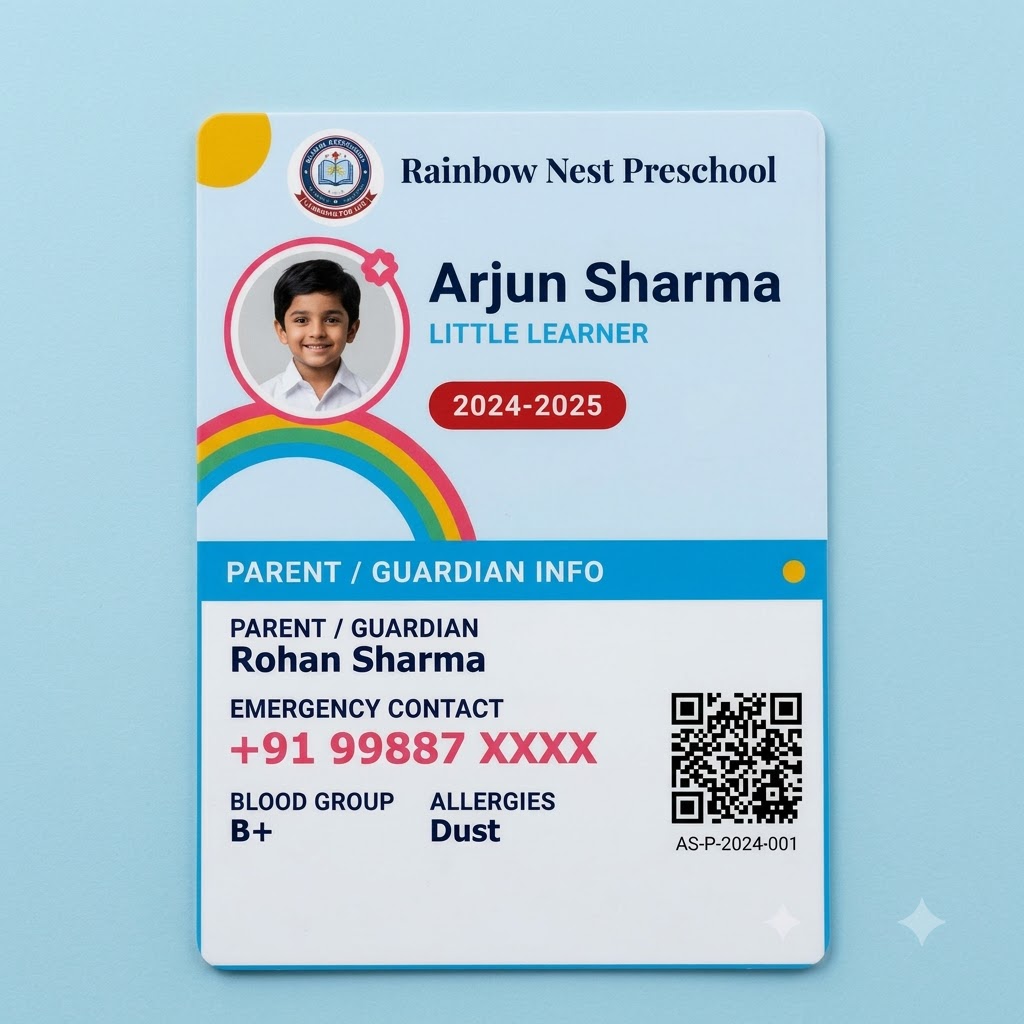 Free to try
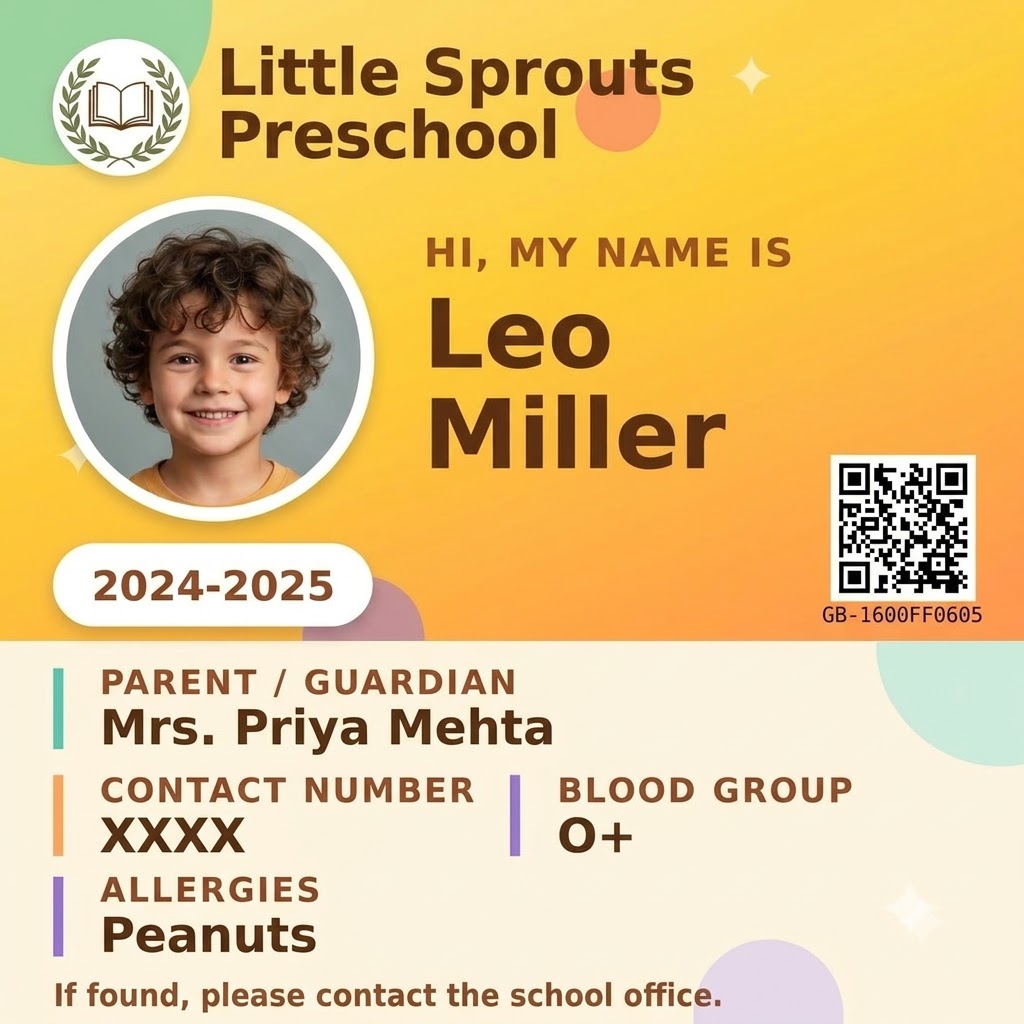 Free to try
 Free to try
 Free to try
/ ID card maker, explained
A free school ID card maker built for bulk, not one at a time.
Search "ID card maker" and most results are generic design tools - drag-and-drop editors built for making one card, then trusting you to somehow repeat the process for every other student or employee by hand. PaperBee is a school ID card maker built around the opposite assumption: you already have a list. Upload it once as an Excel sheet - one row per person - and every ID card comes out formatted, photo included, without opening a design tool at all.
That's also what makes this a genuinely free school ID card maker online, not a freemium trial with a watermark. The live demo above needs no signup, no credit card, and no time limit - design and preview as many cards as you like. A free account adds a real, QR-verified, downloadable monthly allowance on top, and the same account is what unlocks bulk generation from a spreadsheet for your whole batch at once.
ID cards for students, from one spreadsheet
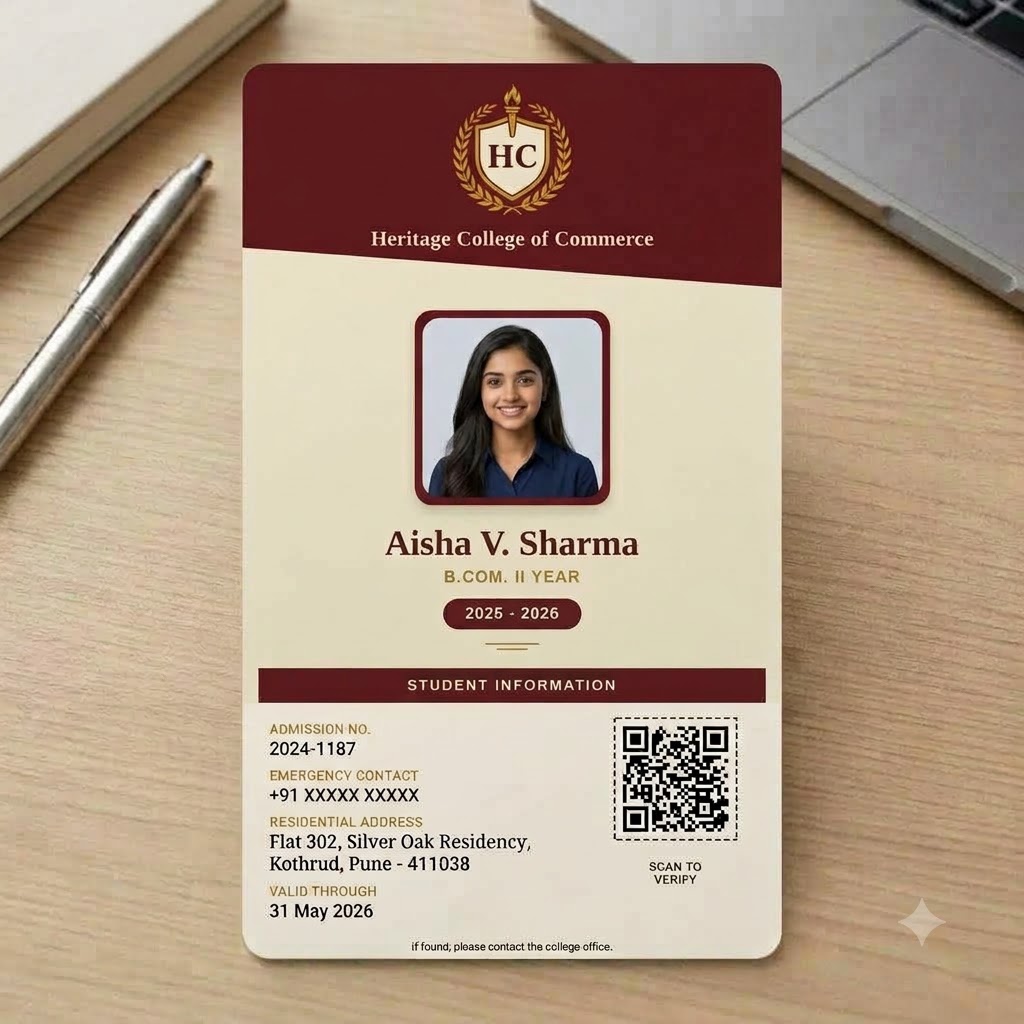
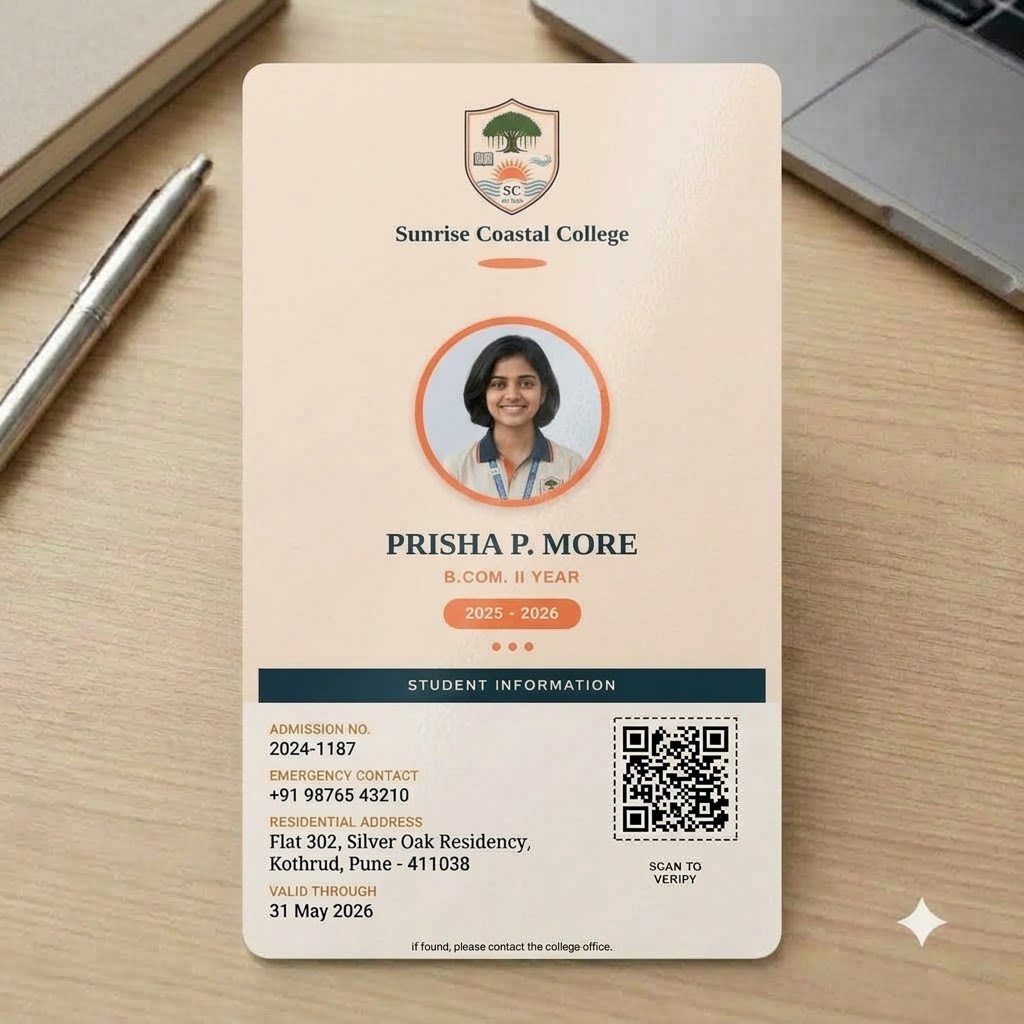
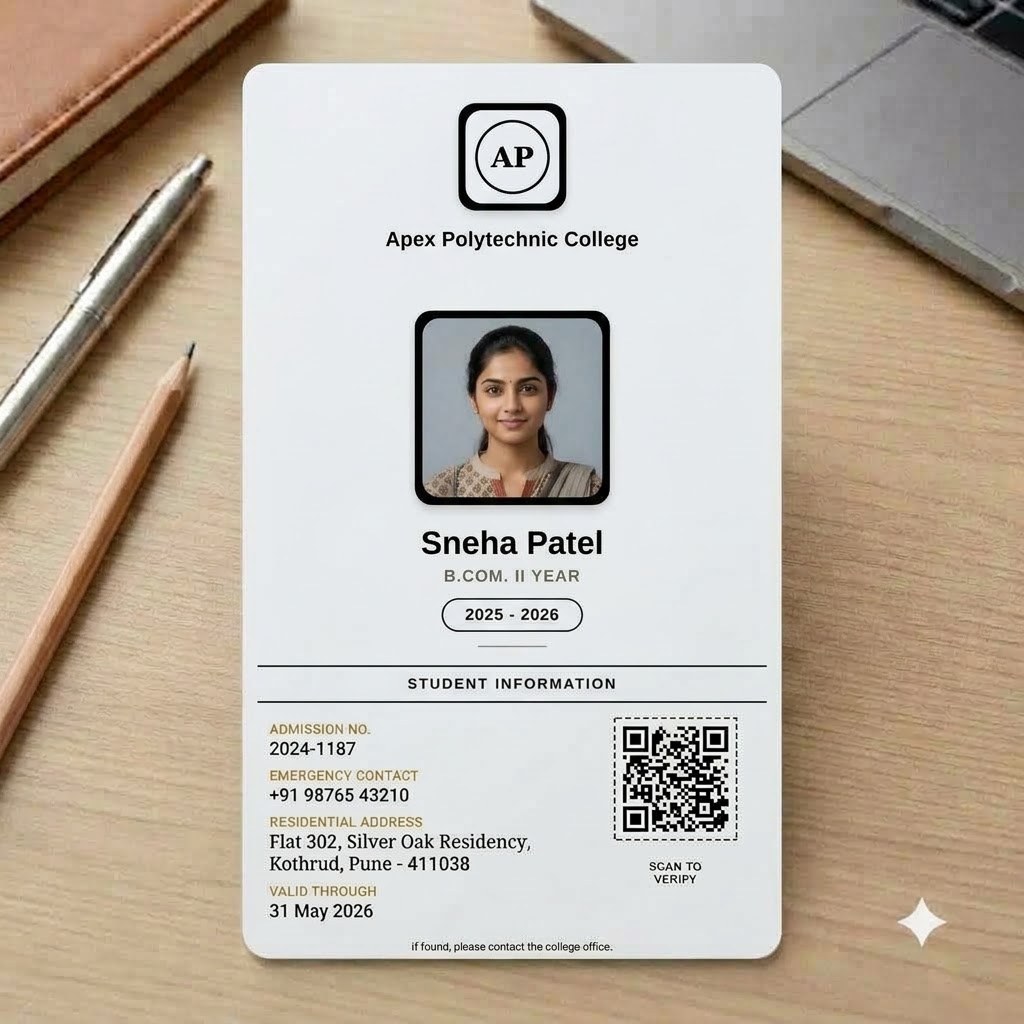
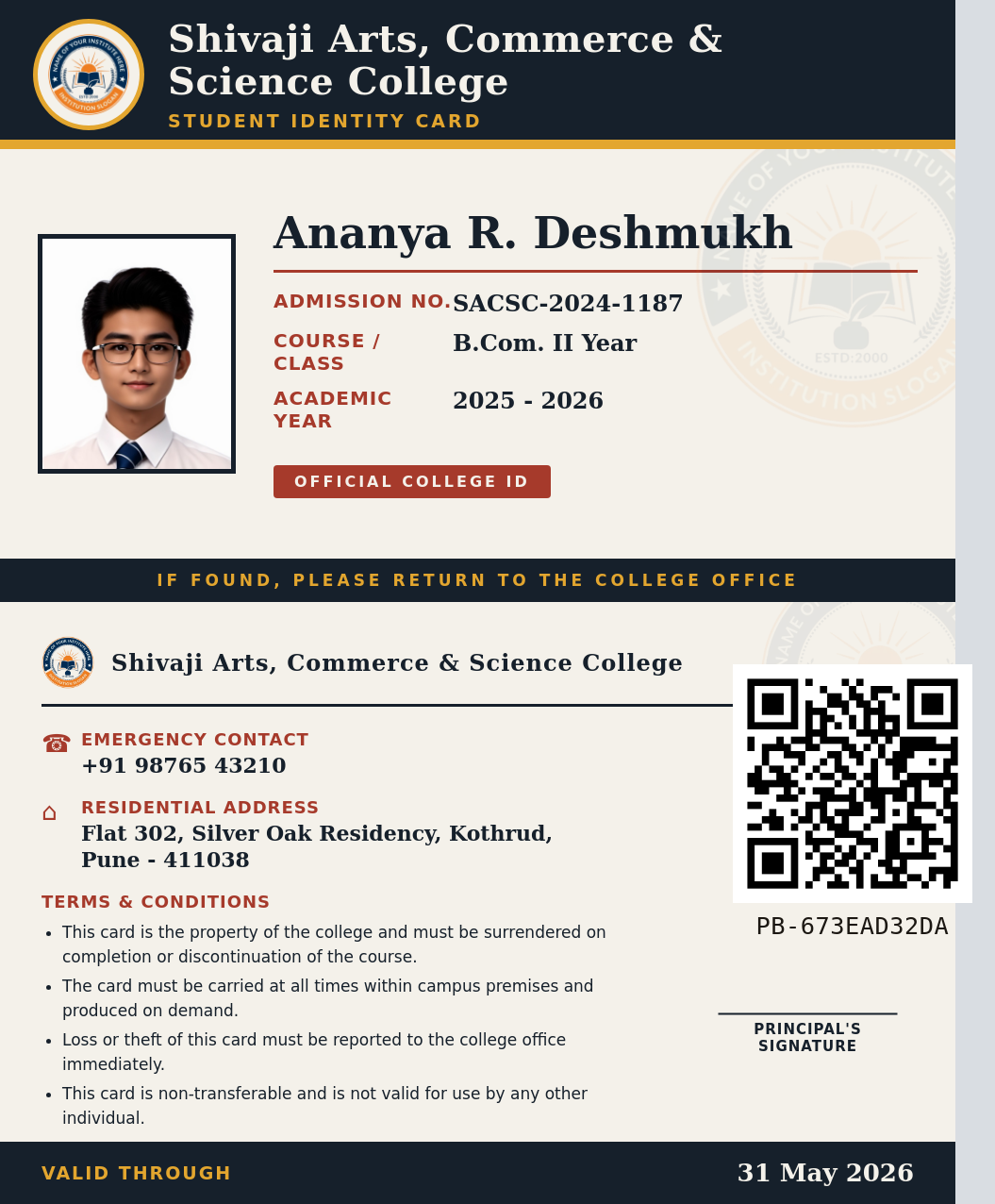
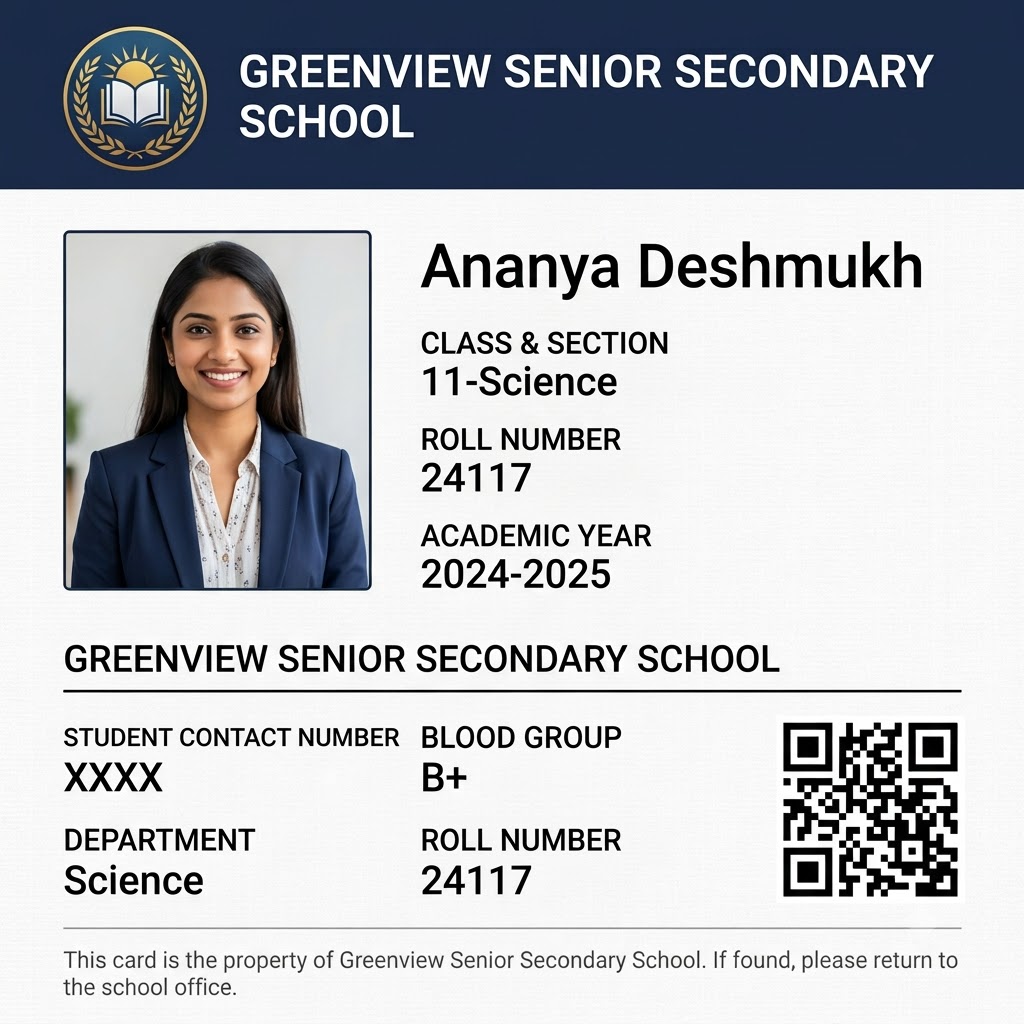
An ID card for students needs to carry a specific, fairly standard set of facts: name, class or grade, a roll or admission number, a photo, and usually a parent or emergency contact number. Typing that out one card at a time for an entire class - let alone an entire school - is exactly the kind of repetitive task PaperBee exists to remove. Every column in your spreadsheet maps to a field on the card, including a dedicated photo column, so generating ID cards for students works the same whether you're making five or five hundred.
Each generated card also carries its own QR verification code automatically - useful for a student ID specifically, since it means a lost card, or one presented at a gate or exam hall, can be checked as genuine in seconds without a phone call to the office.
What format should a student ID card be?
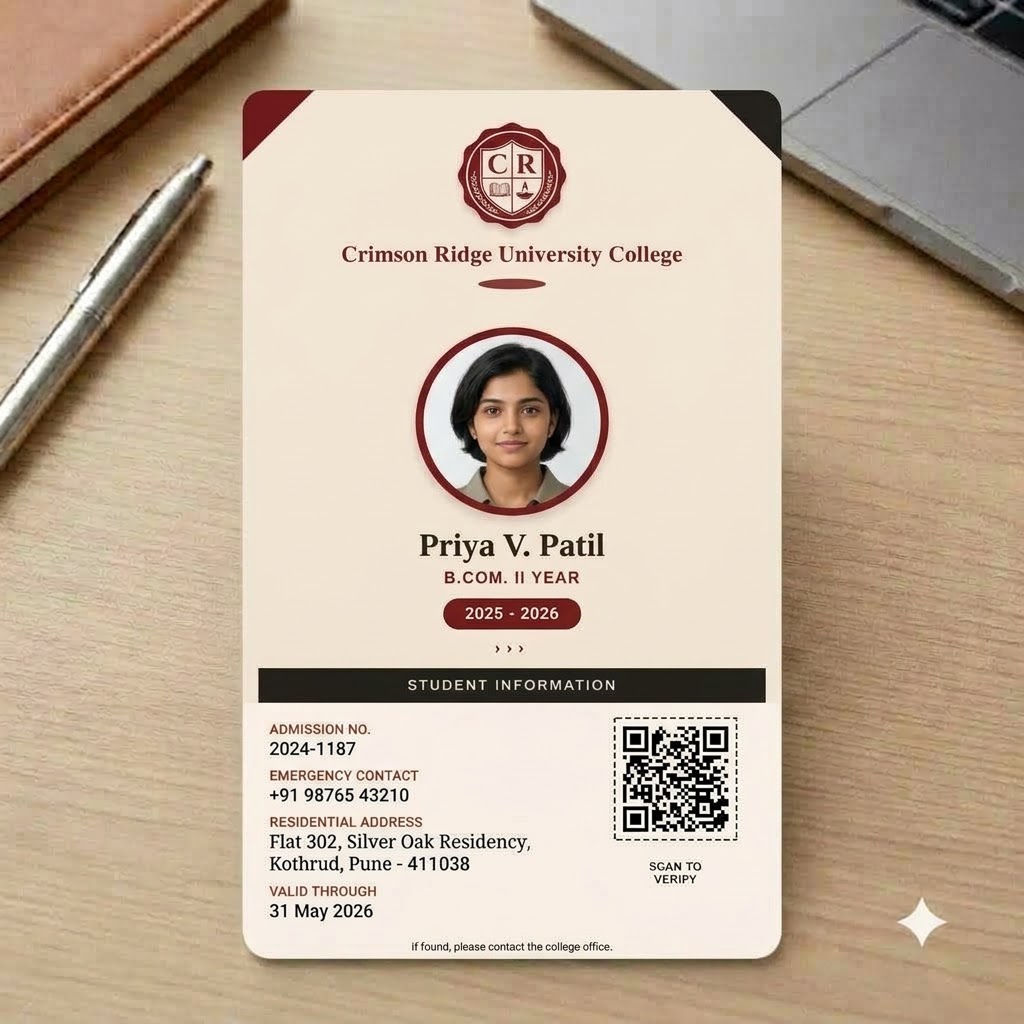
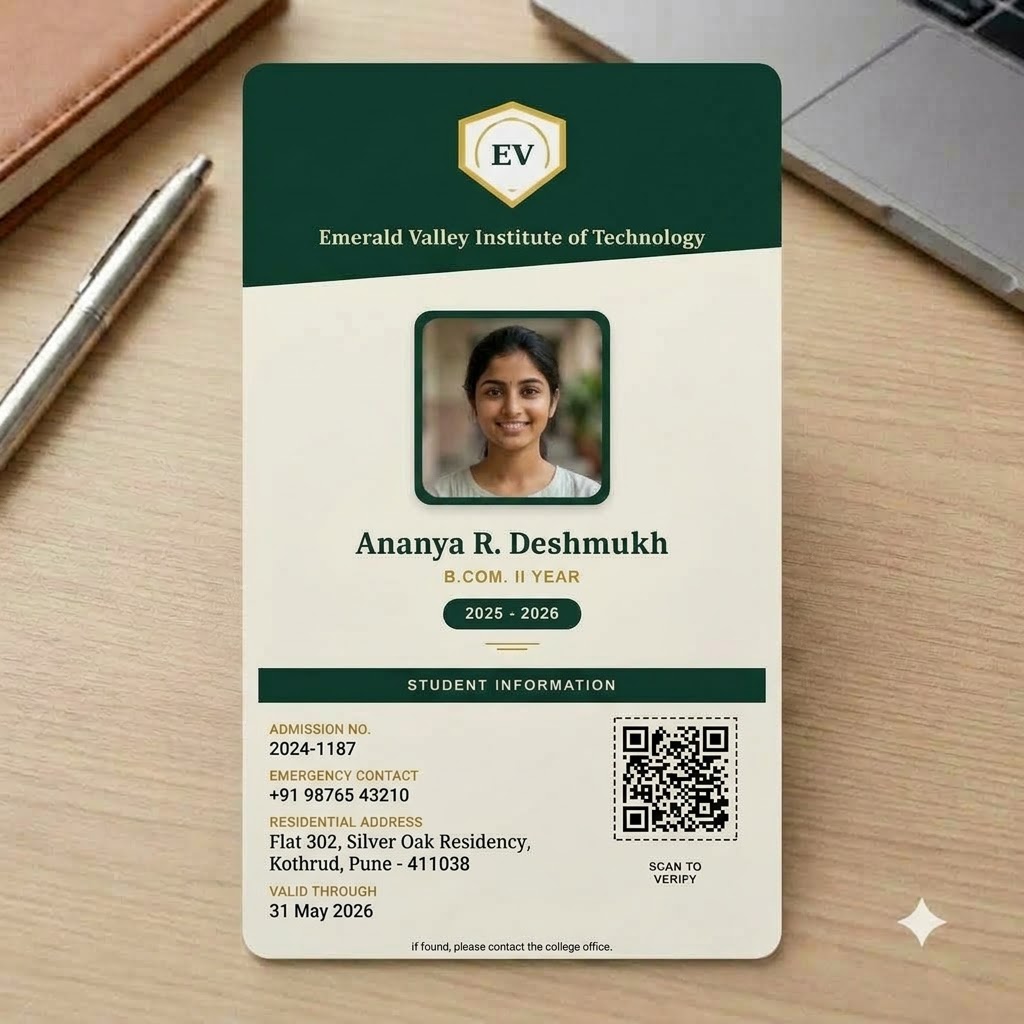
Almost every student ID card follows the same real-world format: CR80, the same card size used for credit cards and most access badges - 85.6mm × 54mm (about 3.375in × 2.125in), typically printed landscape. That's not an arbitrary choice; it's what fits a standard card printer, a plastic laminate pouch, and a lanyard clip without trimming. Every PaperBee ID card template, including the free designs on this page, is built to that exact format for this reason.
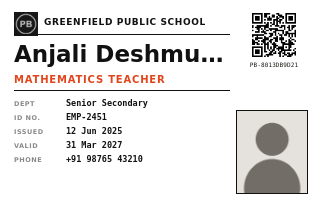
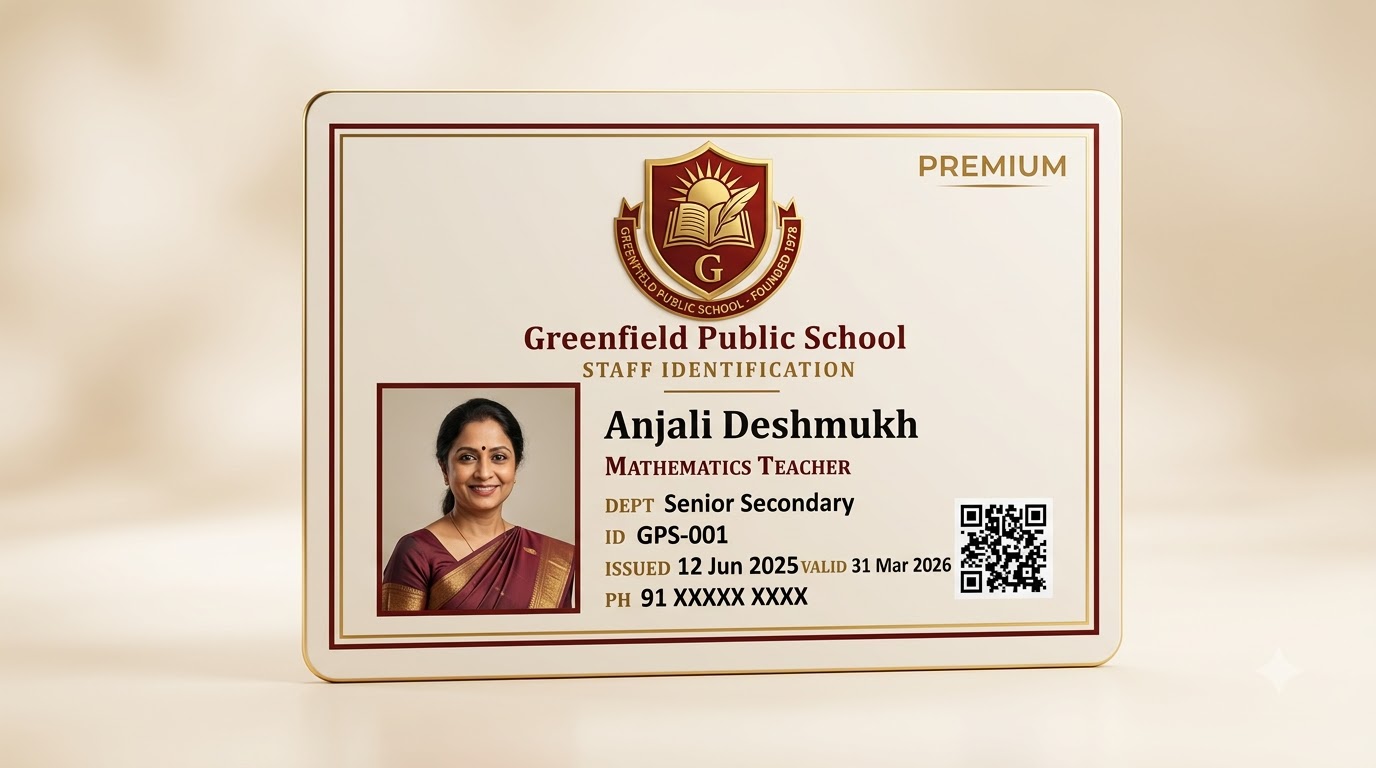
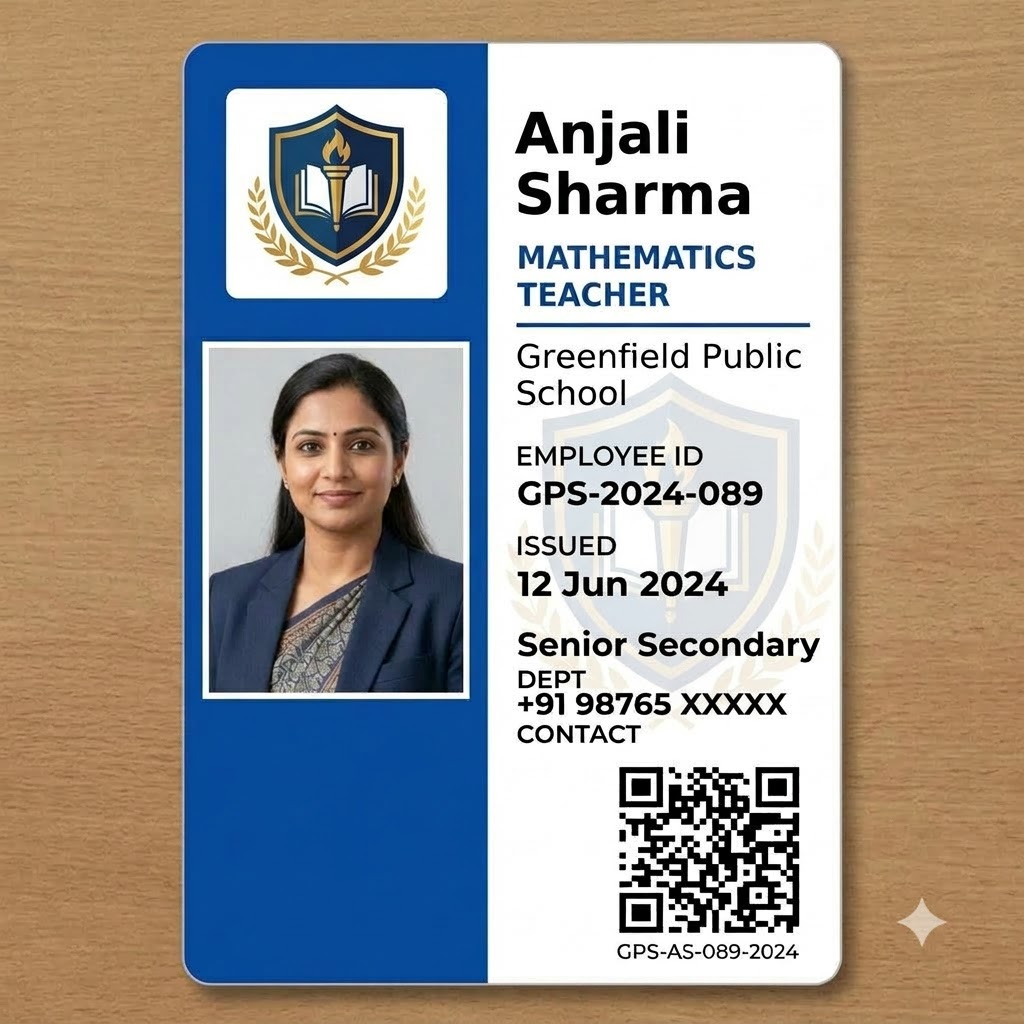
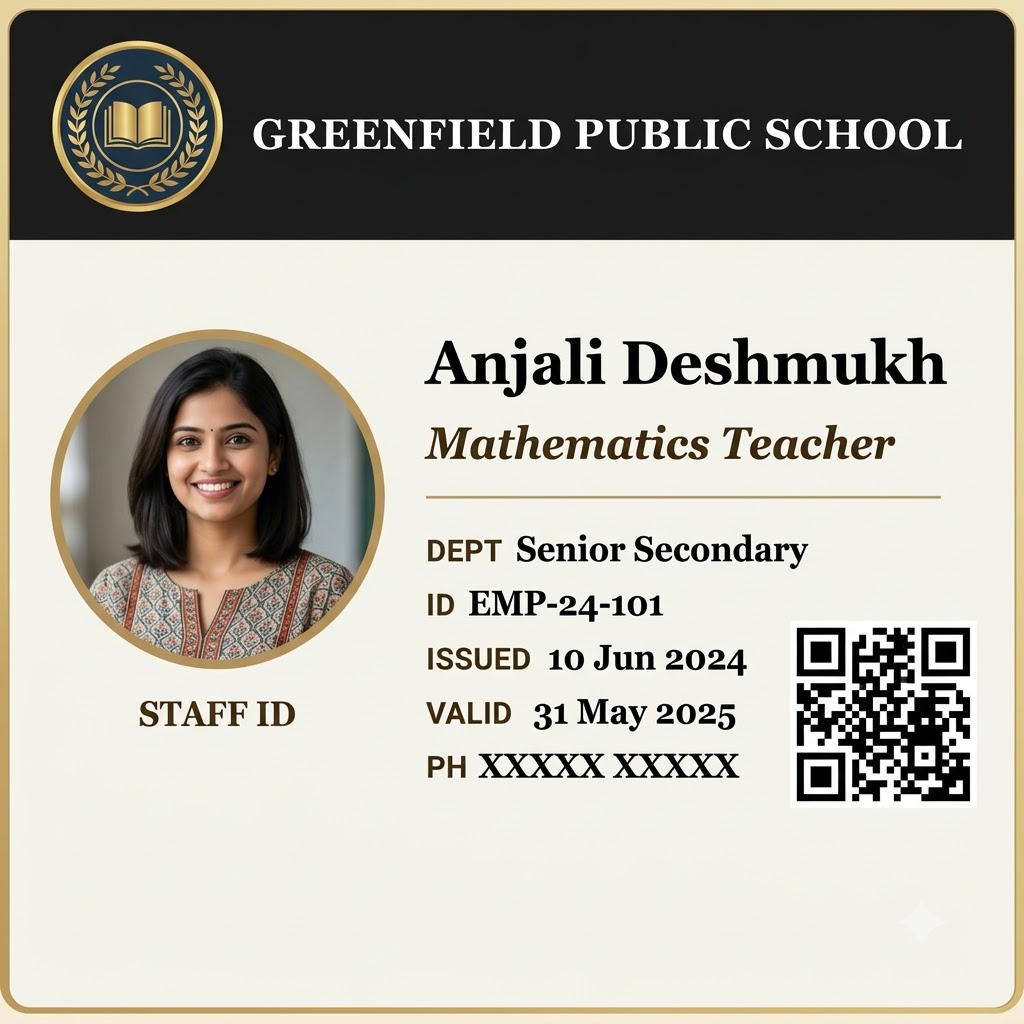
Beyond size, a well-formatted student ID card usually has a clear front/back split: the front carries the photo, name, and the details someone glances at first (class, section, roll number); the back carries secondary information - parent contact, blood group, an emergency note - plus the QR verification code. Fields marked optional (like blood group or a validity date) are simply left off the printed card when blank, rather than showing an empty line, which is a small but common design format mistake worth avoiding.
Beyond schools: an ID card maker for any organization
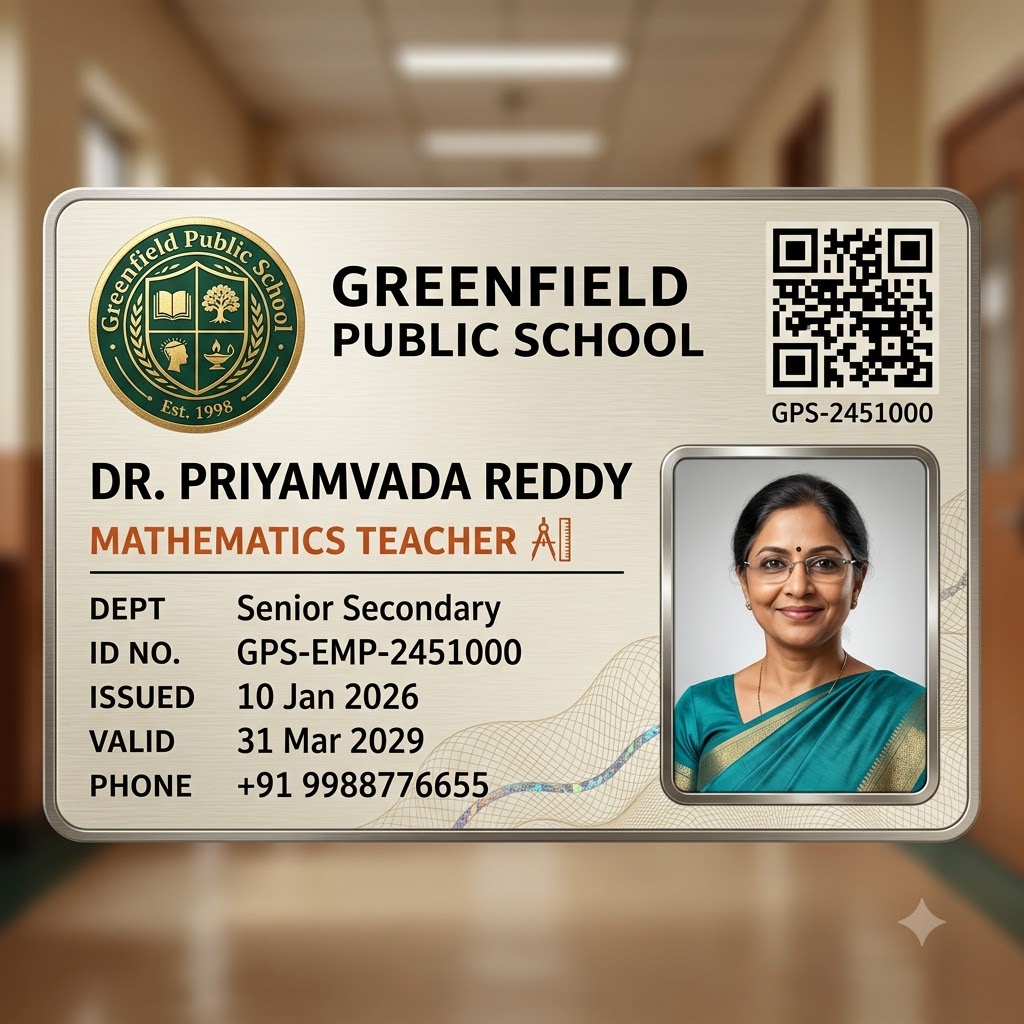
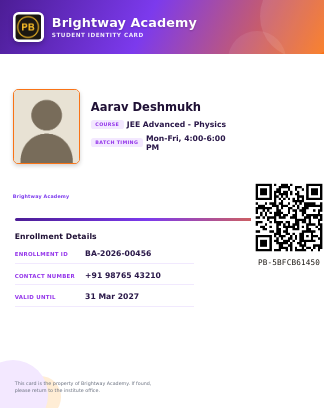
The same underlying tool works well past the classroom. Coaching institutes use it for enrollment ID cards; offices use it to issue an ID card for every employee - designation, department, and employee ID standing in for class and roll number. If you're after an office ID card format rather than a student one, the Staff ID Card templates above are built specifically for that: teachers, administrators, and any employee, with the same CR80 format, bulk-from-Excel workflow, and QR verification.
Who uses PaperBee's ID card maker?
Preschools generating a kid-friendly ID card template for every new admission; primary and senior secondary schools issuing student IDs at the start of each academic year; coaching institutes onboarding a new batch; and offices that just need a clean, consistent employee ID card without hiring a designer for it. The templates differ - bright and playful for a preschool ID card design, formal for a staff ID - but the underlying workflow is identical: one spreadsheet in, a finished batch of cards out.
/ Why PaperBee
More than a one-off ID card maker.
Bulk by default
One ID card is nice. A hundred from a single Excel upload — one per row, photo included, no repetitive copy-pasting — is what PaperBee is actually built for.
QR-verified, every time
Every ID card you generate for real carries a unique, scannable code. Anyone can check it's genuine — no phone calls, no guesswork.
No design software needed
Everything happens in the browser. Pick a template, fill in the details, download — no Photoshop, no Canva subscription.
Your own logo & branding
Upload your school or organization's logo once and it carries across every ID card you generate from then on.
/ How it works
From a quick preview to a full batch.
01
Try the demo
Type in a name and add a photo above and watch the card build itself — no account needed.
02
Sign up & upload your list
Create a free account, pick a template, and upload the Excel sheet you already keep — one row per person.
03
Generate & download
PaperBee fills every card automatically and seals each one with its own QR verification code.
/ FAQ
Questions people actually ask.
Is this ID card generator actually free?+
The demo above is completely free with no signup — try as many names, photos, and designs as you like. Creating an account is free too, and includes a monthly allowance of real, downloadable ID cards.
Do I need to install anything?+
No. Everything runs in your browser, including the demo above — no software to install, no design tool to learn.
Can I generate ID cards in bulk?+
Yes — that's the main way PaperBee is meant to be used. Upload an Excel sheet with one row per student or staff member and PaperBee fills out an ID card for every row automatically, photo included.
Can I add each person's photo?+
Yes. Every ID card template has a dedicated photo field — upload one image per person as part of a bulk batch, or add it directly when generating a single card.
Can I use my own school or organization logo?+
Yes. Once you create an account, your logo and organization name are saved and carry across every ID card you generate from then on.
What's the QR code for?+
Every ID card generated for real (not the demo above) gets a unique verification code, sealed into a QR code on the card. Anyone can scan it to confirm the card is genuine.
What file do I get, and what size is it?+
A print-ready PDF sized to standard CR80 card dimensions (85.6mm × 54mm) — the same size as a credit card — ready to laminate or send straight to a card printer.
Is there a school ID card maker that's actually free?+
Yes — the demo on this page is a genuinely free school ID card maker, no signup or credit card needed. A free account adds a monthly allowance of real, downloadable, QR-verified cards on top of that.
Does this work for office or employee ID cards too, not just schools?+
Yes. Alongside student templates, PaperBee has designs built for staff and employee ID cards — logo, photo, designation, department, and employee ID, laid out for an office rather than a classroom. See the Staff ID Card templates above.
Looking for something else?
Certificate Generator →
Award, sports, and achievement certificates for your students — same bulk-upload, QR-verified workflow.
Question Paper Generator →
Build MCQ question papers for any grade — 5th through 12th — with the same bulk-upload, QR-verified workflow.
Preschool Worksheets →
Tracing, matching, and counting worksheets for preschoolers. In production.
Stop building documents by hand.
Join schools and institutes already generating theirs with PaperBee.
Get started free