 3 designs
Award Achievement Certificate Maker
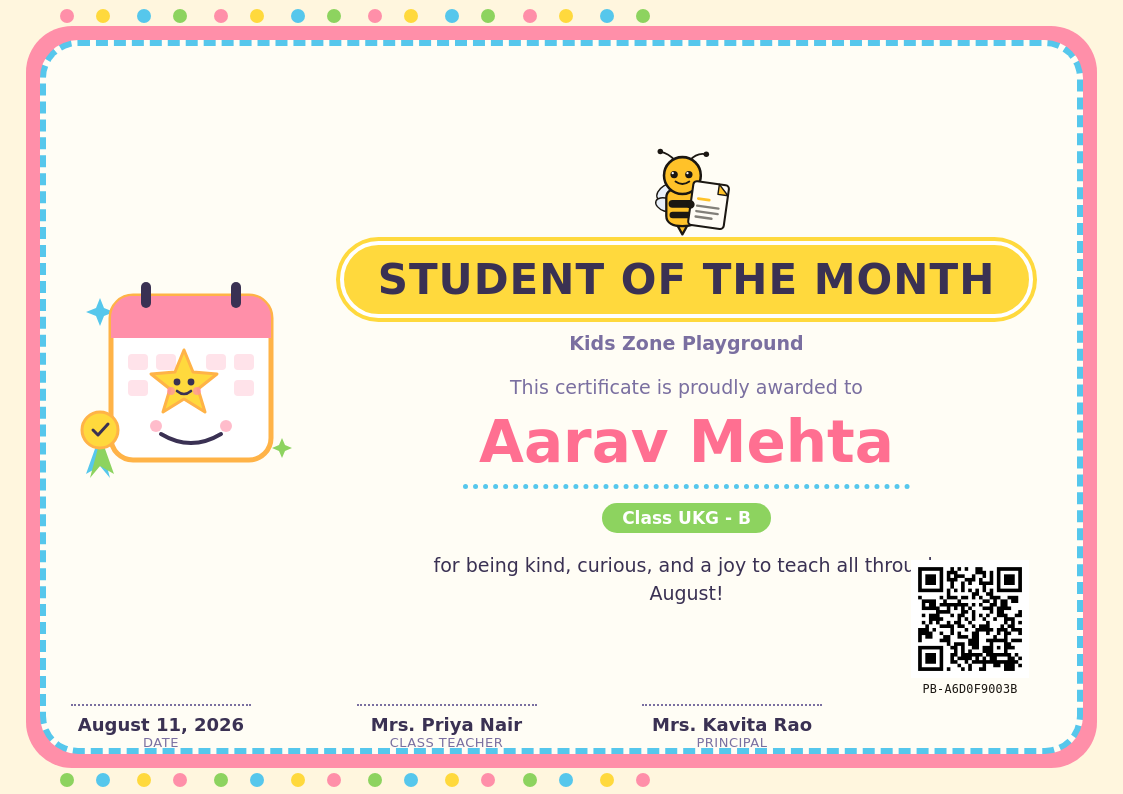
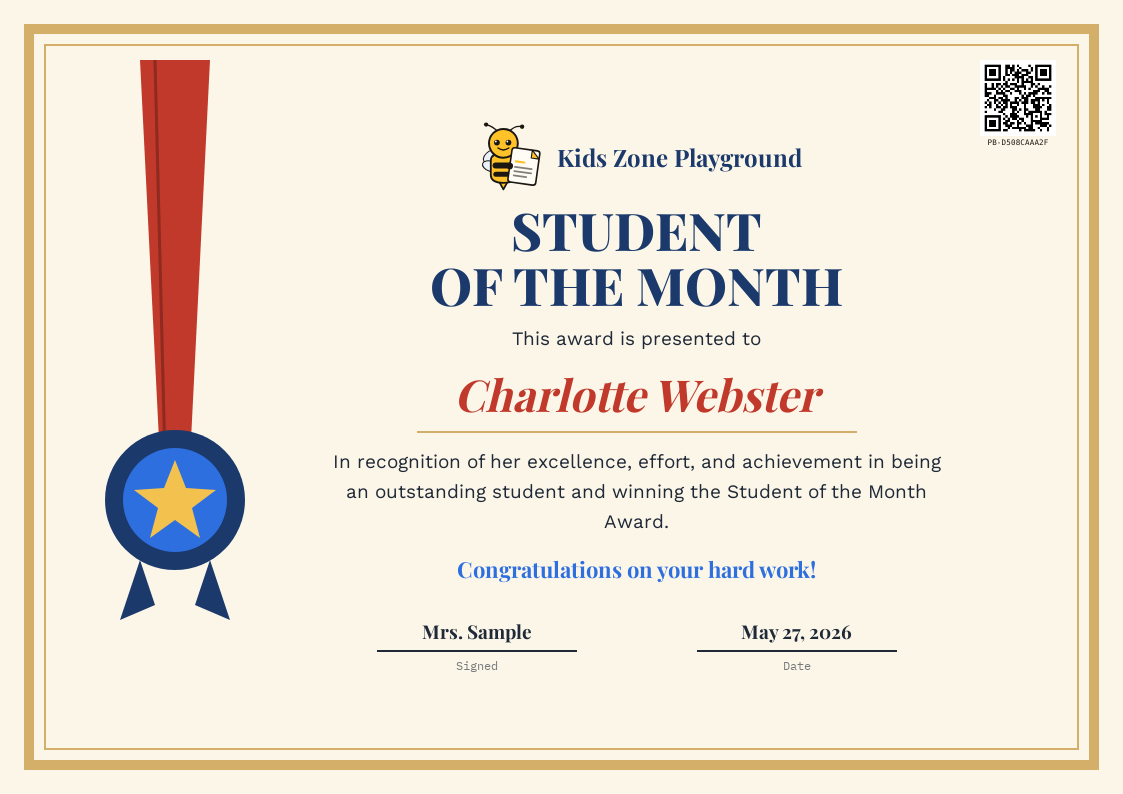
General recognition certificates for standout performance, effort, or achievement - not tied to a specific subject or event.
See all 3 designsFree online certificate maker
Design an award, student of the month, graduation or sports certificate online and see it instantly – no signup to preview. When you're ready, generate hundreds at once from one Excel sheet, each one print-ready.
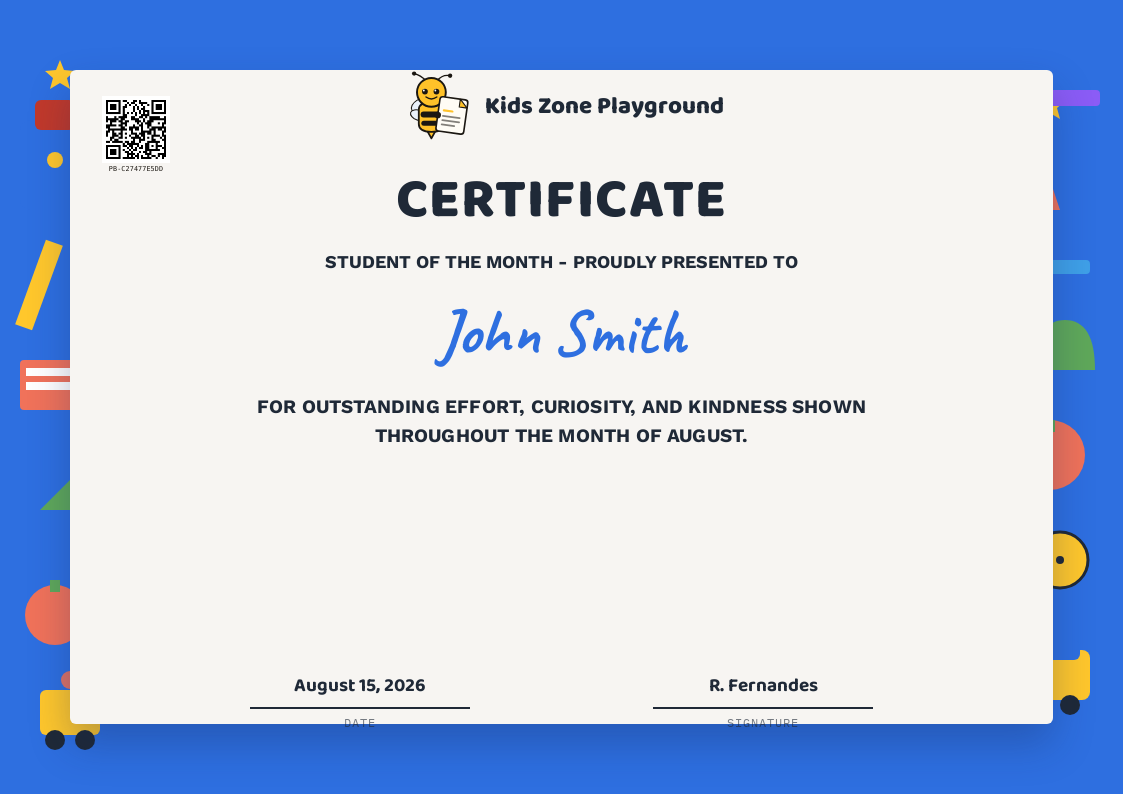
Watch it in action
See how a whole class, team or event gets its certificates from one Excel sheet – pick a design, upload your list of names, and download a print-ready certificate for every name.
All certificate options
4 certificate types and 26 ready-made designs – free to preview, ready to print.
3 designsGeneral recognition certificates for standout performance, effort, or achievement - not tied to a specific subject or event.
See all 3 designs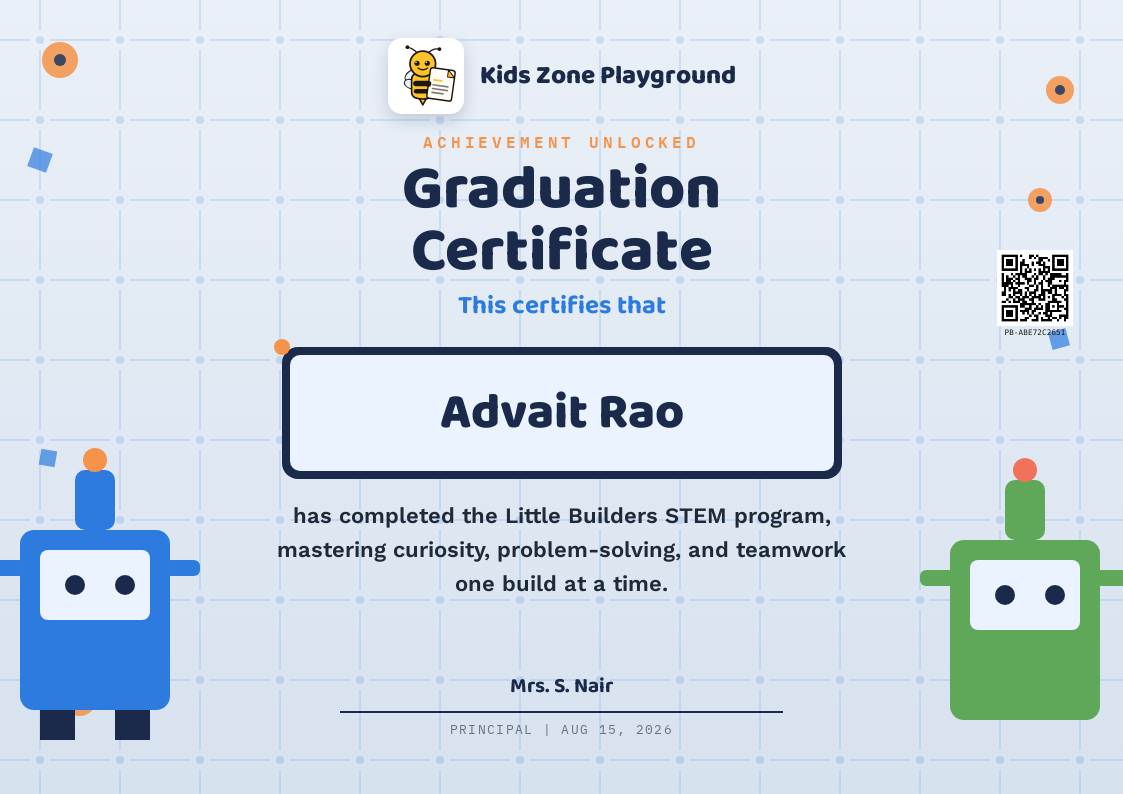 9 designs
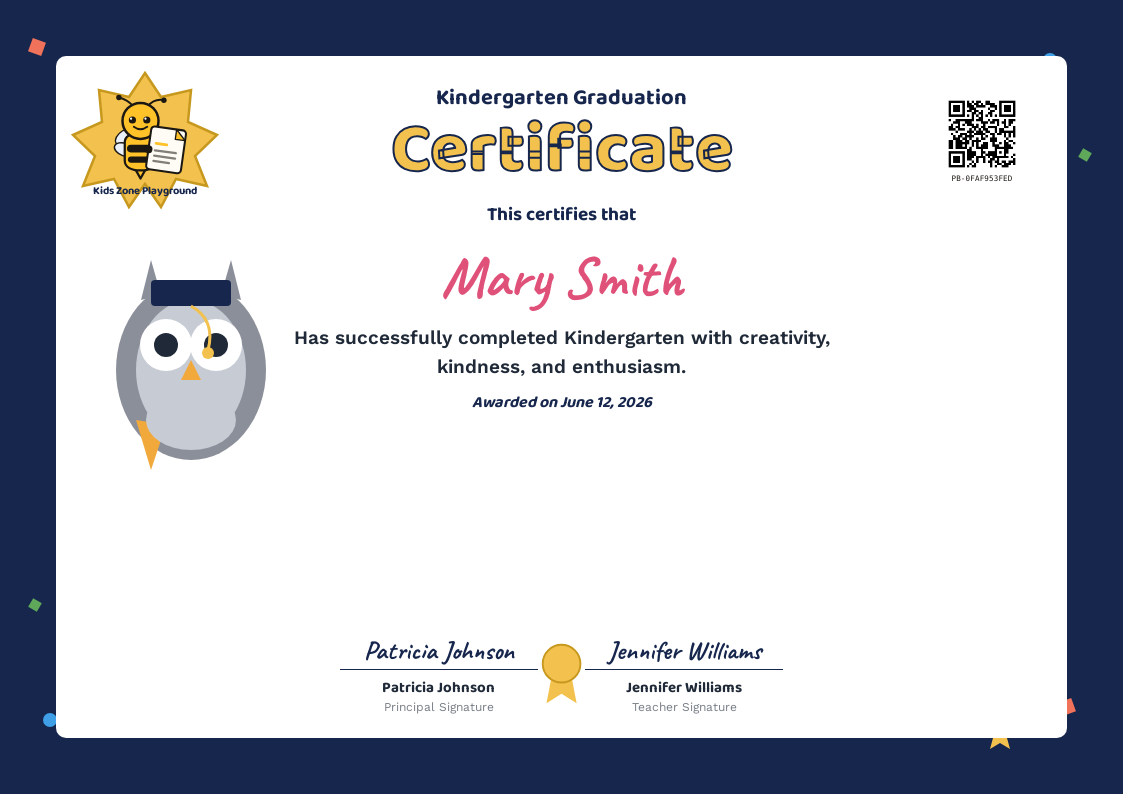
A keepsake certificate for preschoolers moving up to kindergarten - print one for every graduating student in minutes, each with your school's own logo and a scannable QR verification code.
See all 9 designs10 designsA monthly recognition certificate for one standout student per class - print one for whoever's being celebrated this month.
See all 10 designs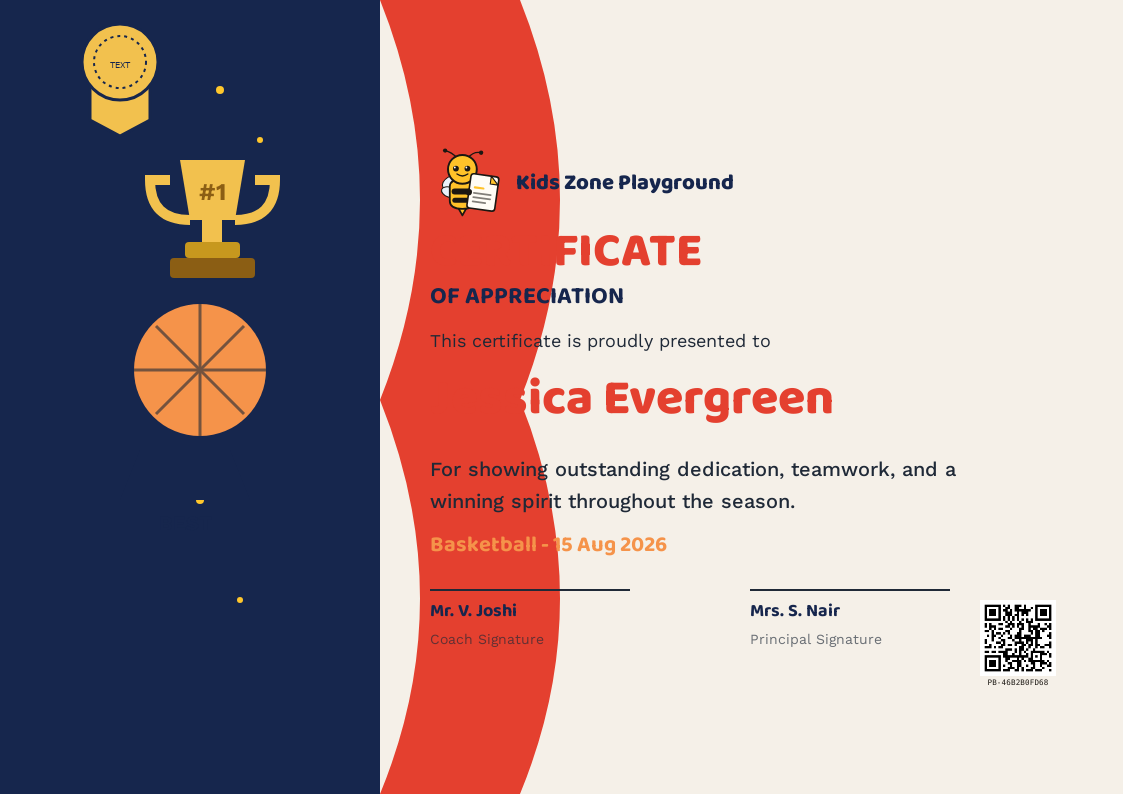 4 designs
Certificates for sports day winners, runners-up and participants – event, position and date in one design.
See all 4 designsPlanning an annual day or sports day? Add an add-to-calendar QR code to the invitation so parents never miss it – free, no login.
Free templates
Click any template to type in a name and a reason and watch the certificate build itself – no account needed.
Student of the Month CertificateStudent of the Month — School SuppliesTry it free →Student of the Month CertificateStudent of the Month — Ribbon MedalTry it free →Student of the Month CertificateStudent of the Month — Owl GraduationTry it free →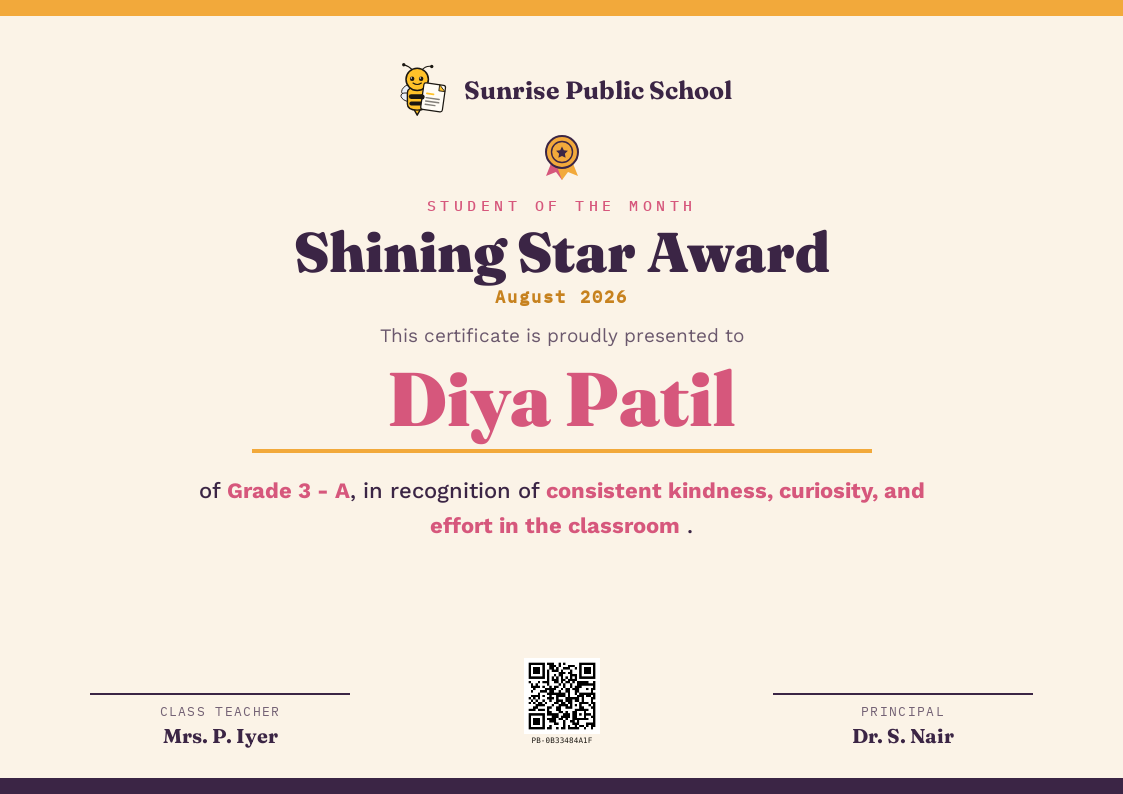 Student of the Month CertificateStudent of the Month — ClassicTry it free →
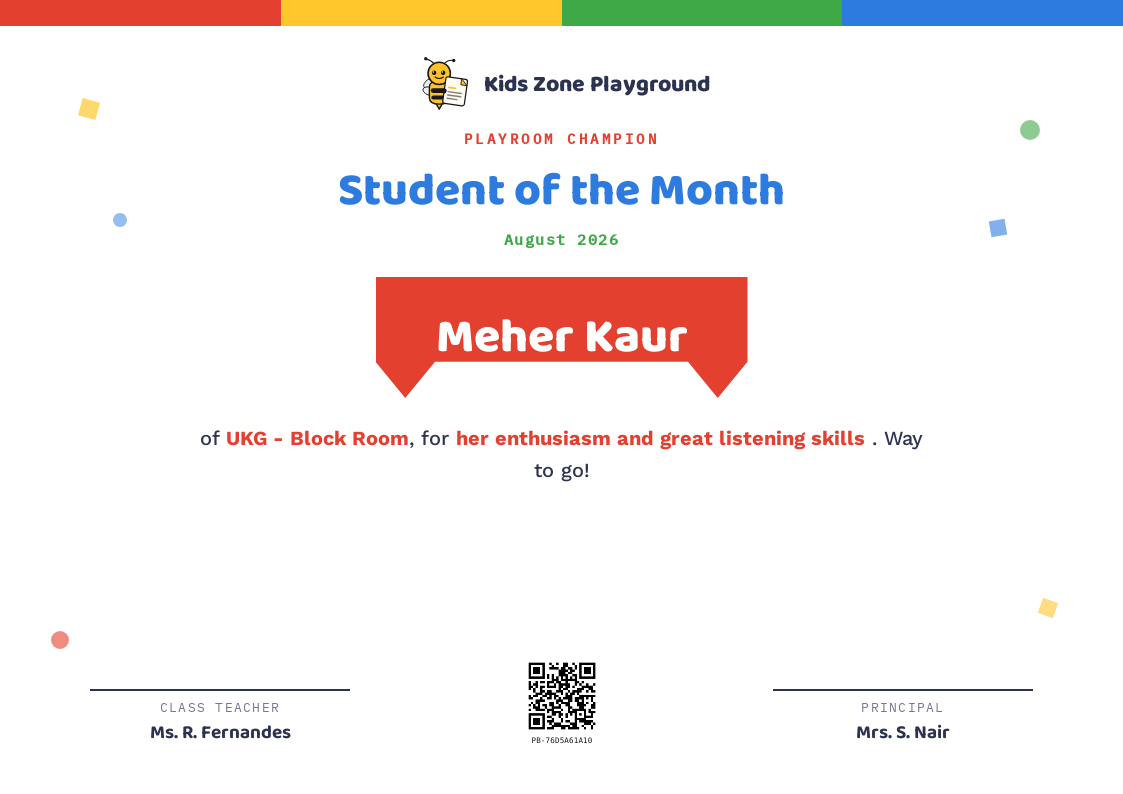 Student of the Month CertificateStudent of the Month — Building BlocksTry it free →
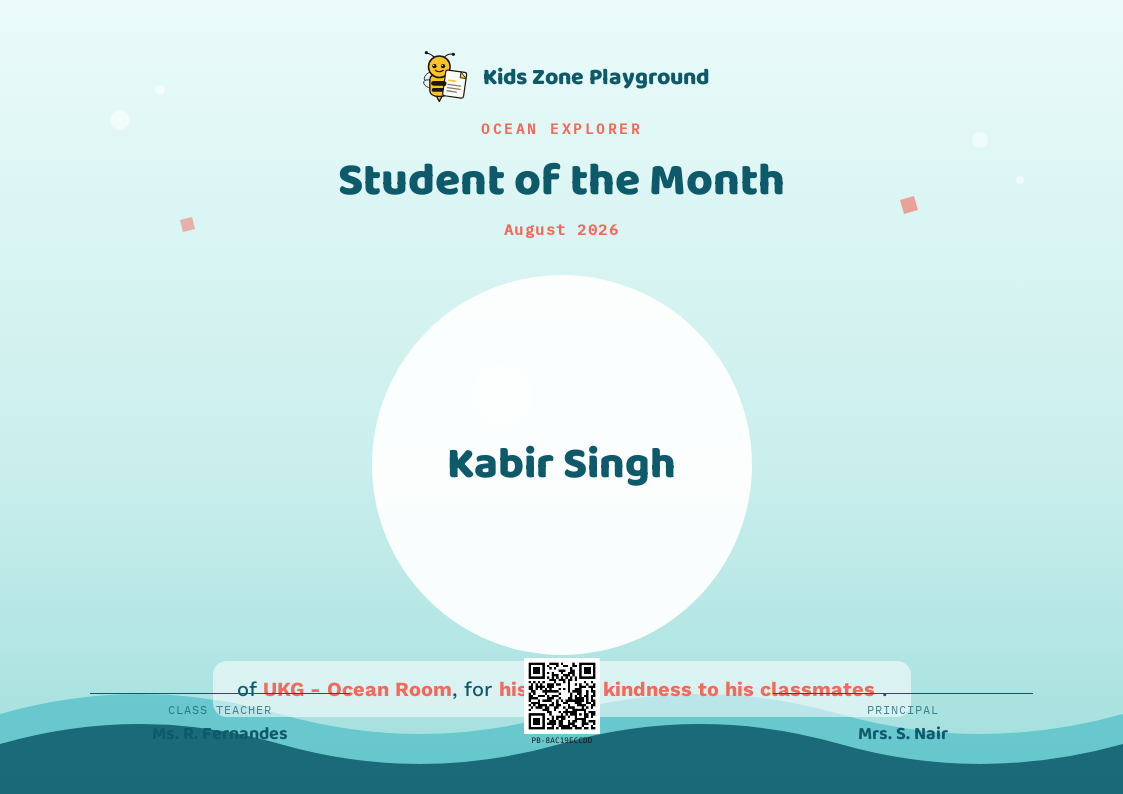 Student of the Month CertificateStudent of the Month — Under the SeaTry it free →
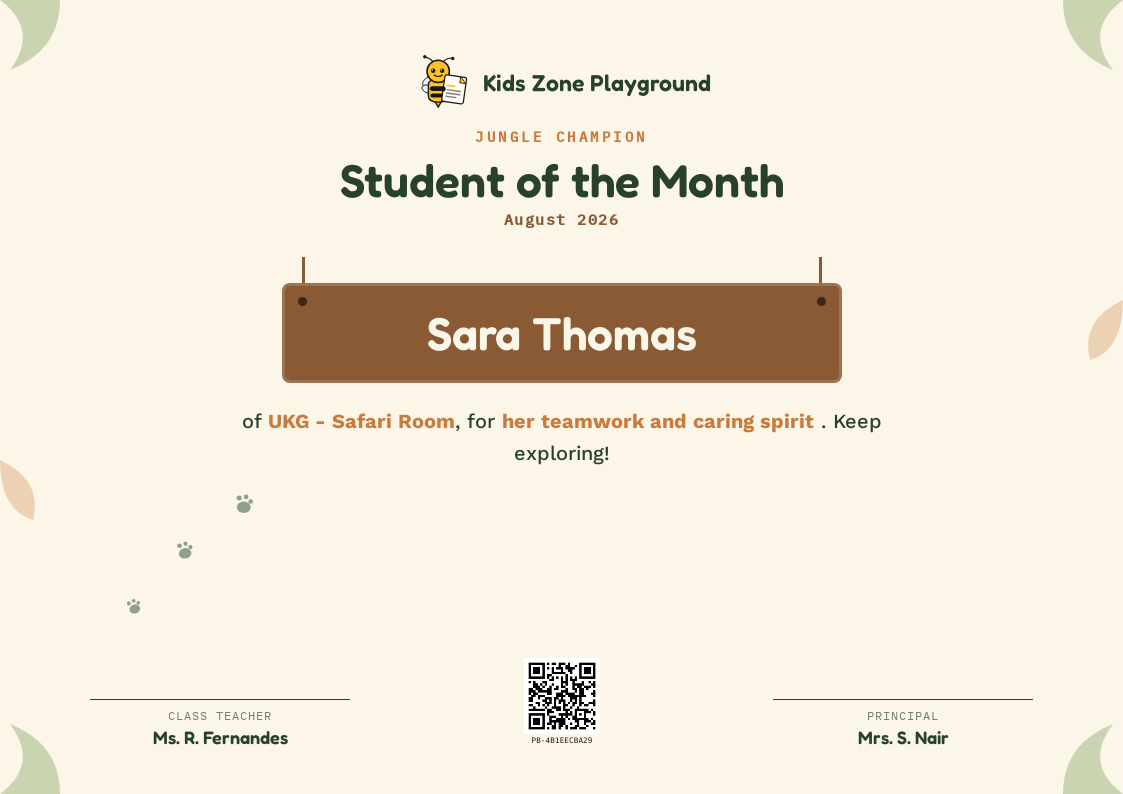 Student of the Month CertificateStudent of the Month — Jungle SafariTry it free →
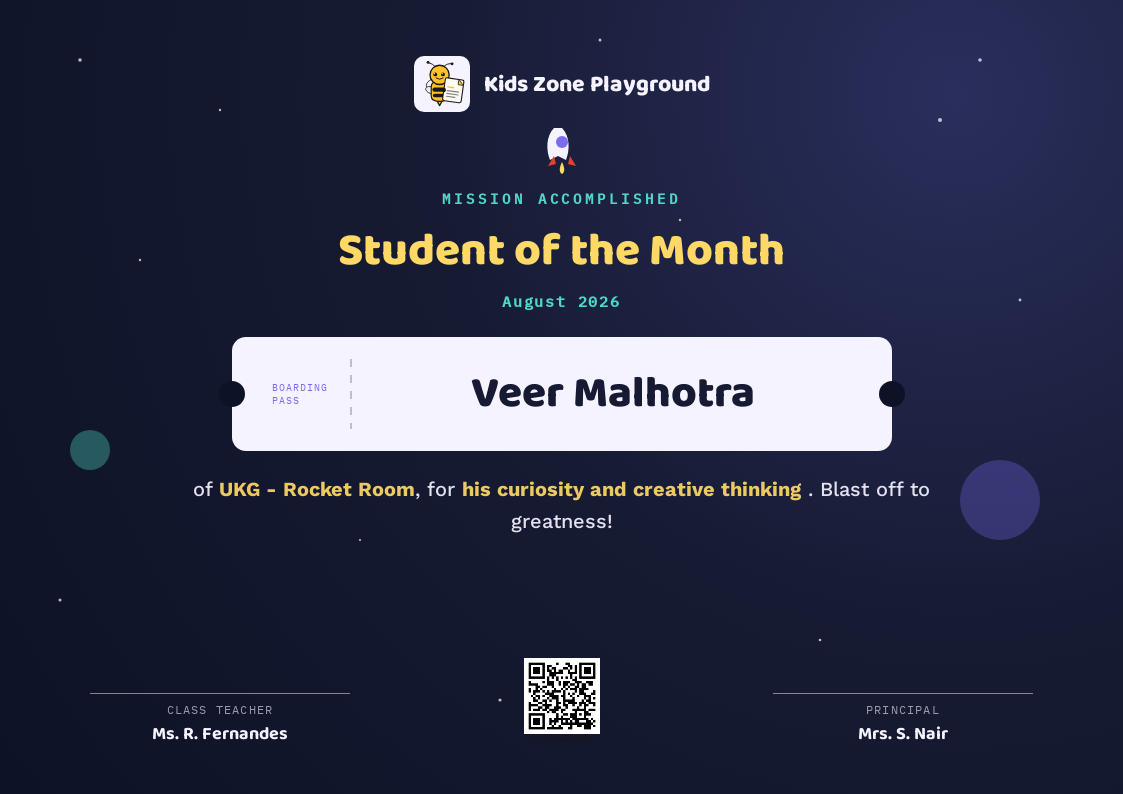 Student of the Month CertificateStudent of the Month — Space ExplorerTry it free →
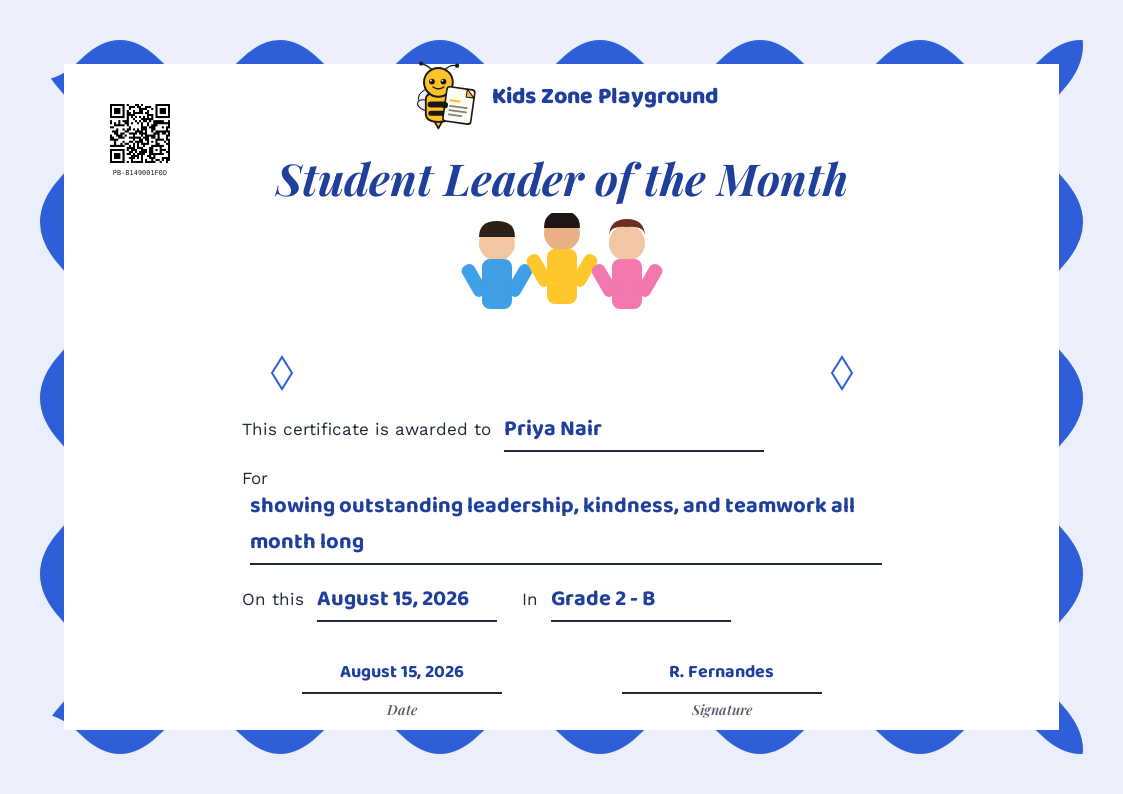 Student of the Month CertificateStudent of the Month — Wave LeaderTry it free →
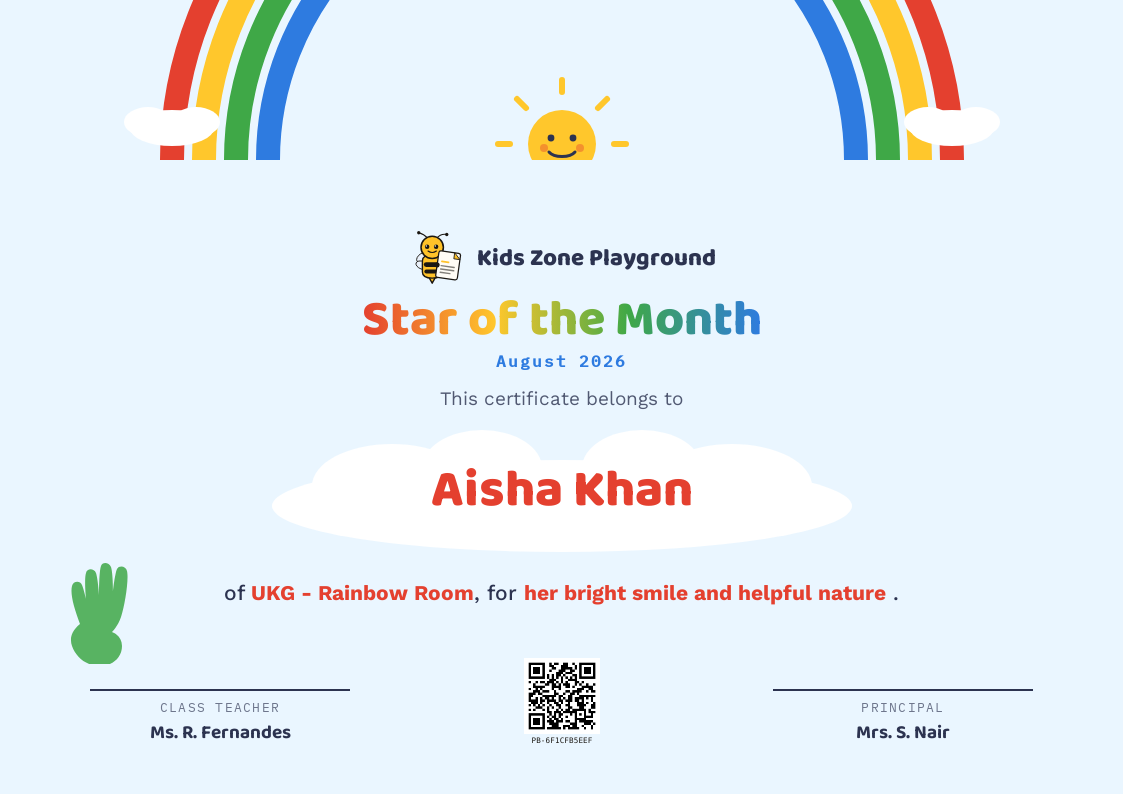 Student of the Month CertificateStudent of the Month — Rainbow SunshineTry it free →Sport CertificateSports Certificate — Trophy WaveTry it free →
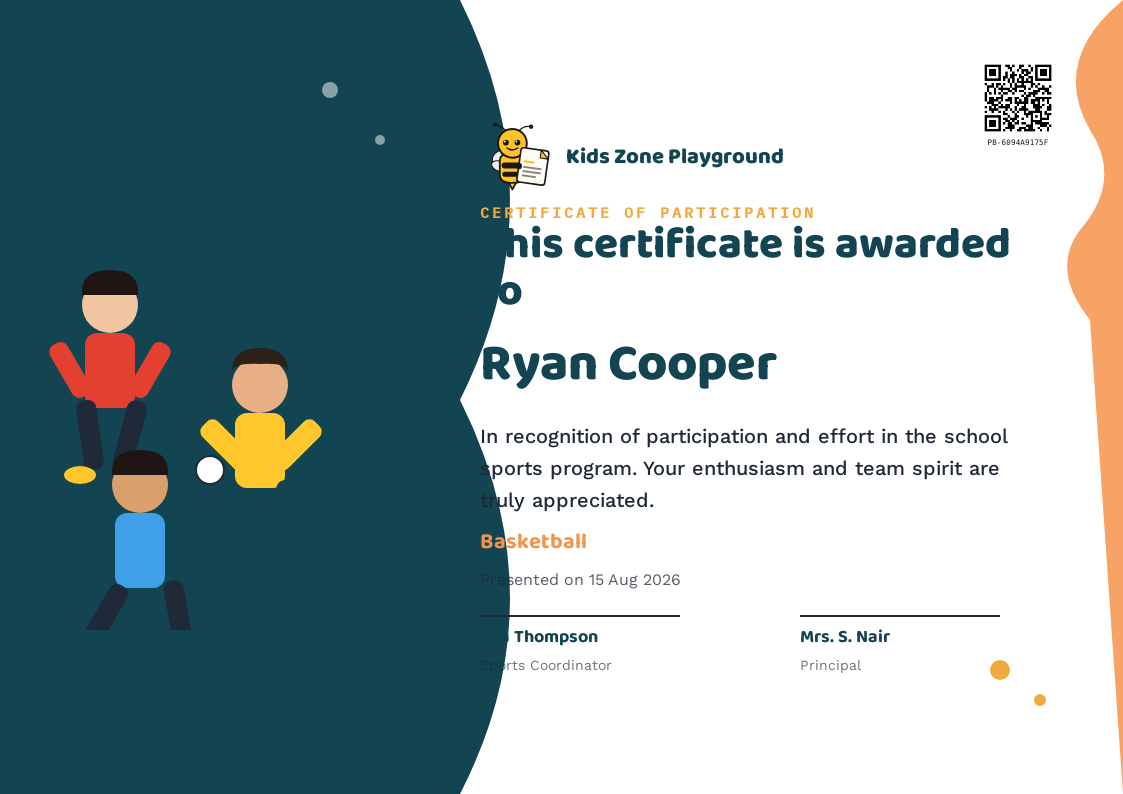 Sport CertificateSports Certificate — Teal BlobTry it free →
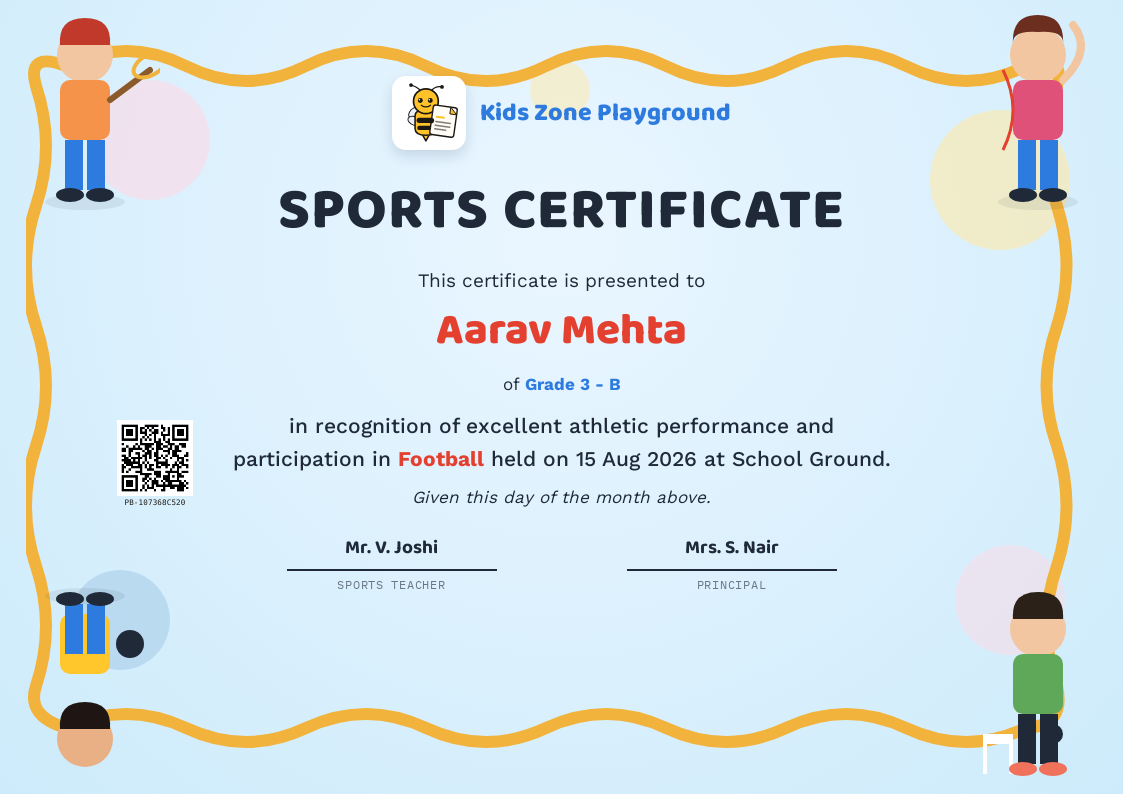 Sport CertificateSports Certificate — SquiggleTry it free →
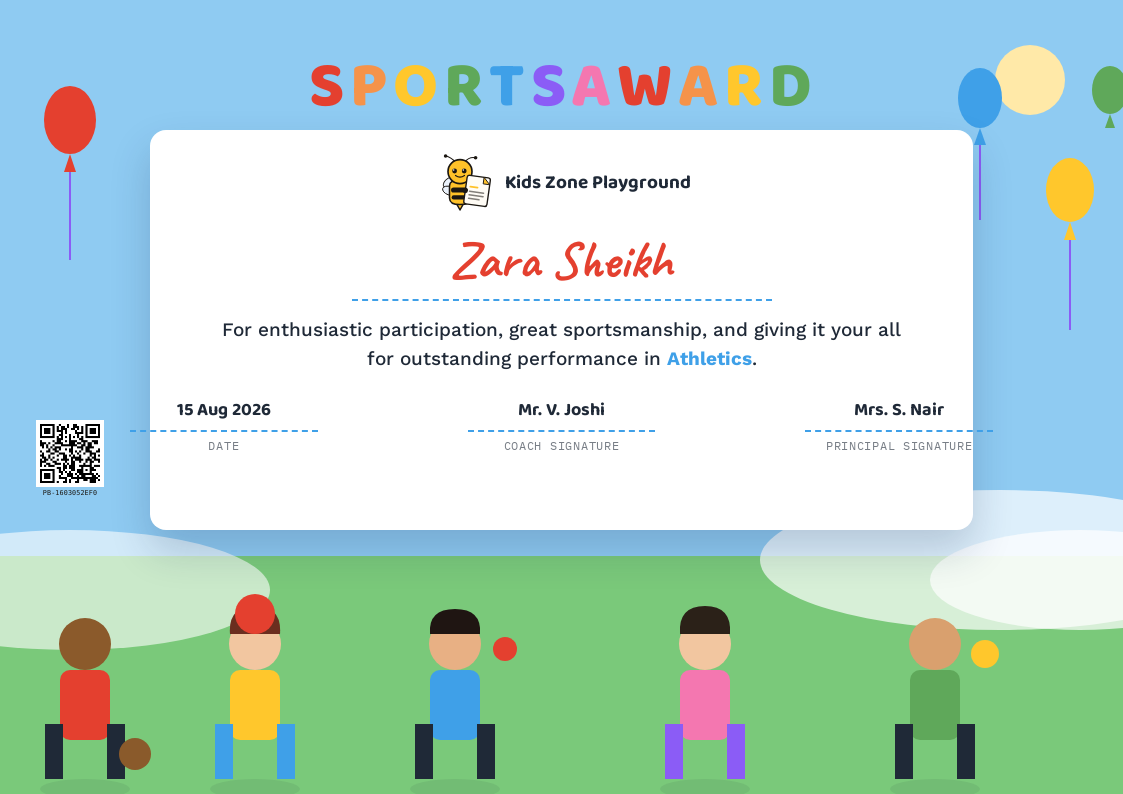 Sport CertificateSports Certificate — Rainbow BubbleTry it free →Award AchievementStudent Recognition CertificateTry it free →
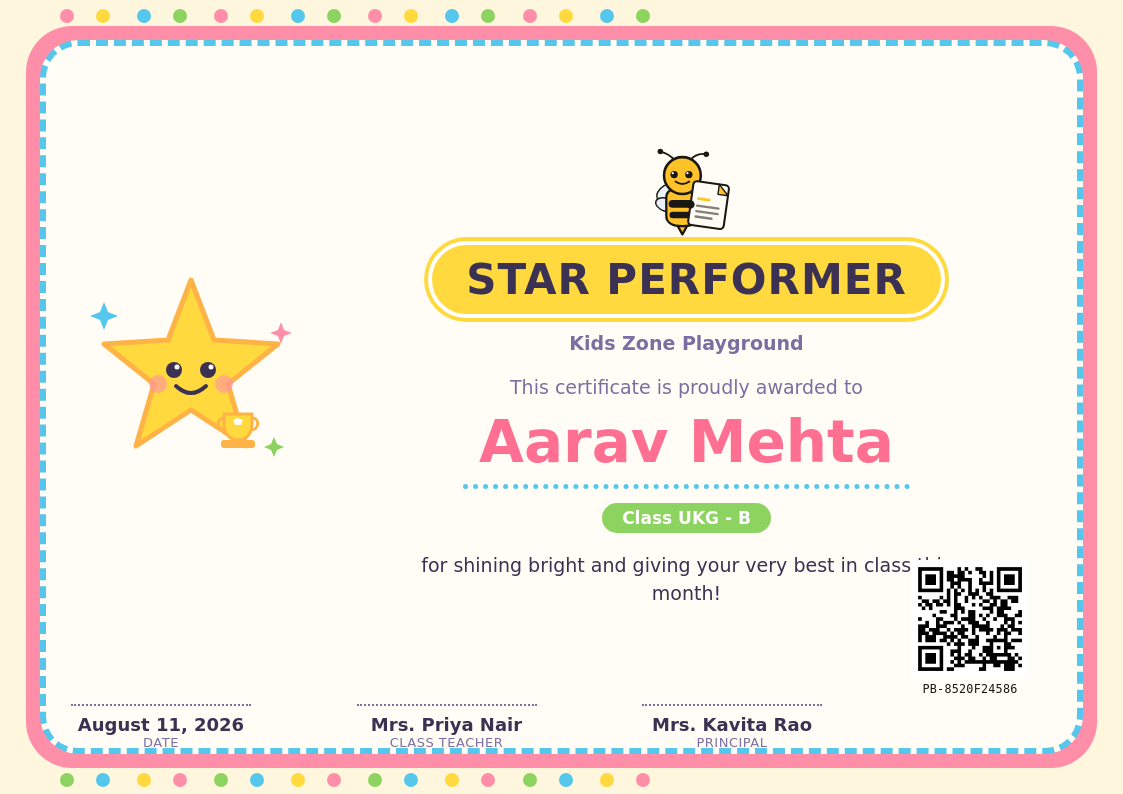 Award AchievementStar Performer CertificateTry it free →
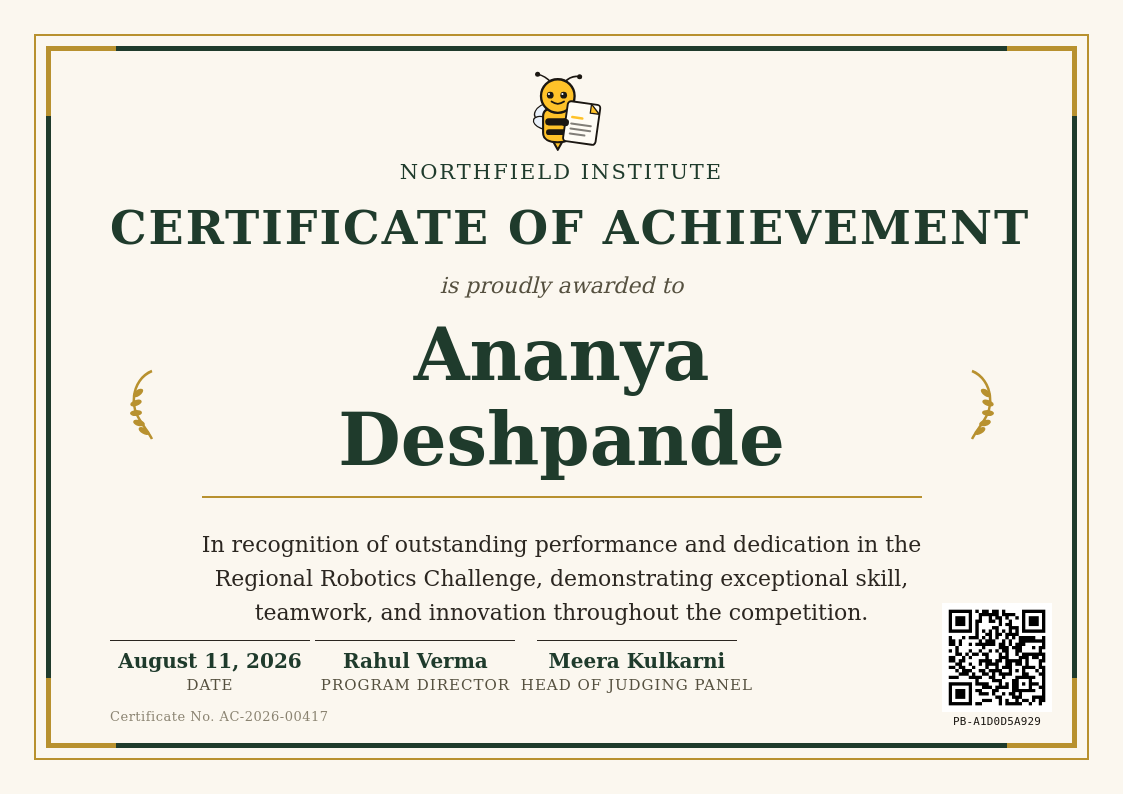 Award AchievementAward Achievement CertificateTry it free →Preschool Graduation CertificatePreschool Graduation CertificateTry it free →
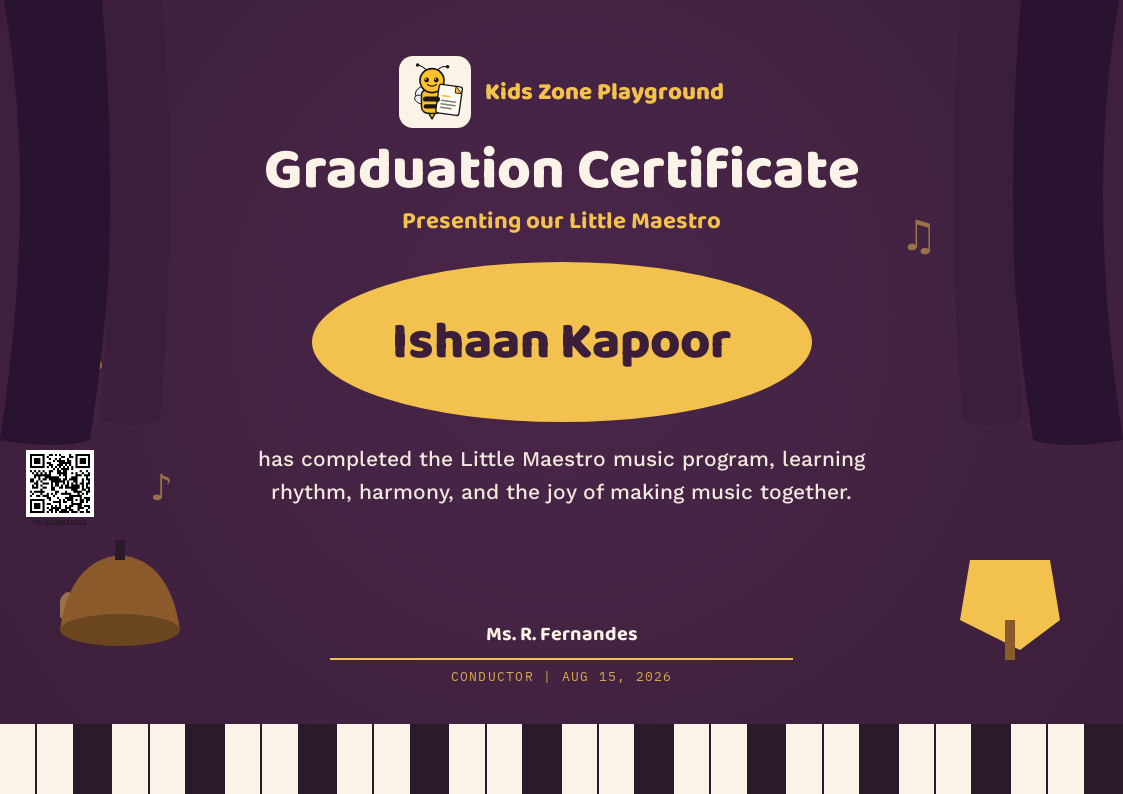 Preschool Graduation CertificatePreschool Graduation CertificateTry it free →
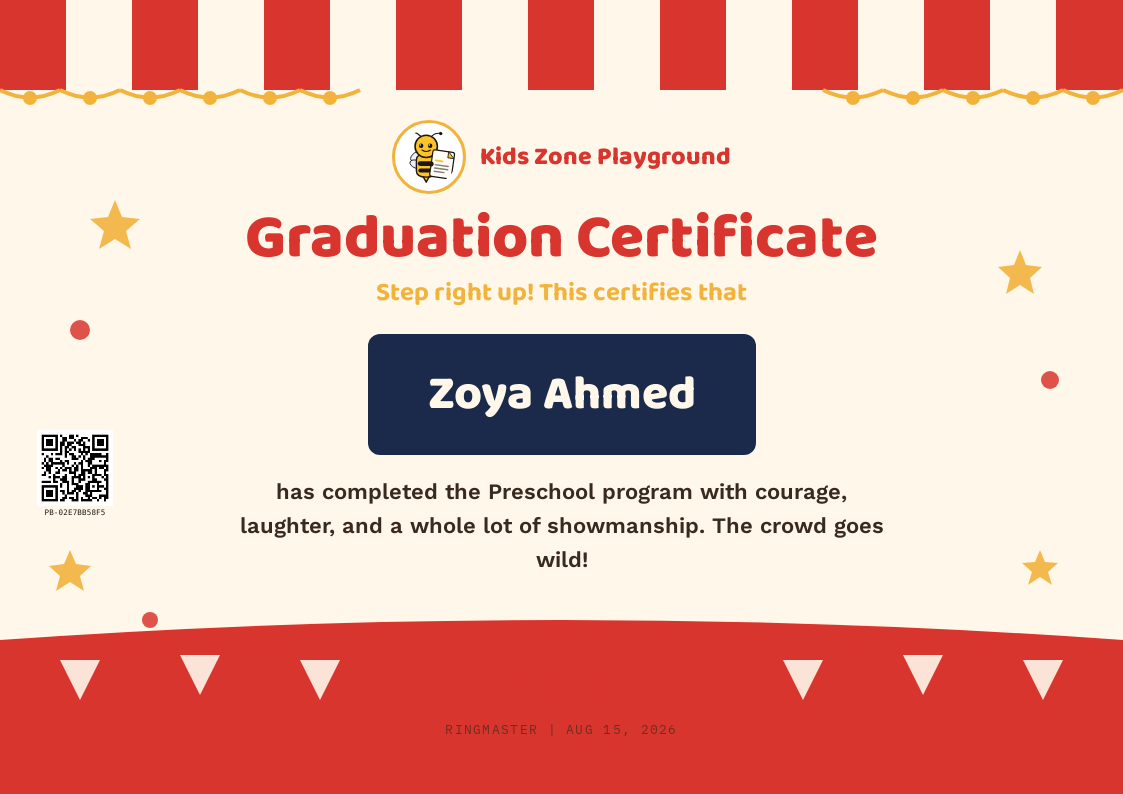 Preschool Graduation CertificatePreschool Graduation CertificateTry it free →
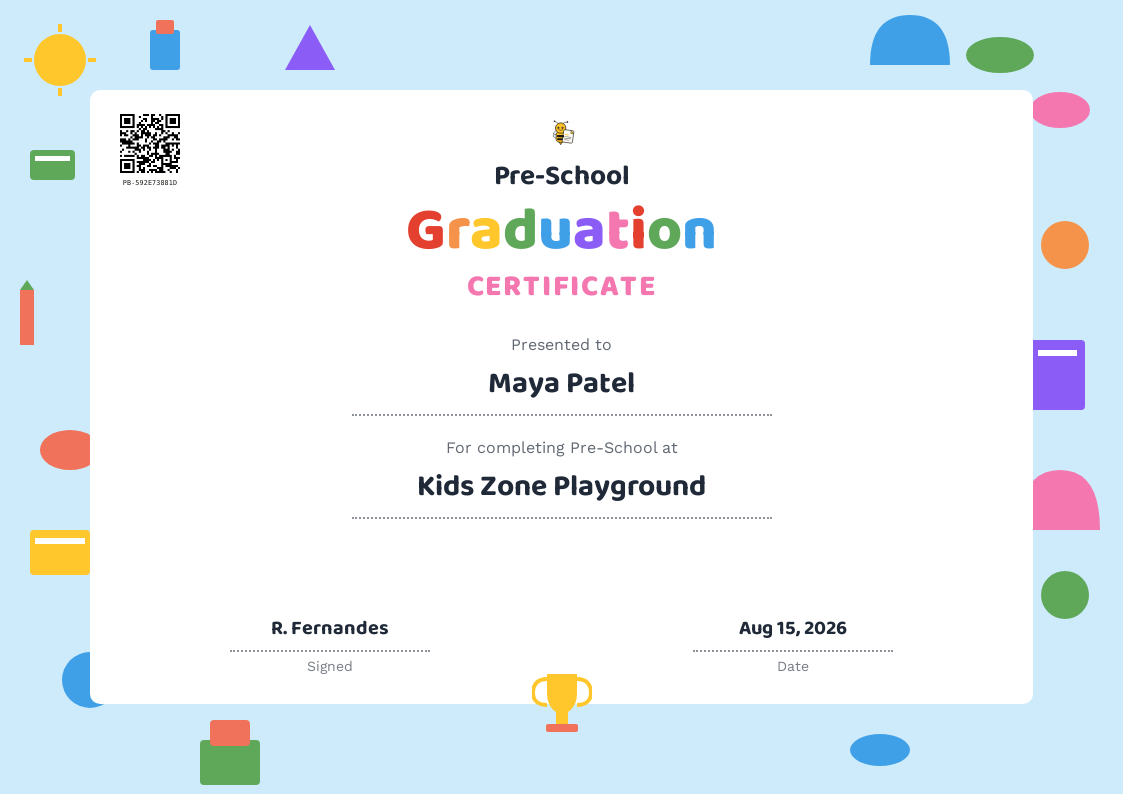 Preschool Graduation CertificatePreschool Graduation CertificateTry it free →
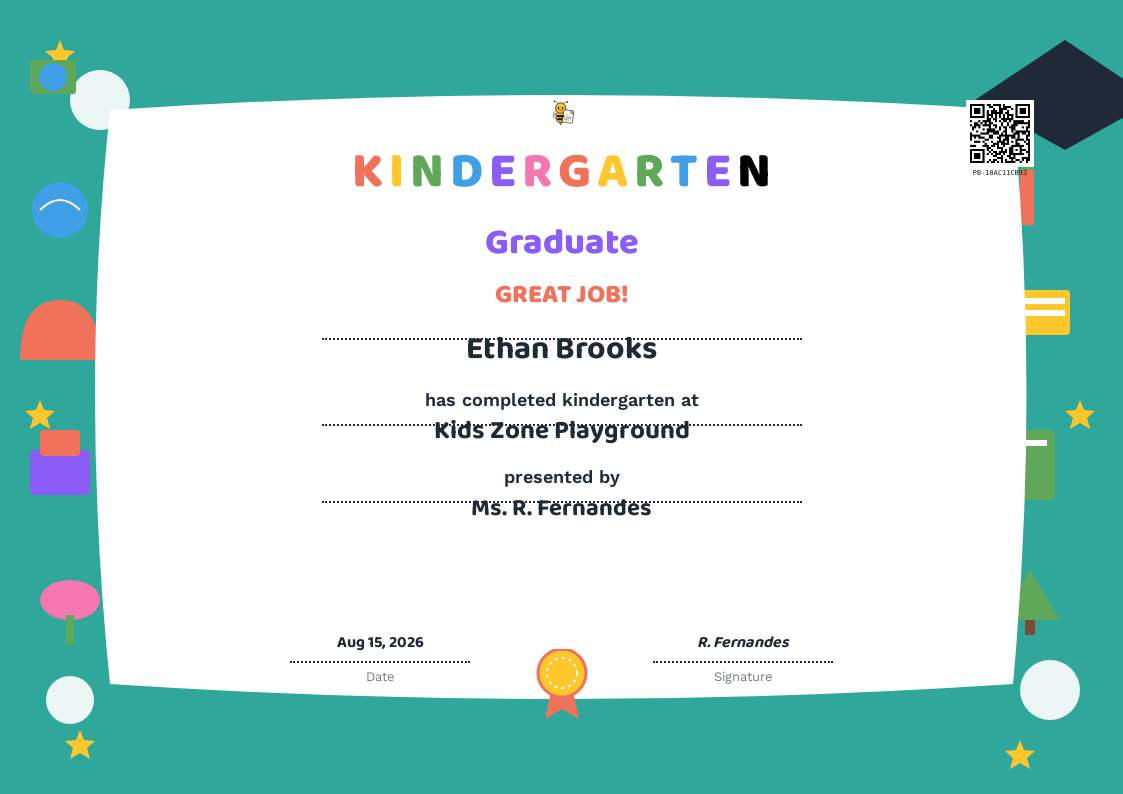 Preschool Graduation CertificatePreschool Graduation CertificateTry it free →
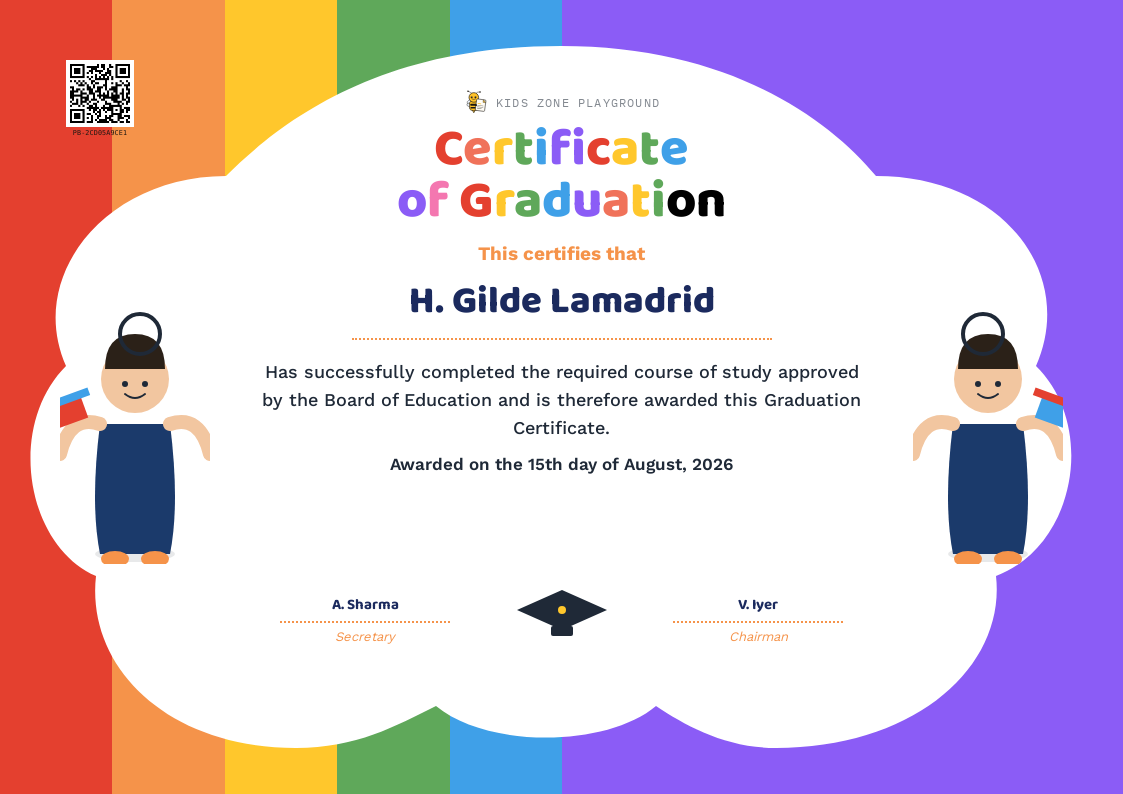 Preschool Graduation CertificatePreschool Graduation CertificateTry it free →
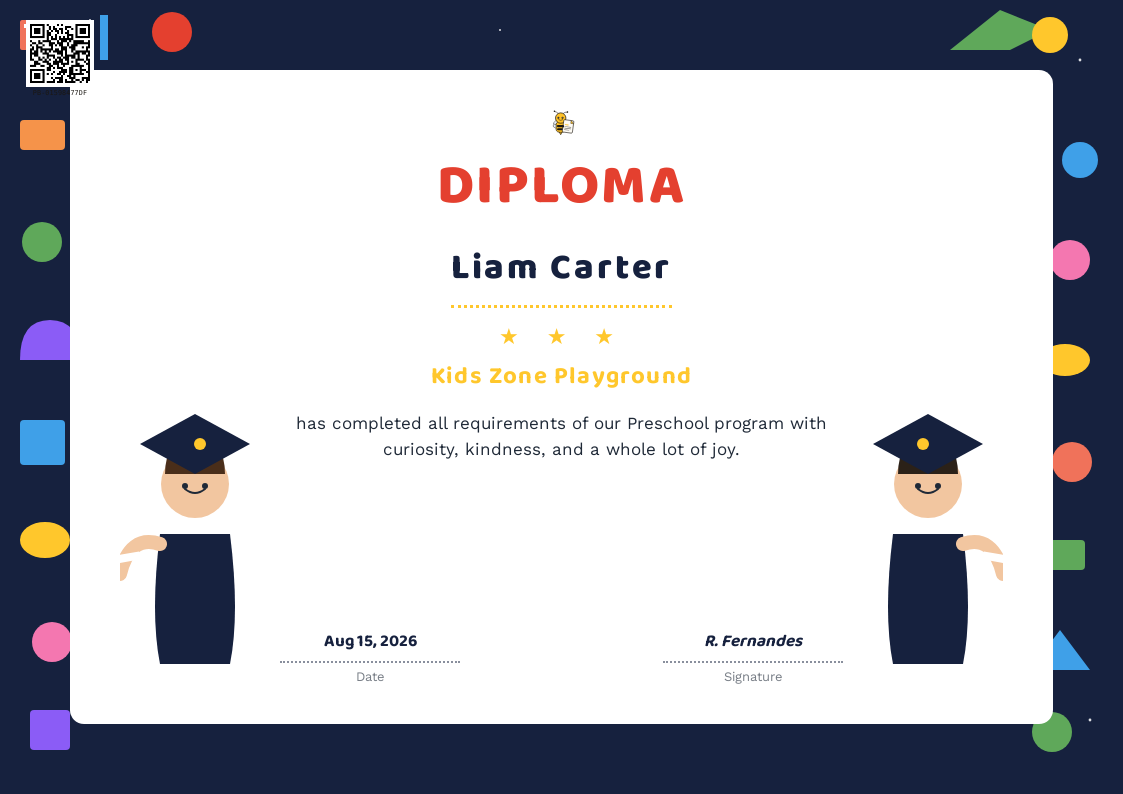 Preschool Graduation CertificatePreschool Graduation Certificate Try it free →
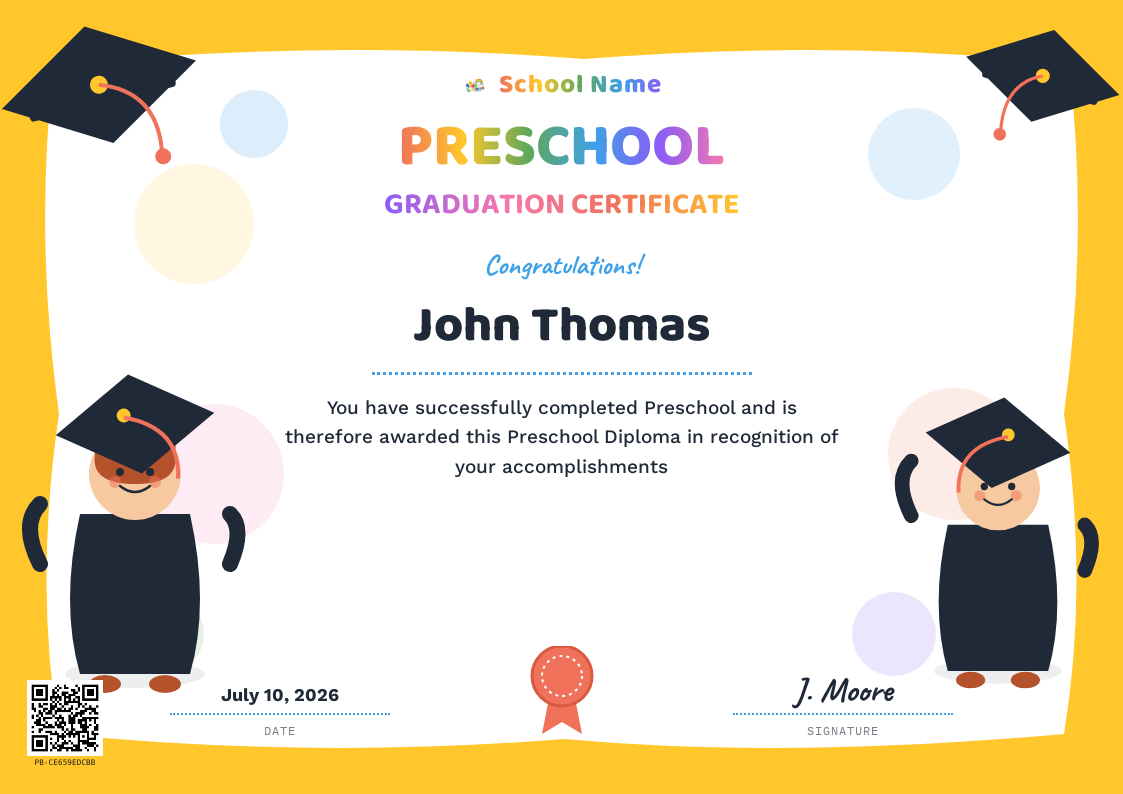 Preschool Graduation CertificatePreschool Graduation CertificateTry it free →
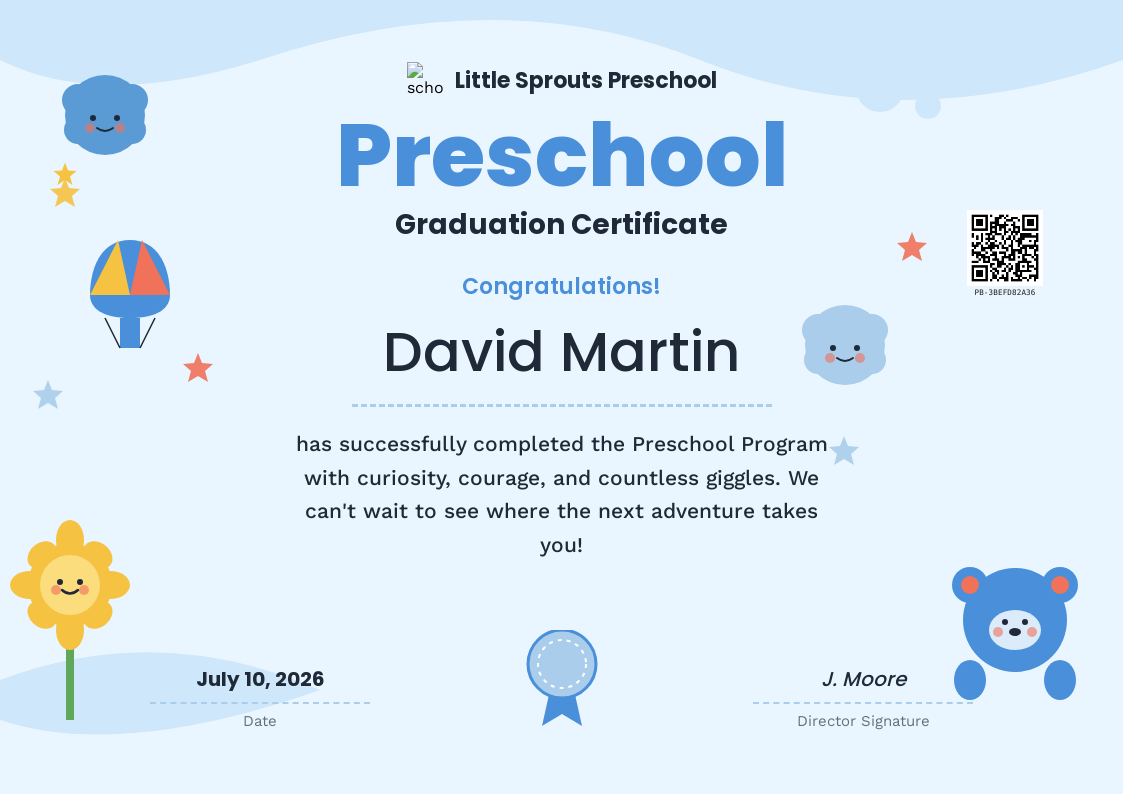 Preschool Graduation CertificatePreschool Graduation CertificateTry it free →
How it works
Choose an award, student of the month, preschool graduation or sports certificate and preview it free – type a name and a reason, watch it build.
Make one certificate, or create a free account and upload an Excel sheet with one row per recipient.
PaperBee fills every certificate automatically and gives you a print-ready PDF.
Certificate maker, explained
Most certificate makers are general design tools: you design one certificate, then retype the name, the reason and the date for every other recipient. PaperBee starts from the list you already have. Upload it once as an Excel sheet – one row per person – and every certificate comes out filled in and formatted, ready to print or send.
It's genuinely free to start: previewing any template needs no signup, no credit card and no time limit. A free account adds a monthly allowance of real, downloadable certificates and unlocks bulk generation for a whole class, team or event.
A good certificate answers five questions at a glance:
Keep the reason specific and positive. “For outstanding performance in the Annual Athletics Meet – 100 m sprint, 1st place” means far more to a student than “for sports”.
Most certificates are printed in landscape on A4 (297 × 210 mm). PaperBee gives you a print-ready PDF, so you can print on thick certificate paper (200–300 gsm looks and feels premium), take it to a print shop, or share the PDF directly by email or WhatsApp.
Preschools celebrating graduation day, schools running student of the month and annual prize days, sports academies and clubs after every tournament, and coaching institutes recognising toppers. The designs differ – playful for preschoolers, formal for achievements – but the workflow is the same: one spreadsheet in, a finished batch of certificates out. Planning the event itself? Our guide to event QR codes for invitations helps parents save the date.
Why PaperBee
A hundred certificates from one Excel upload – one per row, no copy-pasting.
Every certificate downloads as a print-ready PDF – print it on certificate paper or share it by email.
Everything happens in the browser. Pick a template, fill in details, download.
Upload your school or organisation's logo once and it appears on every certificate.
FAQ
Yes. Previewing any template is completely free with no signup – try as many names and designs as you like. A free account adds a monthly allowance of real, downloadable certificates.
Award and achievement certificates, student of the month certificates, preschool graduation certificates and sports certificates – with more designs added regularly.
Yes – that's what PaperBee is built for. Upload an Excel sheet with one row per recipient and PaperBee fills out a certificate for every row automatically.
No. Everything runs in your browser on a phone or computer – no design software, no downloads.
Yes. Once you create an account, your logo and organisation name are saved and appear on every certificate you generate.
A print-ready PDF, sized correctly for printing on certificate paper or sharing digitally by email or WhatsApp.
Yes. Fill in a single recipient's details instead of uploading a sheet – handy for a one-off award or a last-minute prize.
More free tools
Join thousands of users who trust PaperBee for their document needs.