Free online certificate generator
Award Achievement Generator
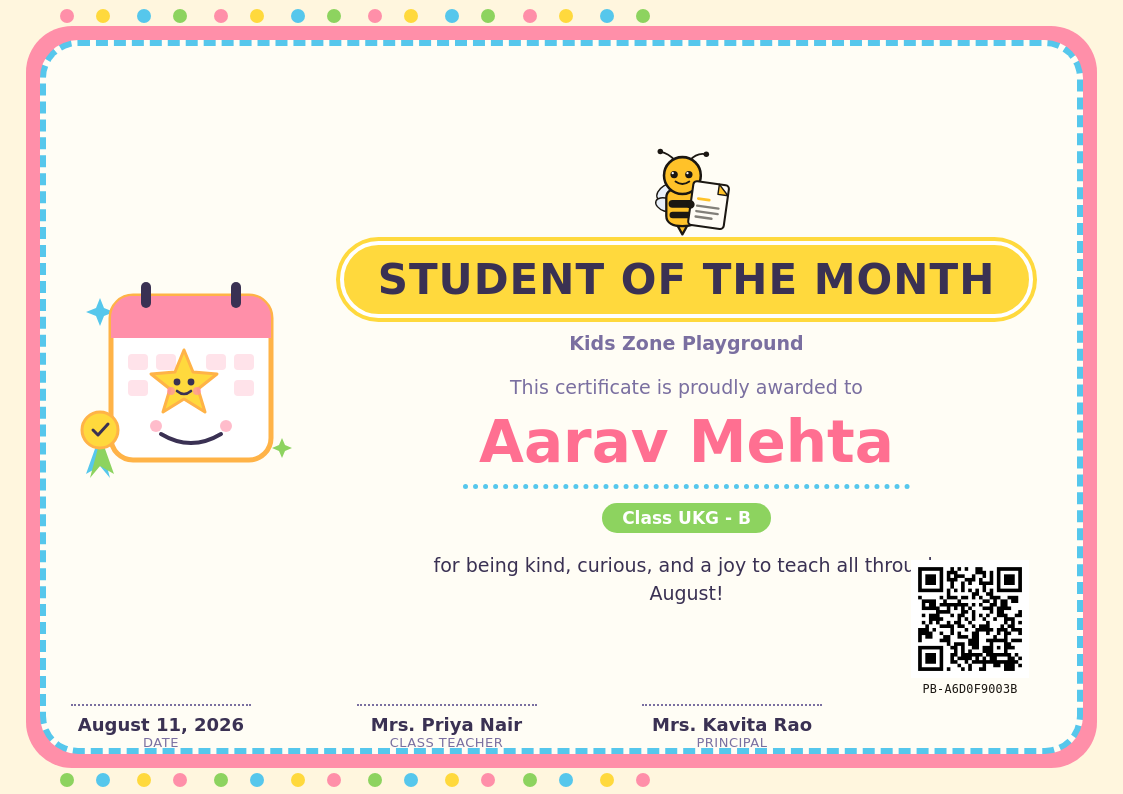
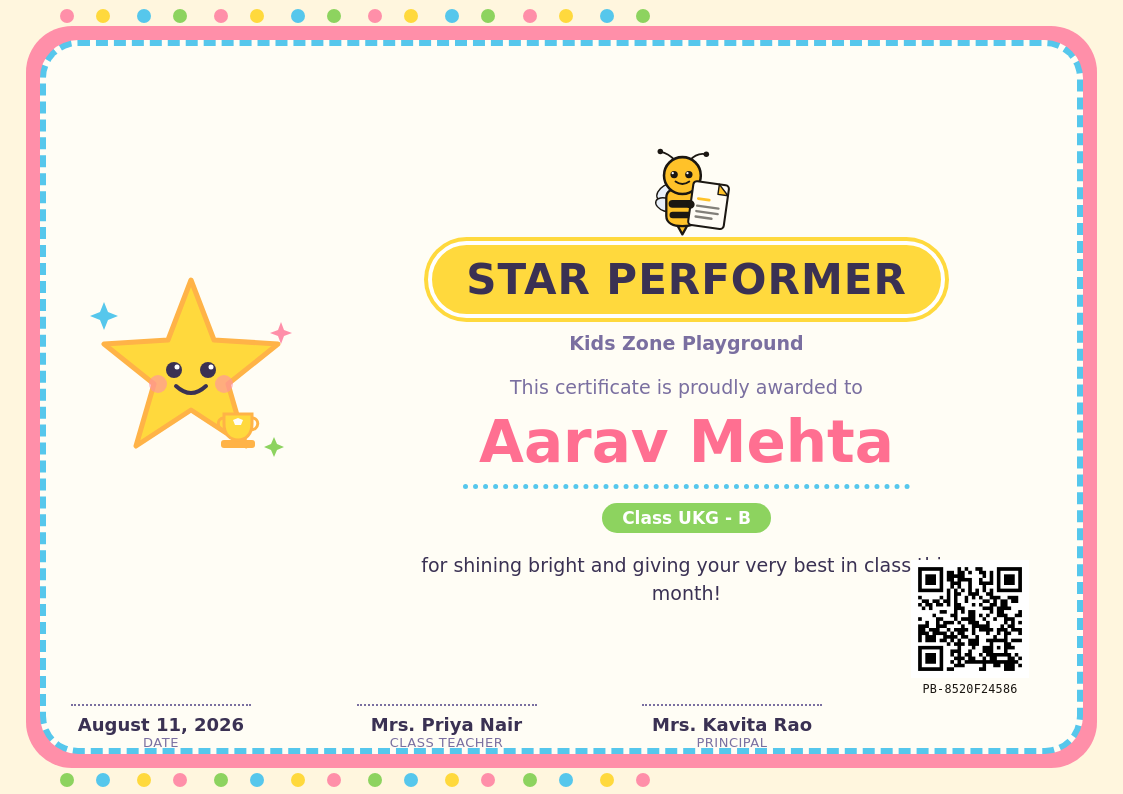
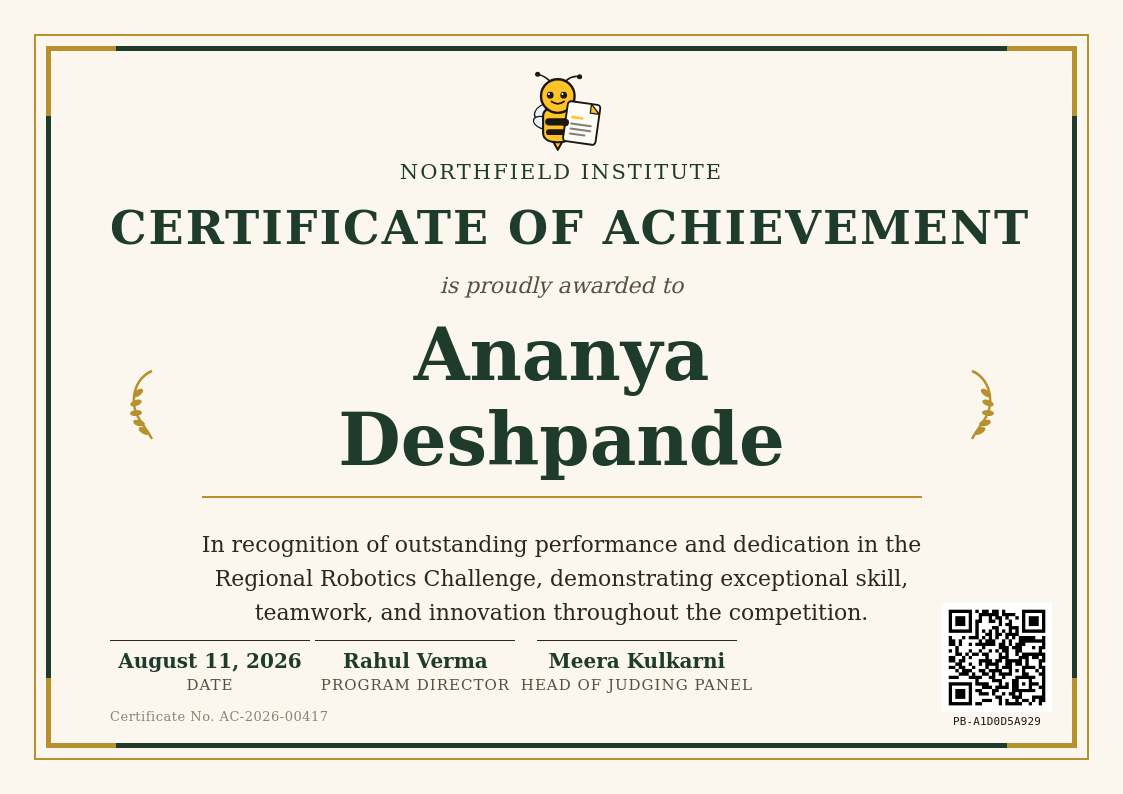
General recognition certificates for standout performance, effort, or achievement - not tied to a specific subject or event.
No login for the demoQR-verified when you generate for realBulk from one Excel file
Browse by certificate type
 Free to try
 Free to try
 Free to try
/ Why PaperBee
More than a one-off certificate maker.
Bulk by default
One certificate is nice. A hundred from a single Excel upload — one per row, no repetitive copy-pasting — is what PaperBee is actually built for.
QR-verified, every time
Every certificate you generate for real carries a unique, scannable code. Anyone can check it's genuine — no phone calls, no guesswork.
No design software needed
Everything happens in the browser. Pick a template, fill in the details, download — no Photoshop, no Canva subscription.
Your own logo & branding
Upload your organization's logo once and it carries across every certificate you generate from then on.
/ How it works
From a quick preview to a full batch.
01
Try the demo
Type in a name and reason above and watch the certificate build itself — no account needed.
02
Sign up & upload your list
Create a free account, pick a template, and upload the Excel sheet you already keep — one row per person.
03
Generate & download
PaperBee fills every certificate automatically and seals each one with its own QR verification code.
/ FAQ
Questions people actually ask.
Is this certificate generator actually free?+
The demo above is completely free with no signup — try as many names and designs as you like. Creating an account is free too, and includes a monthly allowance of real, downloadable certificates.
Do I need to install anything?+
No. Everything runs in your browser, including the demo above — no software to install, no design tool to learn.
Can I generate certificates in bulk?+
Yes — that's the main way PaperBee is meant to be used. Upload an Excel sheet with one row per recipient and PaperBee fills out a certificate for every row automatically.
Can I use my own logo and organization details?+
Yes. Once you create an account, your logo and organization name are saved and carry across every certificate you generate.
What's the QR code for?
Stop building documents by hand.
Join schools and institutes already generating theirs with PaperBee.
Get started free