How to Create a Question Paper Online in Minutes (Free, with Answer Key)
Setting a question paper used to take a whole evening. Here's how to build a chapter-wise, board-aligned paper with an answer key in a few minutes – free, on any device.
In this article ▾
Ask any teacher what takes longest at exam time and the answer is rarely the checking – it's setting the paper. Choosing questions chapter by chapter, balancing easy and hard ones, making the marks add up, formatting sections neatly and then writing an answer key can easily take an entire evening. Multiply that by unit tests, mid-terms and practice papers for several classes, and it's hours every week.
This guide shows you how to do the same job in a few minutes with ExamBee, the free question paper generator from the PaperBee team. You choose the syllabus; ExamBee builds a complete, board-aligned paper with its answer key, ready to print.
What is ExamBee?
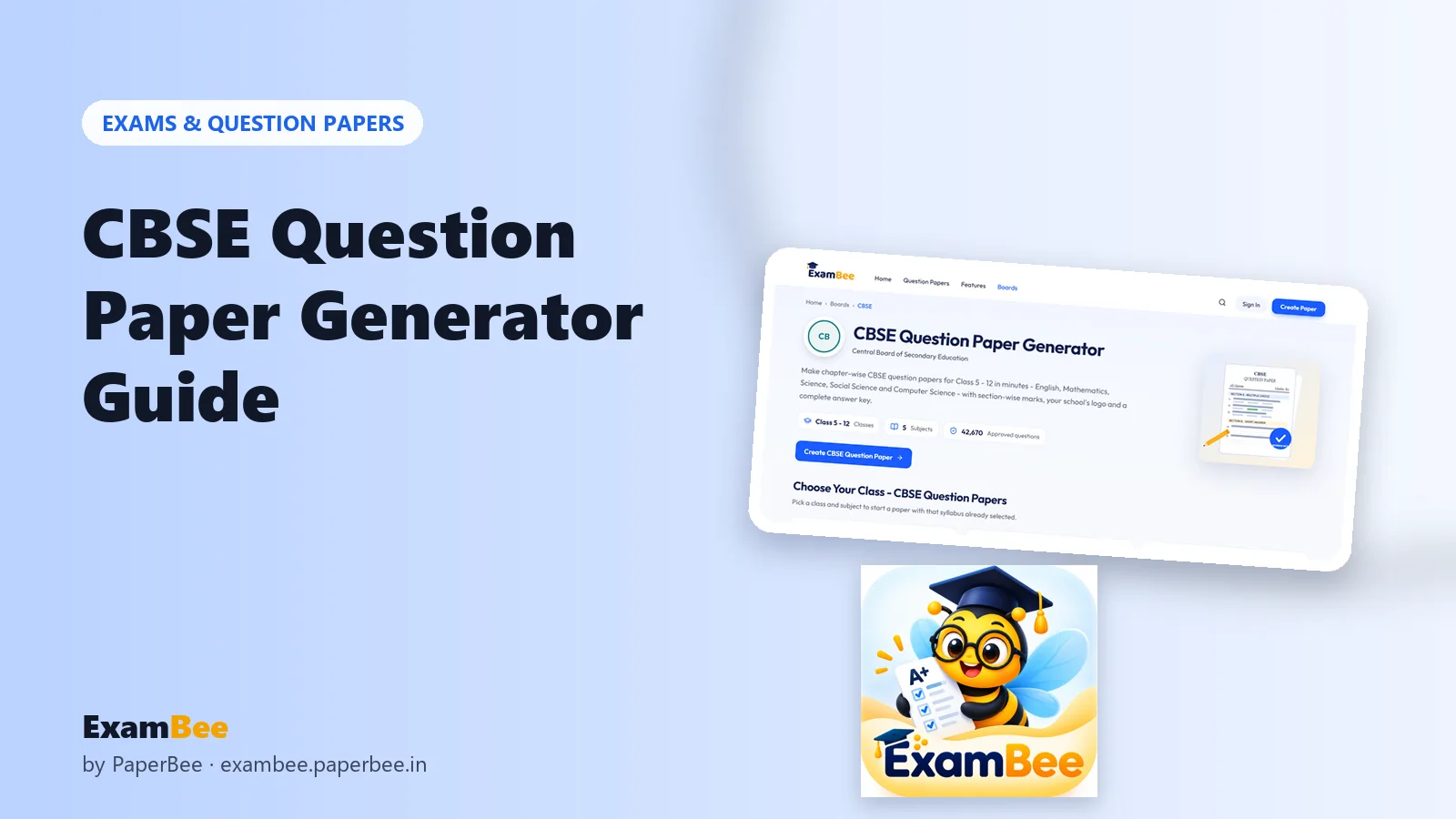
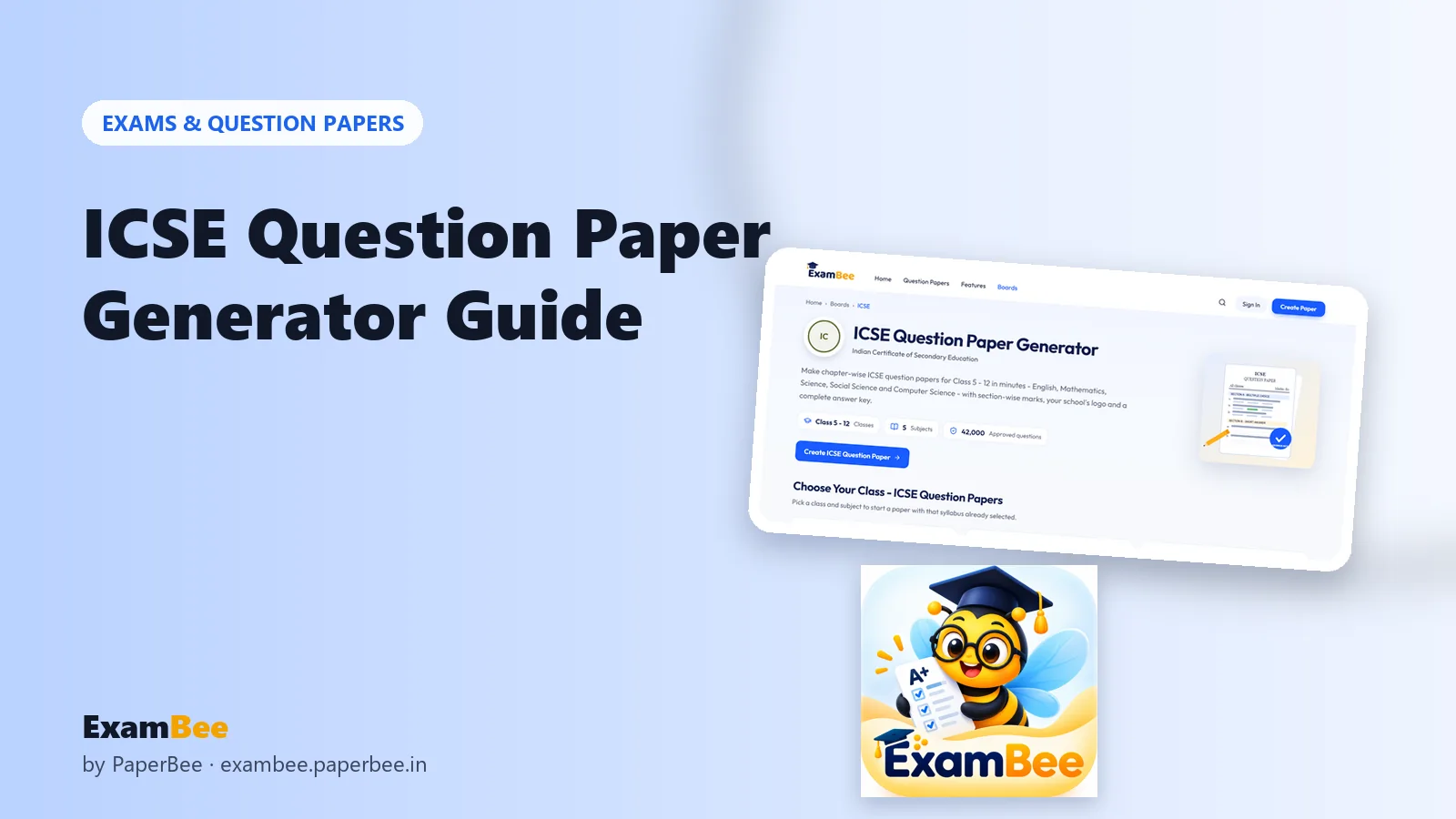
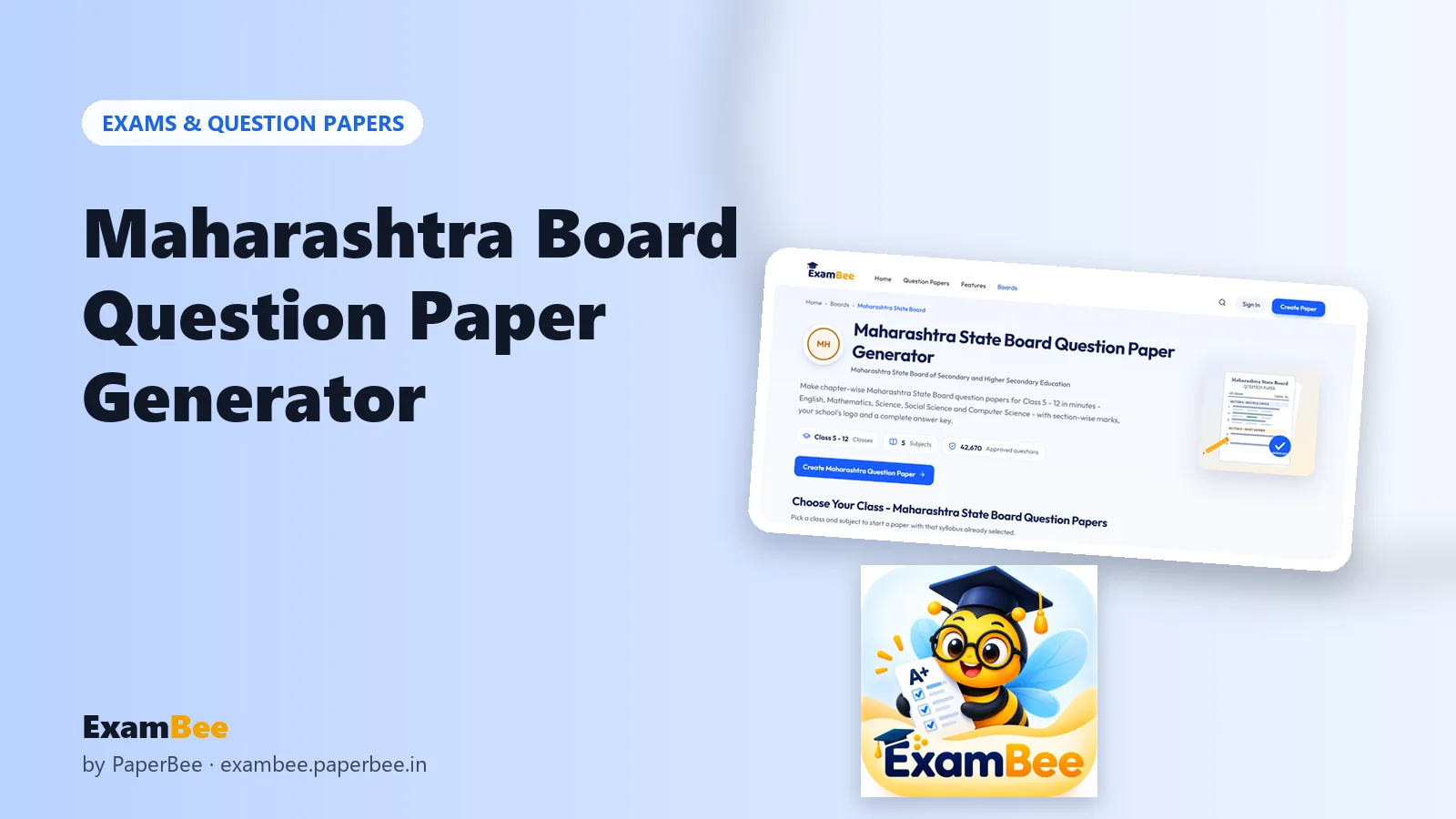
ExamBee is a free online question paper generator for Indian schools, coaching institutes and students. It builds papers from a question bank organised by board, class, subject, chapter and topic, and only questions approved for use go into papers. Today it covers:
| What's covered | |
|---|---|
| Boards | CBSE, ICSE and Maharashtra State Board |
| Classes | Class 5 to Class 12 |
| Subjects | English, Mathematics, Science, Social Science and Computer Science |
| Question bank | 1,27,000+ approved questions |
| Question types | MCQ, True/False, Fill in the Blanks, One Word, Short Answer, Long Answer |
| Price | Free – creating and editing needs no sign-up; a free account is needed to download |
How to create a question paper step by step
Step 1: Choose the board, class and subject
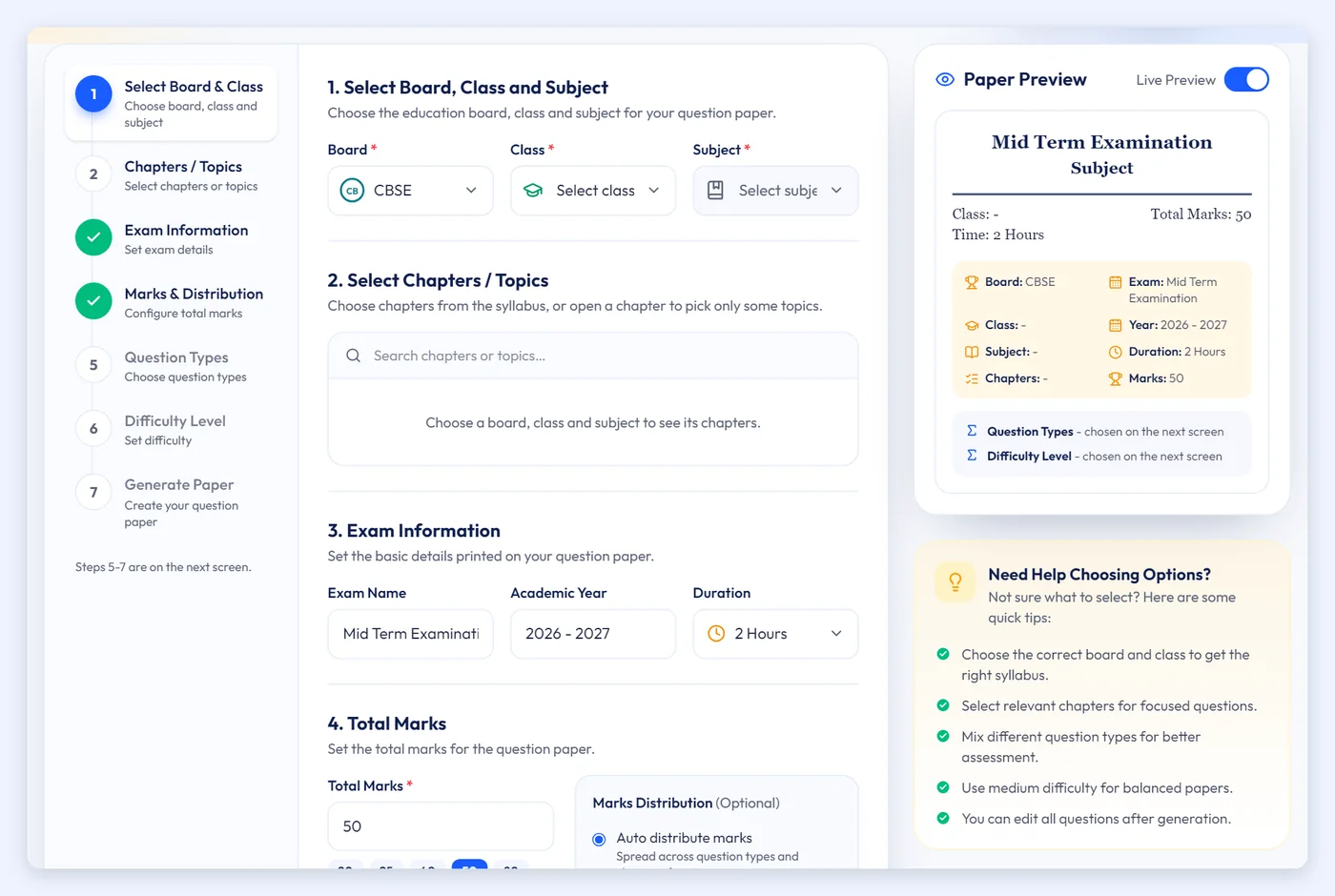
Open the ExamBee question paper generator and pick your board, class and subject. The chapter list for that syllabus loads automatically.
Step 2: Tick the chapters (or topics) you've taught
Select whole chapters, or open a chapter and pick only some topics. This is what makes a paper fair: students are tested only on what's been covered. For a chapter test, pick one chapter; for a term exam, select the full term's portion.
Step 3: Add the exam details
Enter the exam name (for example Unit Test 2 or Mid Term Examination), the academic year and the duration. These print in the paper's header.
Step 4: Set the total marks and question types
Choose the total marks (anywhere from 5 to 200) and how many questions of each type you want. ExamBee distributes the marks so that the sections always add up exactly to the total – no more re-adding columns at midnight. Our guide to setting a balanced question paper has a ready-made 80-mark blueprint you can copy.
Step 5: Pick the difficulty
Choose Easy, Medium, Hard or Mixed. Mixed gives a realistic spread for term exams; Easy works well for a first test after a new chapter.
Step 6: Review, edit and download
ExamBee builds the paper section by section. You can edit any question, swap it for another from the same chapter, reorder or delete questions, or regenerate one section or the whole paper. When it looks right, download it as a print-ready PDF, as images (PNG) for WhatsApp, or as an Excel sheet – with the answer key as a separate PDF.
What else ExamBee does for you
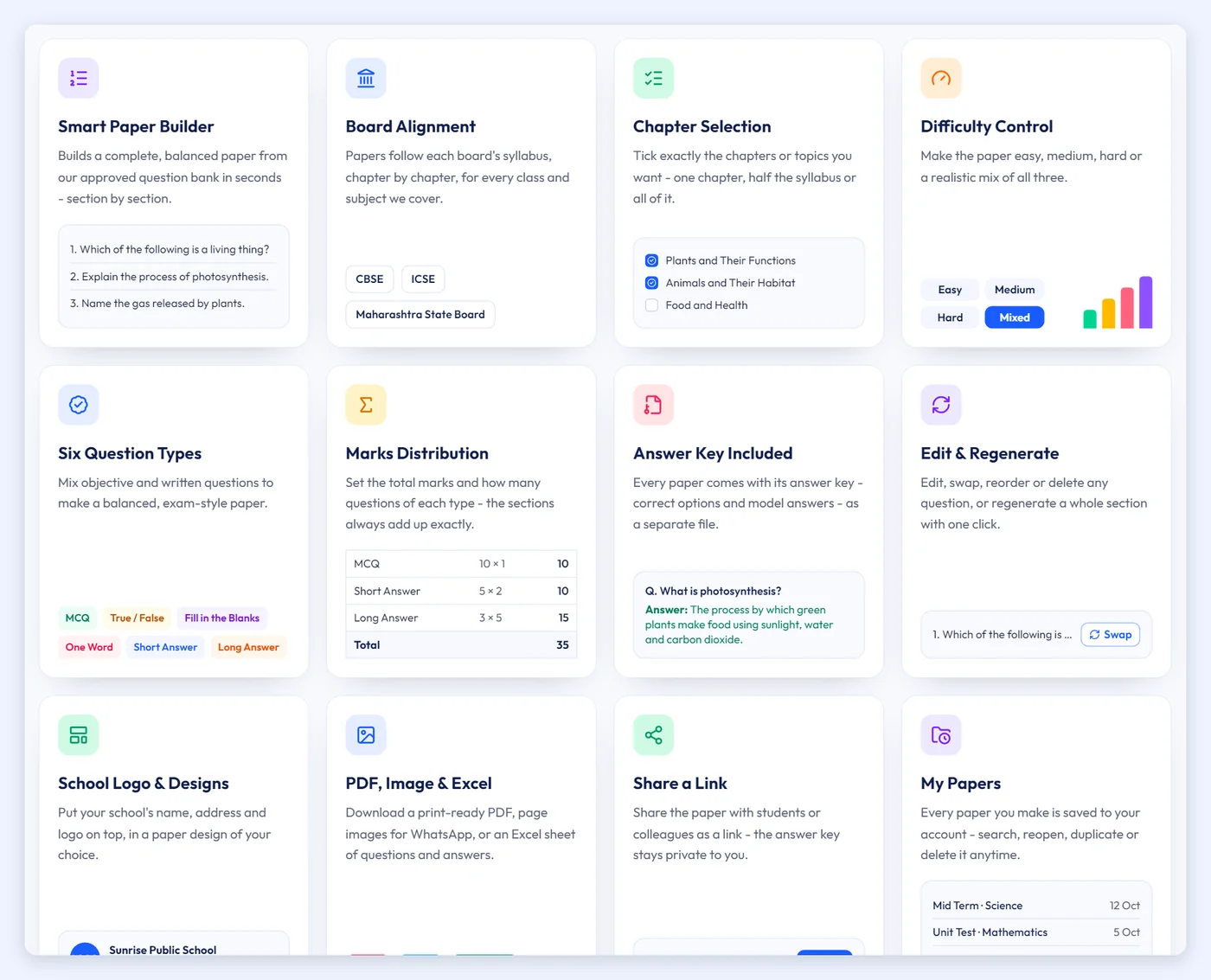
- Your school's branding – add the school or institute name, address, contact details and logo, and choose from several paper designs.
- Answer key with every paper – correct options and model answers, as a separate file you keep for yourself.
- My Papers – every downloaded paper is saved to your account; search, reopen, duplicate or share by link.
- Works everywhere – phone, tablet or laptop. Sign in with email or Google.
ExamBee or PaperBee – which should you use?
Both are free and made by the same team, but they solve different problems:
| ExamBee | PaperBee | |
|---|---|---|
| Who writes the questions? | Picked for you from 1,27,000+ approved questions | You type your own questions |
| Best for | Chapter tests and term exams for CBSE, ICSE and Maharashtra Board | Your own MCQ papers in your school's template |
| Bulk per student | One paper, share or print | One personalised, QR-verified paper per student from Excel |
| Website | exambee.paperbee.in | PaperBee question paper generator |
Many schools use both: ExamBee to set the paper quickly from the syllabus, and PaperBee to issue certificates, ID cards and other documents for the same students.
Tips for a better paper
- Match the chapters exactly to what you've taught – a question from an untaught chapter is the most common complaint.
- Mix objective and written questions; see 6 question types with examples.
- Read through the generated paper once and swap any question you'd phrase differently.
- Keep the answer key separate from the paper you photocopy.
- Save the paper to My Papers so next year's test is one click away.
Summary
Creating a question paper online takes six steps: choose the board, class and subject; tick the chapters; add exam details; set marks and question types; pick the difficulty; then review and download. ExamBee handles the selection, the marks arithmetic, the formatting and the answer key, so you can spend your evening on teaching instead. Start with your board's page – CBSE, ICSE or Maharashtra State Board.
Frequently asked questions
Is ExamBee really free?
Yes. ExamBee is free with no paid plans. Creating and editing papers needs no sign-up; a free account is needed only to download.
Which boards and classes does ExamBee support?
CBSE, ICSE and Maharashtra State Board, for Class 5 to Class 12, in English, Mathematics, Science, Social Science and Computer Science.
Does every paper come with an answer key?
Yes. Each paper has an answer key with correct options and model answers, downloadable as a separate PDF.
Can I edit the questions ExamBee picks?
Yes. You can edit, swap, reorder or delete any question, or regenerate a section or the whole paper, before downloading.
In which formats can I download the paper?
As a print-ready PDF, as images (PNG) for sharing on WhatsApp, or as an Excel sheet.
Written by the PaperBee Team
We build free tools that help schools, shops and organisers create professional documents — from QR codes to ID cards and certificates.