ICSE Question Paper Generator: Create Chapter-Wise ICSE Papers Free
A practical guide for ICSE teachers: set chapter tests and term papers from the exact topics you've taught, with a clean layout, your school's logo and an answer key.
In this article ▾
ICSE schools are known for detailed syllabi and descriptive answers. That makes setting a good paper harder: questions have to cover the right topics, mix objective and written answers, and leave enough room for students to show their reasoning. An ICSE question paper generator does the selection, formatting and marks arithmetic for you, so you can focus on reviewing the questions.
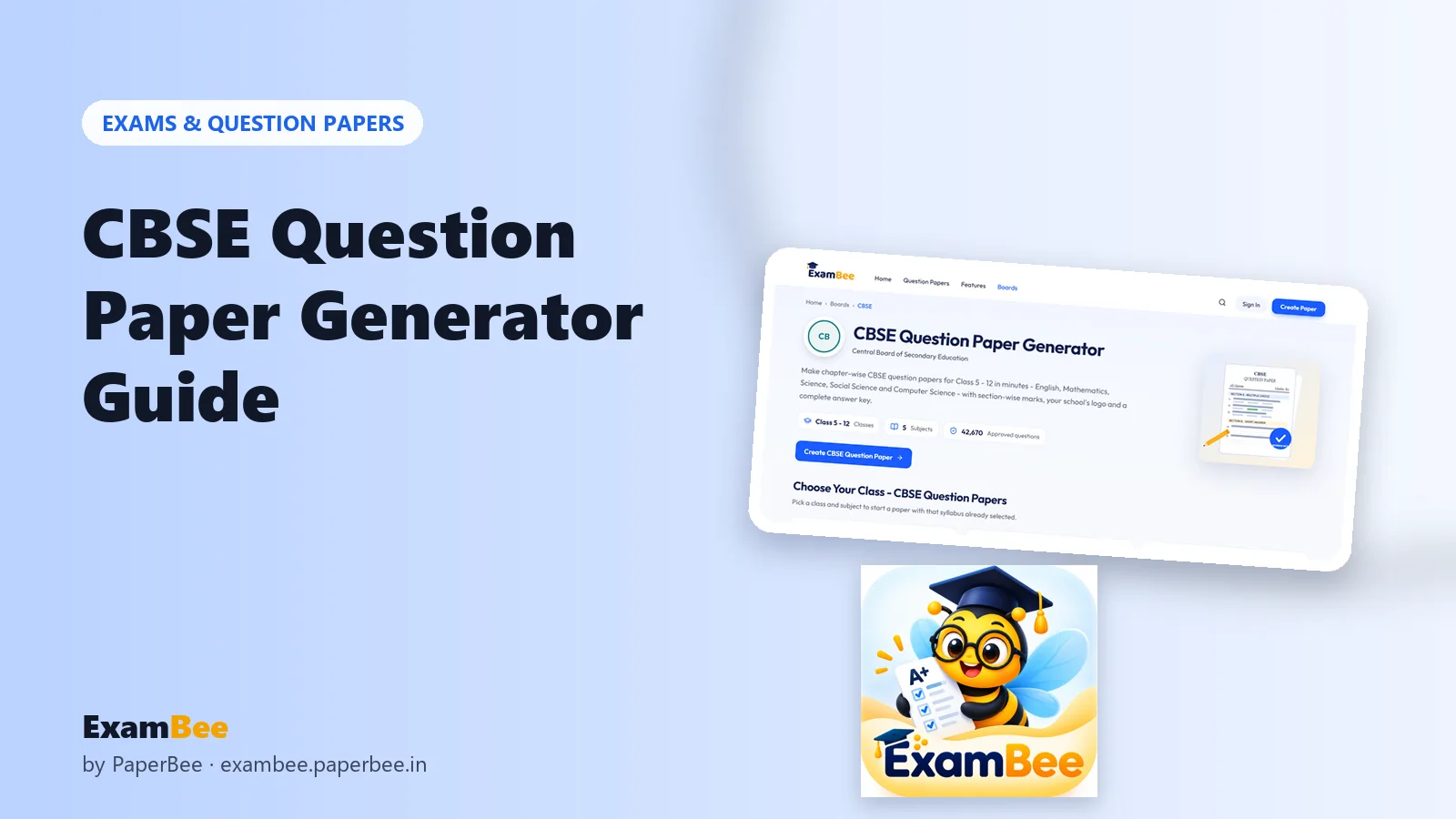
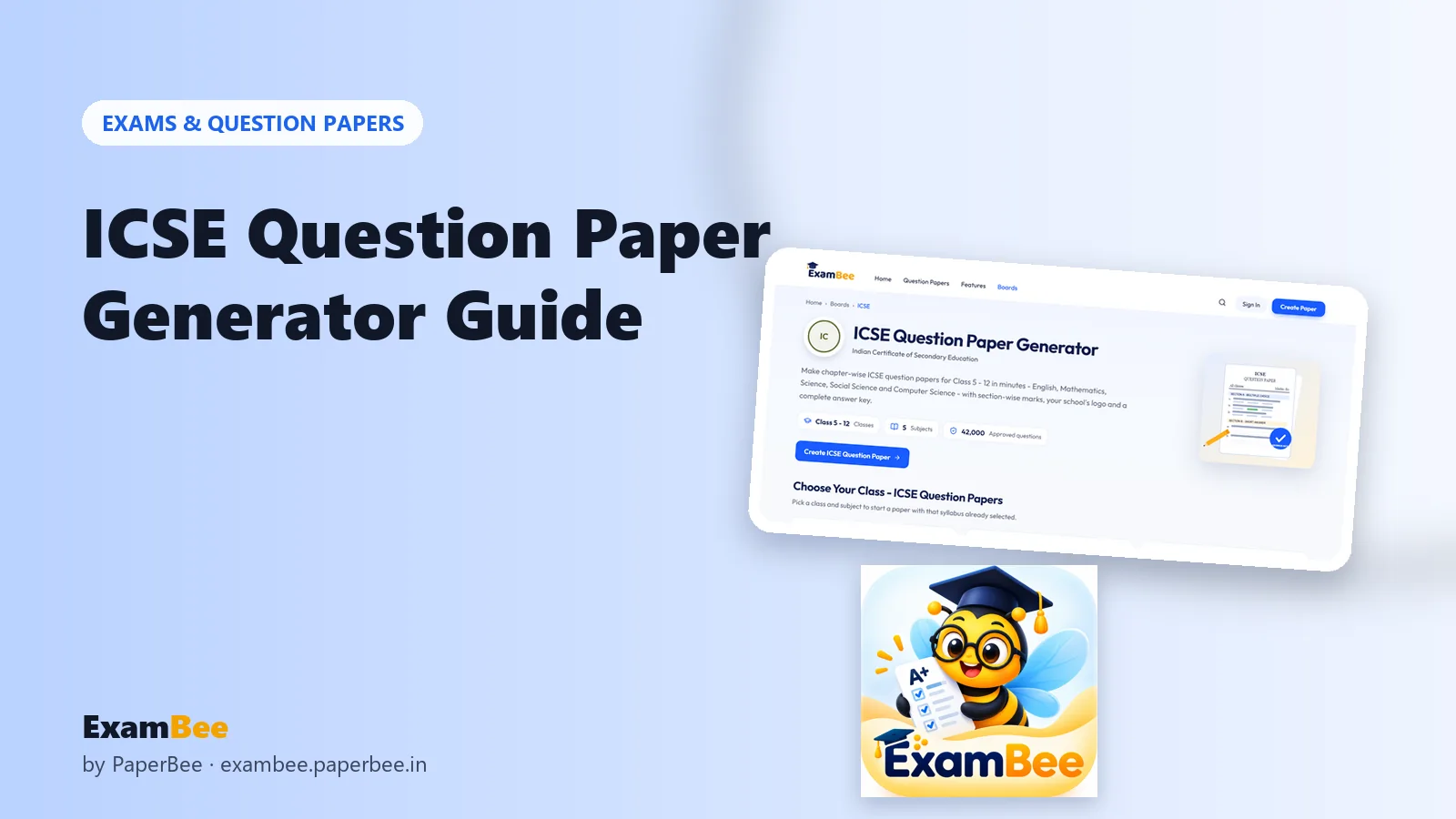
Here's how to create chapter-wise ICSE papers for Class 5 to 12 with ExamBee – free, with an answer key for every paper.
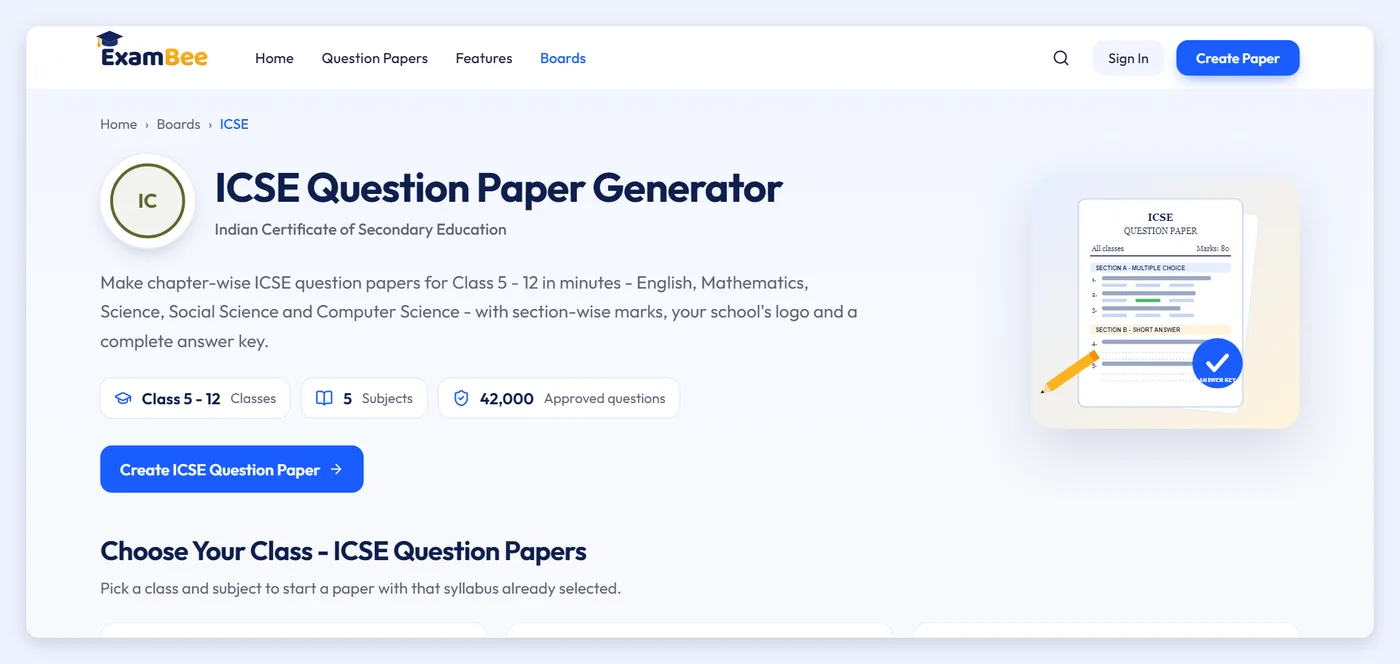
ExamBee's ICSE coverage
| ICSE | |
|---|---|
| Classes | 5 to 12 |
| Subjects | English, Mathematics, Science, Social Science, Computer Science |
| Approved questions | 42,000 |
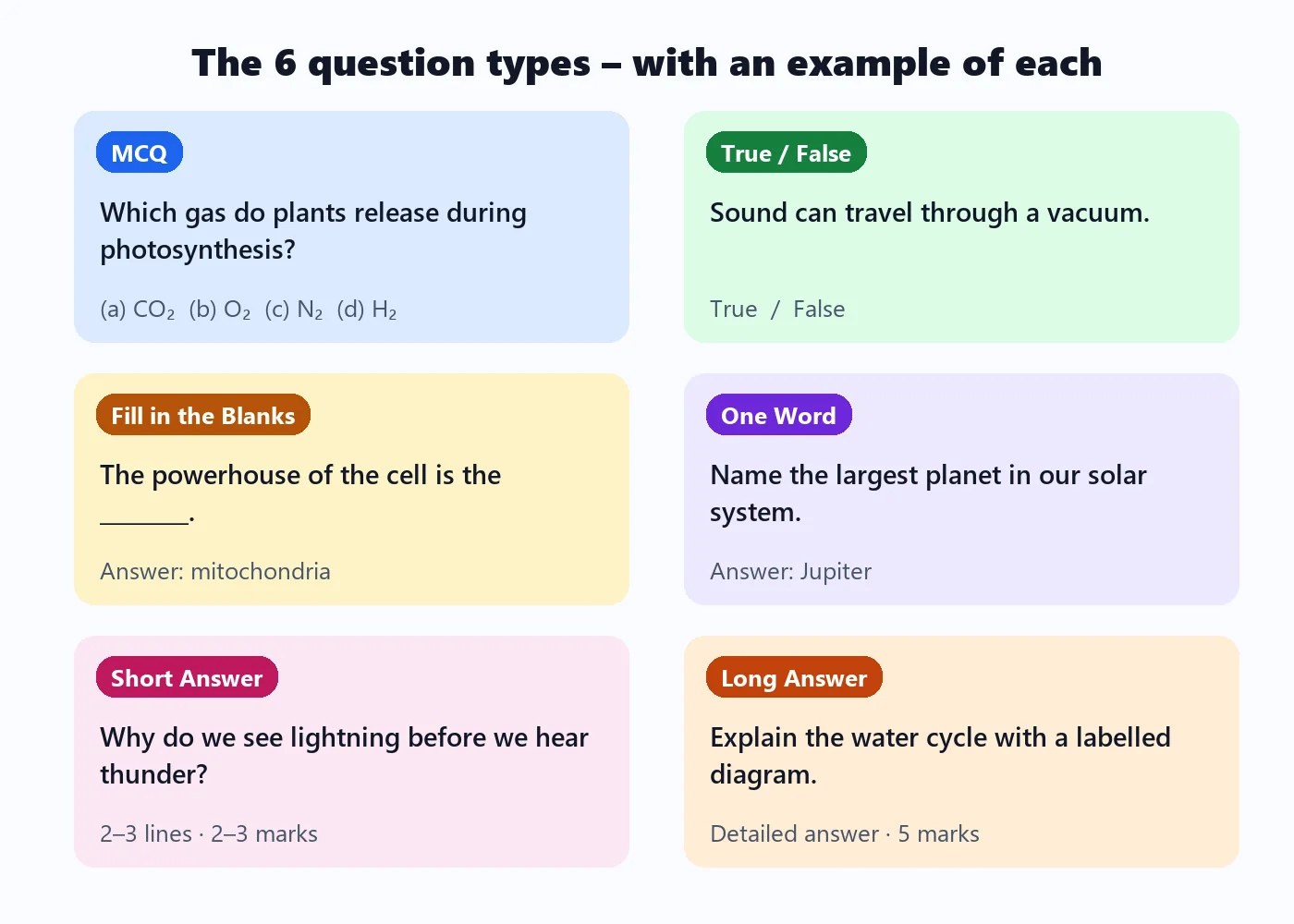
| Question types | MCQ, True/False, Fill in the Blanks, One Word, Short Answer, Long Answer |
| Downloads | PDF, images (PNG) and Excel, plus a separate answer key |
Every class and subject has a page listing its chapters and topics. The ICSE Class 8 Mathematics page, for example, groups the syllabus into Number System, Arithmetic, Algebra and Geometry and more, with topics such as rational numbers, percentage, profit and loss, linear equations and polynomials – 1,050 approved questions in all.
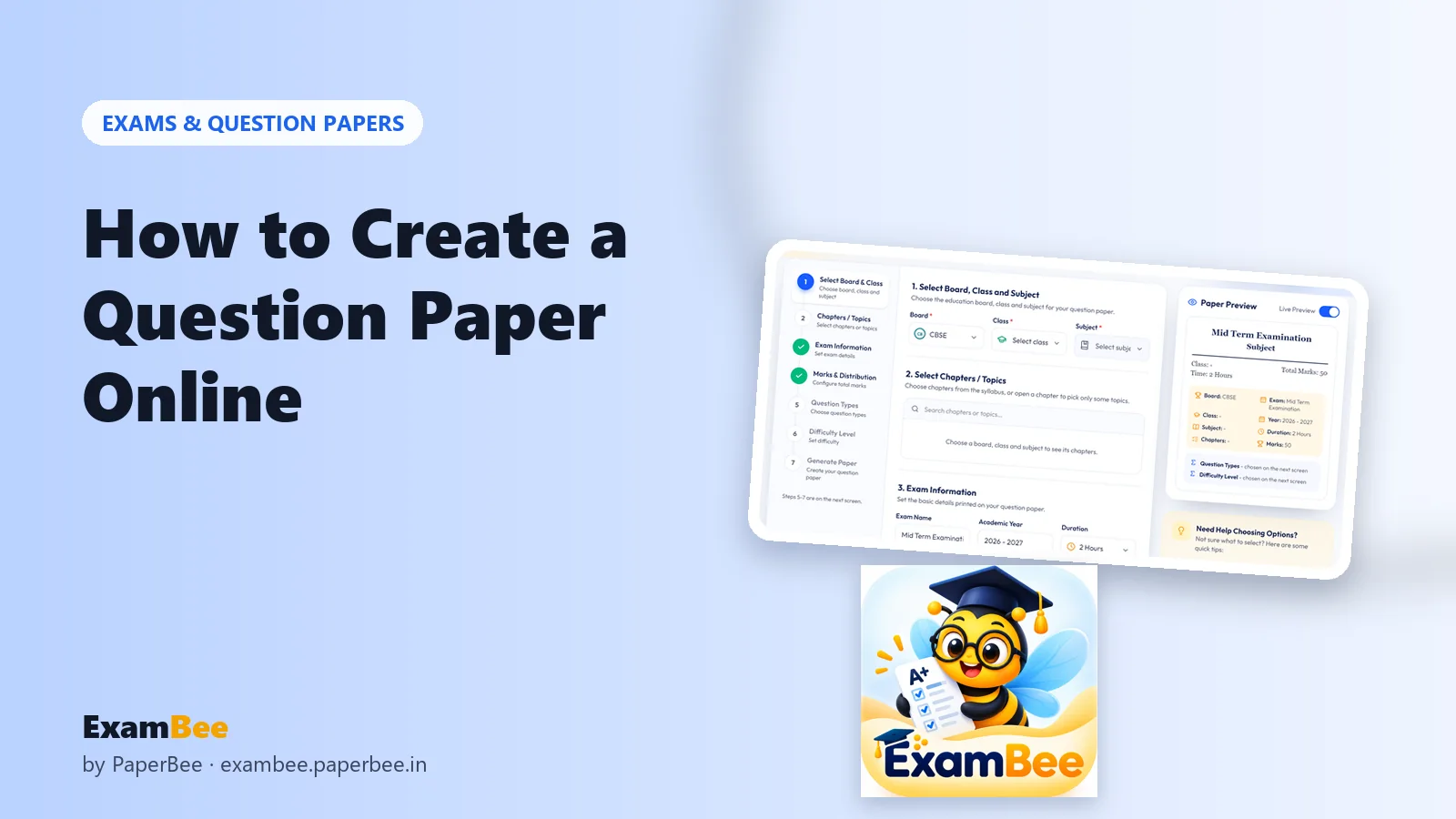
How to create an ICSE question paper
- Go to ExamBee's ICSE page and choose the class and subject.
- Select the chapters – or open a chapter and tick just the topics you've covered.
- Add the exam name, academic year and duration.
- Set the total marks and the number of questions of each type.
- Pick Easy, Medium, Hard or Mixed difficulty.
- Review the paper, swap or edit questions, and download the PDF with its answer key.
Making papers that suit ICSE
Give written answers their space
ICSE assessment values clear, well-structured written answers. Alongside objective questions, include a healthy share of Short Answer and Long Answer questions – especially from Class 8 upwards – so students practise explaining, not just recalling.
Use topic-level selection for depth
Because ICSE chapters are broad, selecting individual topics lets you build a focused test – for example, only linear equations and identities from Algebra – rather than the whole chapter.
Keep English and Computer Science practical
For English, mix one-word and fill-in-the-blank grammar items with short written answers. For Computer Science, combine MCQs on concepts with short answers that ask students to explain or apply them.
Suggested patterns for ICSE tests
| Test | Marks | Mix of question types | Difficulty |
|---|---|---|---|
| Class test (Class 5–7) | 20 | Mostly MCQ, True/False, Fill in the Blanks | Easy |
| Unit test (Class 8–10) | 40 | Objective + short answers | Mixed |
| Term exam | 80 | All six types, with long answers | Mixed |
| Board practice (Class 10 & 12) | 80 | More short and long answers | Medium–Hard |
For a full worked example of marks distribution, see how to set a balanced question paper.
Subject-by-subject ideas for ICSE papers
Mathematics
ICSE Mathematics rewards clear working. Keep MCQs for concepts and quick calculations, then use short and long answers for problems where students must show each step. Selecting topics such as percentage, profit and loss or linear equations lets you build a focused worksheet before moving on.
Science
Balance definitions and facts (one-word, fill in the blanks, true/false) with short answers that ask for reasons and long answers that describe processes or experiments. A mixed-difficulty paper works well for term exams.
Social Science
Use objective items for key terms, events and places, and short answers for causes, effects and comparisons. One or two long answers give students practice in organising a structured response – a core ICSE skill.
English and Computer Science
For English, pair grammar items with comprehension-style short answers. For Computer Science, test terminology with MCQs and ask students to explain or apply concepts in short answers. In both, a Mixed difficulty level keeps the paper fair for the whole class.
Tips for ICSE teachers
- Review each generated question and swap any whose wording differs from how you taught the topic.
- Regenerate a single section if you want different questions without losing the rest of the paper.
- Add your school's name and logo so the paper matches your letterhead.
- Duplicate last term's paper from My Papers and change the chapters for this term.
Summary
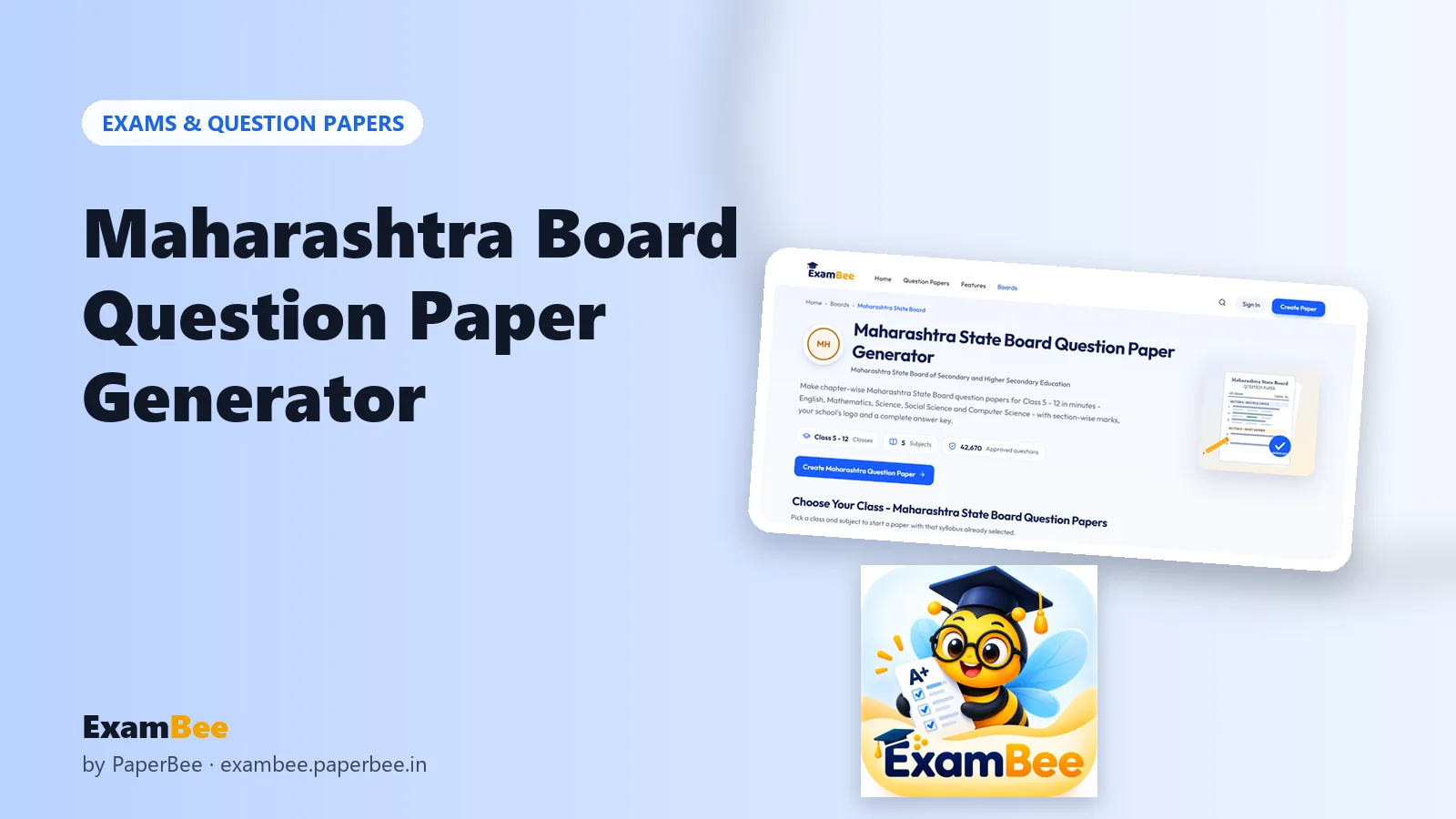
ExamBee lets ICSE teachers build chapter- or topic-wise papers for Class 5 to 12 from 42,000 approved questions, with exact marks, adjustable difficulty, six question types and an answer key – free. Teaching another board as well? See the CBSE and Maharashtra State Board guides. And for school documents after the exam, PaperBee's result card maker and certificate generator take it from there.
Frequently asked questions
Which ICSE classes and subjects are available?
Class 5 to 12, in English, Mathematics, Science, Social Science and Computer Science.
Can I choose specific topics, not whole chapters?
Yes. Open a chapter and tick only the topics you want; the paper is built from those.
Does every ICSE paper have an answer key?
Yes – correct options and model answers, downloadable as a separate PDF.
Is ExamBee linked to the ICSE board?
No. It is an independent tool and not affiliated with CISCE.
Can I put my school's logo on the paper?
Yes. Add your school's name, address, contact details and logo, and choose a paper design.
Written by the PaperBee Team
We build free tools that help schools, shops and organisers create professional documents — from QR codes to ID cards and certificates.